


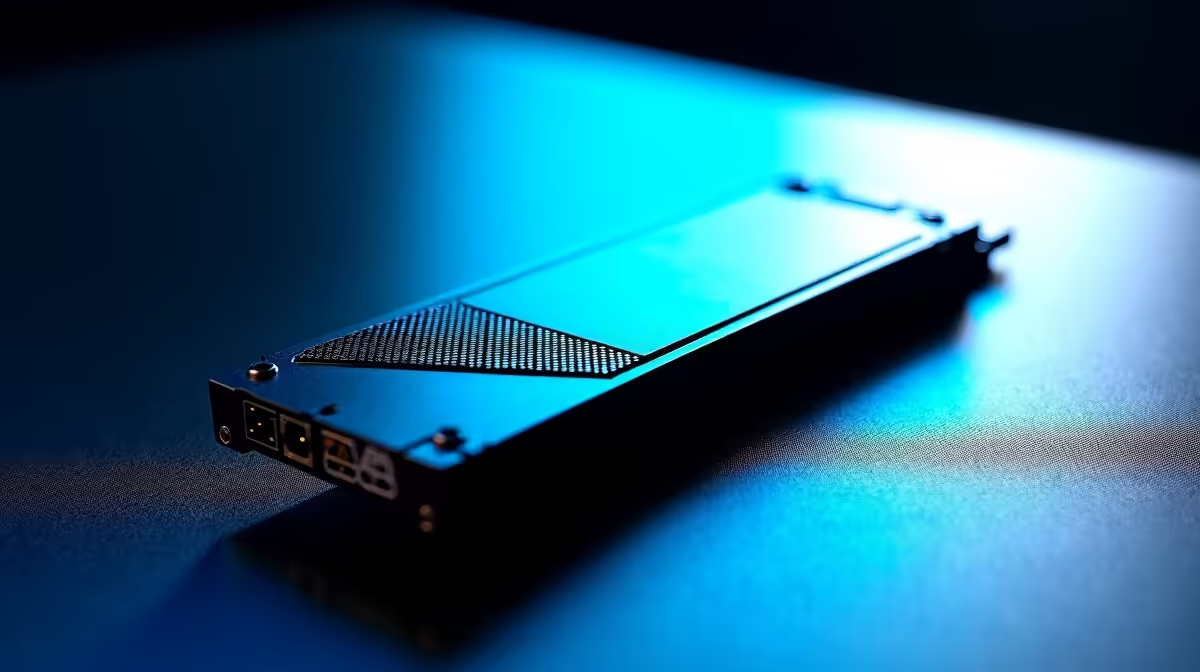
Ever finished an epic stream, hyped from a massive win, only to find your recording is a stuttering, pixelated mess? Ja, we've all been there. That frustrating lag isn't always your GPU or internet connection. Often, the silent culprit is your storage drive struggling to keep up. For South African creators aiming for professional quality, choosing one of the best SSDs for pro streaming and recording isn't just an upgrade; it's an essential piece of gear.
Why Your Old Hard Drive Is Sabotaging Your Stream
Let's get straight to it. A traditional Hard Disk Drive (HDD) uses a spinning platter and a mechanical arm to read and write data. While great for storing tons of files cheaply, it's a massive bottleneck for content creation.
Streaming and recording gameplay is a demanding task that requires your PC to do two things at once: read the game's assets (so you can play) and write a high-quality video file (so your audience can watch). An HDD simply can't handle this parallel workload effectively, leading to dropped frames in OBS, choppy recordings, and slow loading times. This is where upgrading to a solid-state drive makes all the difference.
Picking the Best SSD for Your Streaming & Recording Needs
Not all SSDs are created equal. The right choice depends on your budget, setup, and workflow. Here’s a quick breakdown of the top picks for different scenarios.
NVMe M.2 SSDs: For Ultimate Performance 🚀
If you want the absolute best, look no further. NVMe (Non-Volatile Memory Express) SSDs plug directly into your motherboard's M.2 slot, offering blistering read and write speeds that leave older drives in the dust.
- Best For: Your primary drive. Installing your OS, editing software, favourite games, and recording directly to an NVMe drive ensures a flawless, high-bitrate capture every time. This is the professional standard for a reason.
- Recommendation: For a no-compromise streaming and recording experience, explore Evetech's range of top-tier NVMe SSDs.
SATA SSDs: The High-Value Workhorse
SATA SSDs are the perfect middle ground. While not as fast as their NVMe counterparts, they are still lightyears ahead of any HDD and offer incredible value for your money.
- Best For: A dedicated games library or a secondary recording drive. You can run your OS off a smaller NVMe and use a larger, more affordable SATA SSD to store your games and capture your footage.
- Recommendation: You can often find excellent SSD deals on 1TB or 2TB SATA models, giving you plenty of space without breaking the bank.
External SSDs: Flexibility and Speed ✨
Need to record on a laptop or easily move massive video files between your gaming rig and editing station? A high-speed external SSD is your answer.
- Best For: Laptop streamers, console gamers using a capture card, or anyone needing a portable solution for their raw footage. Modern external SSDs using USB-C are fast enough for direct recording.
- Recommendation: Check out our lineup of high-speed external SSDs for a powerful and portable storage solution.
OBS Pro Tip ⚡
To minimise performance impact, always set your recording path in OBS to a different physical drive from where your game is installed. For example, run your game from your main NVMe SSD and record to a secondary SATA SSD. This splits the read write workload and ensures smoother captures.
Finding the Right Drive in South Africa
Choosing the best SSD for recording gameplay doesn't have to be complicated. By focusing on your primary need—whether it's raw speed, massive capacity, or portability—you can easily narrow down the options. Remember to compare models and keep an eye out for specials to get the most performance for your Rand. To see everything in one place, you can explore our full SSD catalogue and find the perfect fit for your setup.
Ready to Unlock Smooth, Lag-Free Recordings? Slow storage shouldn't hold your content back. The right drive makes all the difference, ensuring every epic moment is captured flawlessly. The best SSDs for pro streaming and recording are waiting for you. Browse our massive range of high-speed SSD deals and find the perfect drive to level up your stream today.









