


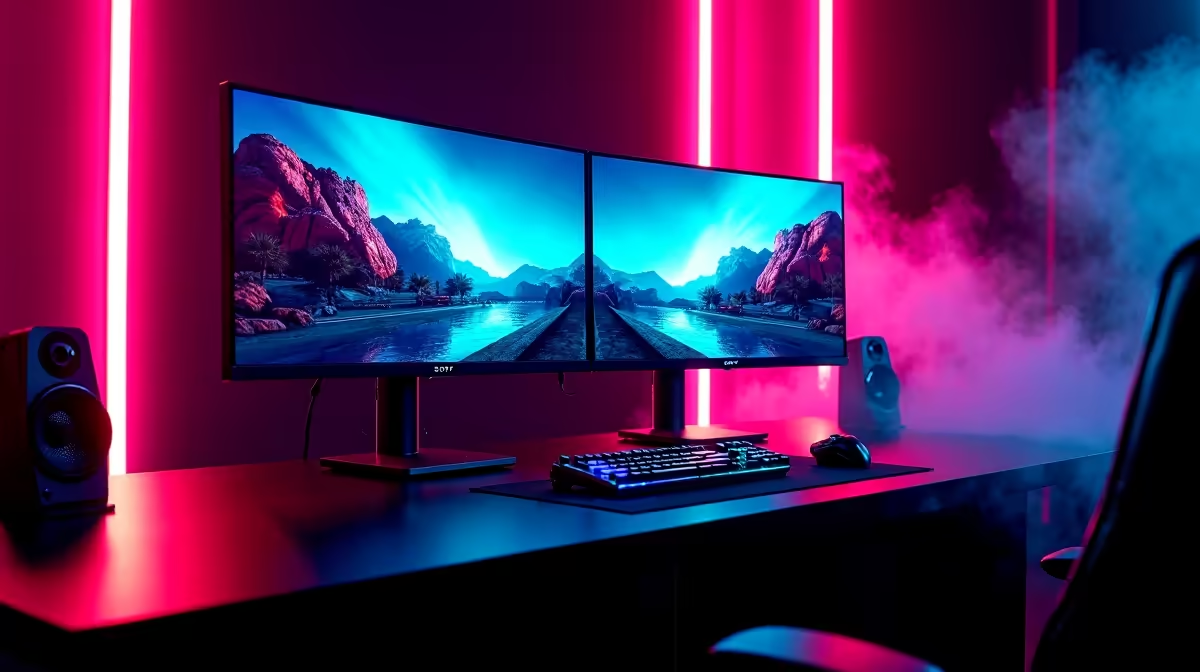
Jinne, but streaming in South Africa has exploded! Going from a casual game with mates to building a real audience is a serious grind. Your secret weapon? The monitor. It’s not just a screen; it’s your command center. Choosing from the best streaming monitors of 2025 is the first step in levelling up your setup from a bedroom corner to a professional broadcast studio. Let's find the perfect centerpiece for your rig. 🚀
What Makes a Monitor Great for Streaming?
Before you drop your hard-earned Rands, let's break down the specs that truly matter for a streamer. It's not just about a pretty picture; it's about performance that gives you an edge. The goal is to find a balance that serves both your gameplay and your broadcast quality. A great streaming monitor needs to excel in a few key areas.
First, consider resolution and refresh rate. While 4K is tempting, a 1440p (QHD) monitor with a 144Hz or higher refresh rate is often the sweet spot. It delivers crisp visuals for your audience without demanding a monster GPU to run games smoothly. Colour accuracy is also vital—you want your game’s vibrant world to look just as good to your viewers as it does to you. Look for panels with high sRGB coverage. You can browse a wide variety of PC monitors to compare these specs directly.
Our Top Picks for the Best Streaming Monitors in 2025
Finding the single best streaming monitor depends on your specific needs and budget. Are you a competitive FPS player needing every frame, or a creative streamer who also edits video? Here are our recommendations for building your pro command center.
The All-Rounder: 1440p High-Refresh-Rate Beast
For the majority of streamers, this is the category to watch. A 27-inch 1440p monitor with a 165Hz refresh rate offers a perfect blend of sharp detail and buttery-smooth gameplay. This ensures your own gaming experience is top-tier, which translates to better content. To avoid screen tearing during intense moments, look for displays with certified variable refresh rate technology. For Team Green, a screen from our range of G-Sync (NVIDIA) compatible monitors is a must. Brands like AOC consistently deliver incredible performance and value in this space. ✨
The Content Creator's Dream: 4K Colour Accuracy
If your stream involves more than just gaming—like video editing, graphic design, or digital art—then colour accuracy and resolution are your priority. A 4K monitor gives you incredible screen real estate for your timelines and toolbars. More importantly, look for a panel with excellent DCI-P3 or Adobe RGB colour gamut coverage. This ensures your edited videos and thumbnails look perfect on any device. Many professional-grade HP monitors are built for this kind of work, offering stunning visuals straight out of the box. Many of these also support Adaptive Sync for smooth performance across different tasks.
Productivity Pro Tip ⚡
On Windows, use the PowerToys FancyZones utility to create custom snap layouts. It's a lifesaver for streamers, allowing you to perfectly arrange your game, OBS, chat, and alerts on one or more screens. No more frantic alt-tabbing mid-game!
The Budget Champion: Entry-Level Excellence
Getting started with streaming shouldn't require a massive loan. There are fantastic 1080p high-refresh-rate monitors that offer a huge upgrade over a standard 60Hz screen without breaking the bank. You still get fluid gameplay, which is crucial for any streamer. Many affordable options from brands like Dahua pack a serious punch for their price point. A huge benefit at this price is the wide availability of displays that work with FreeSync (AMD), giving you tear-free gaming on a budget.
Building Your Pro Command Center 🔧
The best streaming monitors of 2025 are more than just displays; they are the windows to your digital world. Your choice will define your daily workflow and gaming experience. Whether you opt for a single, versatile all-rounder or a dual-monitor setup—one for gaming, one for chat and controls—the right screen transforms your desk into a true pro command center. It’s the most critical piece of hardware you’ll look at every single day, so investing wisely pays off in every stream.
Ready to Build Your Command Center? From high-refresh-rate gaming beasts to colour-accurate 4K panels, the perfect monitor is waiting. Explore our massive range of PC monitors and find the centerpiece for your ultimate streaming setup.










