


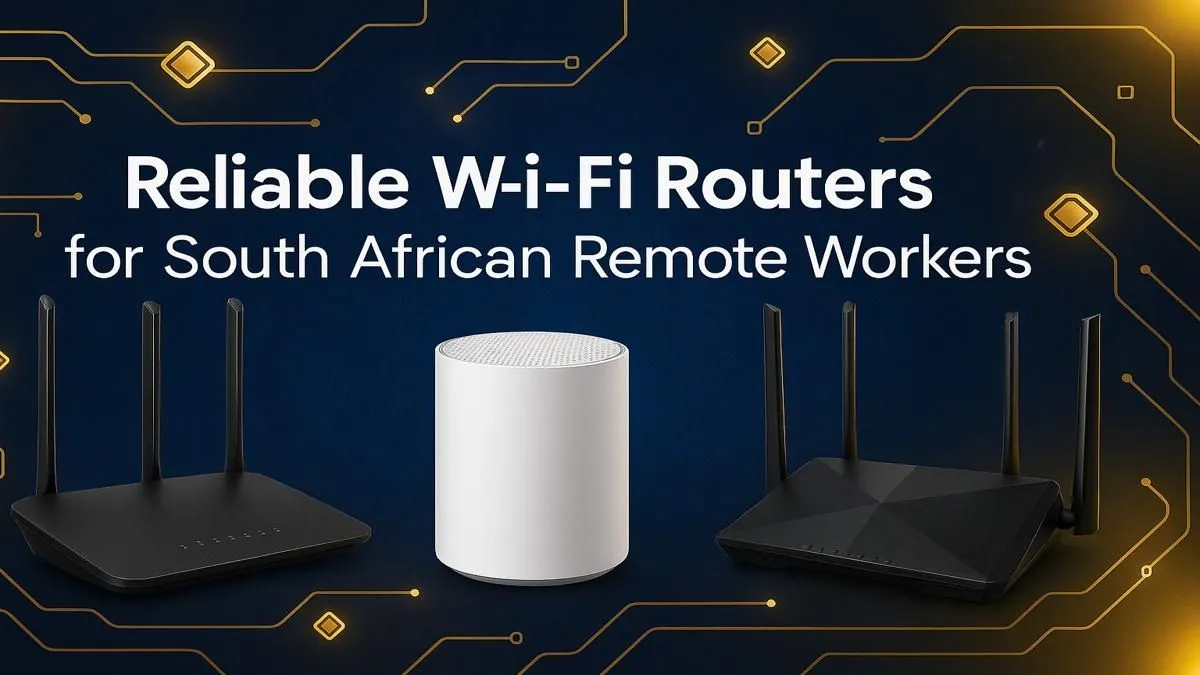
That dreaded buffering wheel… it always appears at the worst time, right? Your Zoom call freezes, the crucial file upload fails, and your game lags out. For South African remote workers, a stable internet connection isn't a luxury; it's essential. While we can't control an unexpected outage, we can control our home network. Finding the best Wi-Fi router South Africa has to offer is the first step to reclaiming your productivity and sanity. 🚀
Why Your ISP's Router Might Be Holding You Back
When you sign up for fibre, your Internet Service Provider (ISP) usually includes a free router. It gets you online, sure, but it’s often a basic model built to a low price point. For a modern remote work setup, that’s a problem. Think about it: you have your laptop, your smartphone, a smart TV streaming in the background, and maybe even the kids' tablets all competing for bandwidth.
This is where a dedicated, high-quality router shines. The freebie box from your ISP likely struggles with multiple devices (low MU-MIMO support), has limited range, and lacks the smart features that prioritise important traffic. If you're paying for a fast 100Mbps fibre line but only getting 30Mbps in your home office, your router is the bottleneck. Upgrading your entire wireless networking setup is often the most significant performance boost you can make.
Key Features in the Best Wi-Fi Routers for Remote Work
Navigating the specs can feel overwhelming. Let’s break down what truly matters when you're looking for the best Wi-Fi router in South Africa for a work-from-home environment.
Wi-Fi 6 (802.11ax): The New Standard
This is non-negotiable in 2024. Wi-Fi 6 isn't just about raw speed; it's about efficiency. It handles dozens of connected devices far better than older standards, reducing congestion and ensuring every device gets a stable connection. This is crucial for video calls on your laptop while other devices are active.
MU-MIMO and OFDMA: The Unsung Heroes
These technologies allow a router to communicate with multiple devices simultaneously, rather than making them wait in a queue. It's the difference between a single cashier at a busy shop and having multiple tills open. For a household with laptops, phones, and smart devices, it drastically reduces lag.
Quality of Service (QoS)
QoS is your secret weapon. It lets you tell your router which traffic is most important. You can prioritise your work laptop for Zoom and Microsoft Teams, ensuring your video calls remain crystal clear even if someone else starts streaming 4K Netflix. Many of the latest generation of wireless routers offer simple, app-based QoS controls.
Router Placement Pro Tip 🔧
Don't hide your router in a cupboard or behind the TV! For the best signal, place it in a central, elevated location in your home, away from thick walls, metal objects, and other electronics like microwave ovens. A few metres can make a massive difference to your signal strength and stability.
Solving Common South African Home Network Issues
Choosing a top Wi-Fi router can solve more than just speed problems. It can fix those frustrating everyday network issues that plague remote workers.
Conquering Wi-Fi Dead Spots
Is your home office at the far end of the house? Large or double-storey homes often have "dead spots" where the signal is weak or non-existent. Before you blame your fibre, consider a solution. While many premium routers offer excellent range, sometimes you need a little help. A simple and cost-effective fix can be strategically placing Wi-Fi range extenders to boost the signal into those hard-to-reach corners. ✨
Upgrading Older Hardware
Sometimes the router isn't the only weak link. If you have an older desktop or laptop, its internal Wi-Fi card might not support the latest standards like Wi-Fi 6. You can have the best Wi-Fi router in SA, but your PC won't see the benefit. A simple plug-and-play USB wireless adapter is an affordable way to bring your trusted machine up to speed.
Getting the Most from Your Fibre
If you're lucky enough to have a high-speed fibre connection, you need a router that can keep up. Some providers require specific hardware, so it's always worth checking if you need one of the specialised fibre routers designed to handle those gigabit speeds without breaking a sweat. Investing a couple of thousand ZAR in a powerful router ensures you're actually getting the performance you pay for every month.
Ready to Banish Buffering for Good? A slow connection is a productivity killer. Stop letting a basic router hold you back. Explore our massive range of Wi-Fi routers and find the perfect upgrade to conquer your workday.











