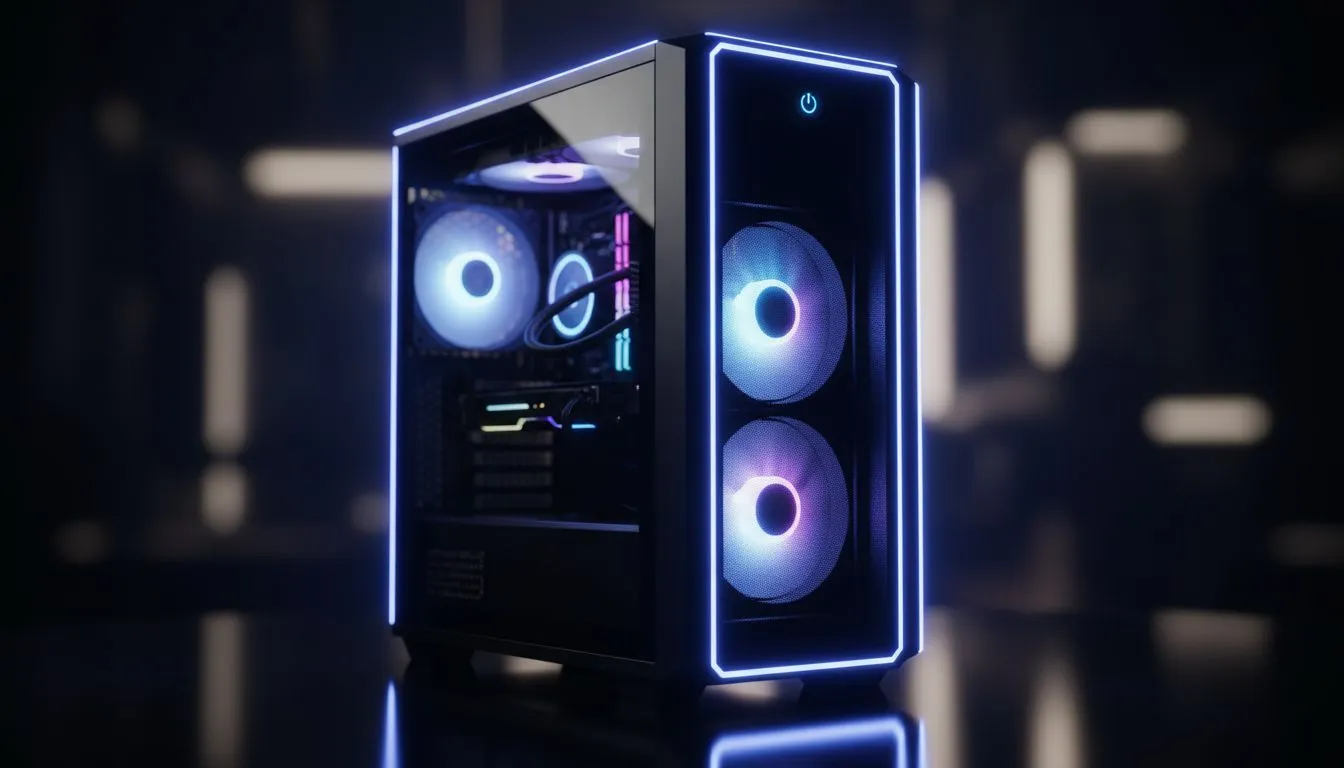
Building a PC in South Africa on a tight budget can feel like a real balancing act. You want performance, but you can't afford a rig that sounds like it's about to take off. The secret? A smart start. Choosing one of the best budget cases with fans included is the single biggest value move you can make. It saves you cash upfront and ensures your new components stay cool from day one. Let's find you a winner.
Why Pre-Installed Fans Are a Budget Builder's Best Friend
When every Rand counts, buying a PC case with fans already installed is a no-brainer. Think about it… purchasing two or three decent 120mm fans separately can easily add R300-R600 to your build cost. That's money that could go towards a faster SSD or more RAM.
Beyond the initial saving, you're getting a solution designed to work out of the box. The manufacturer has already figured out a decent airflow path, saving you the headache of installation and compatibility checks. This makes affordable PC cases with fans the perfect starting point for first-time builders and seasoned pros looking for maximum value. 🚀
Our Top Value Picks for Airflow on a Budget
Finding the sweet spot between price, performance, and aesthetics is key. You don't need to spend a fortune to get a case that looks great and provides excellent cooling.
The All-Round Value Champions
For sheer bang-for-your-buck, it's hard to look past brands that focus on the essentials. Many modern budget cases with fans now come with mesh front panels, which is fantastic for air intake. You'll often find three pre-installed fans and even some RGB flair without breaking the bank. Brands like Gamdias gaming cases consistently deliver on this promise, offering features once reserved for high-end enclosures.
Premium Feel, Sensible Price
If you prefer a more minimalist, clean aesthetic but still need great airflow, you're in luck. Some manufacturers specialise in bringing high-end design principles to more accessible price points. These cases might have fewer flashy lights but boast superior build quality, better materials, and clever internal layouts. It's worth exploring options from brands like Fractal Design, who often include quality fans focused on quiet operation.
Check the Fan Specs! 🔧
Even on budget cases, take a moment to check the specs of the included fans if they're listed. Look for the CFM (Cubic Feet per Minute) rating—a higher number means more air is moved. This small check can help you compare the real-world cooling potential between two similarly priced cases.
What to Look For Beyond the Fans
A good budget case is more than just a box with fans. To ensure your build is a pleasure to assemble and own, keep an eye on these features:
- Cable Management: Look for space behind the motherboard tray and cutouts to route your cables. Good cable management isn't just for looks; it significantly improves airflow. ✨
- Component Clearance: Will your massive graphics card fit? Check the maximum GPU length and CPU cooler height specifications.
- Front I/O: Ensure you have the ports you need. Most modern cases include at least one USB 3.0 port, but having a USB-C port is a great future-proofing feature.
With so many variables, it helps to browse Evetech's wide selection of computer cases to see what features matter most to you. You can often find incredible value, especially with great options under R1500 that tick all the right boxes.
Ready to Build a Cooler, Smarter PC?
Finding the right budget case with fans doesn't have to be a mission. It's about getting the best value for your hard-earned Rands. Explore our full range of PC cases and find the perfect foundation for your next build.