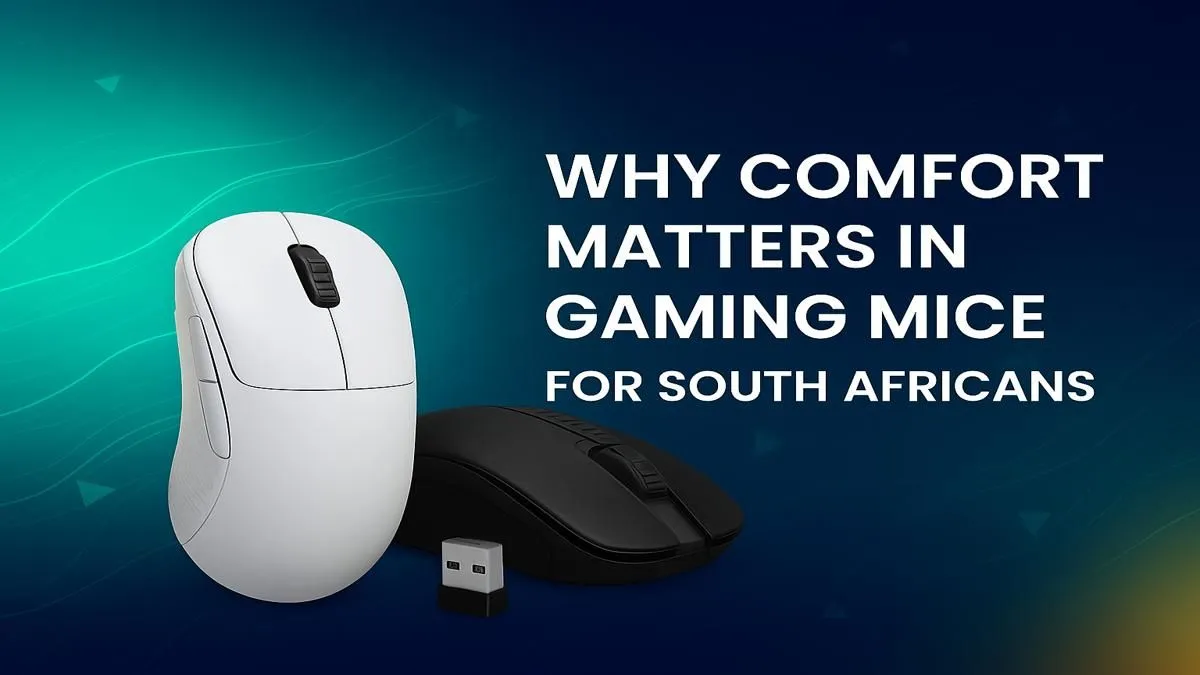
That familiar ache in your wrist after a marathon gaming session... we’ve all been there. Whether you’re clutching in Valorant or raiding in WoW, the wrong gear can cut your performance short. In a world of RGB and sky-high DPI, we often forget the most crucial spec of all: comfort. Finding a truly comfortable gaming mouse in South Africa isn't a luxury; it's the foundation of every victory and the key to playing for longer.
Why Ergonomics Beats Flashy Features
Let's be honest, that cheap office mouse just won't cut it. It wasn't designed for the rapid, precise movements that gaming demands. A proper gaming mouse is an extension of your hand, built for performance and endurance. While sensors and polling rates matter, they mean nothing if your hand is cramping after 30 minutes.
An ergonomic mouse is designed to fit the natural contour of your hand, reducing strain on your wrist and tendons. This means less fatigue, more consistent aim, and a lower risk of long-term injuries like Carpal Tunnel Syndrome. Think of it as an investment in your gaming career and your health. ✨
Finding the Best Comfortable Gaming Mouse for Your Grip
The secret to comfort is finding a mouse that matches your unique grip style. Most gamers fall into one of three categories:
Palm Grip
This is the most common style, where your entire palm rests on the mouse. It's relaxed and great for smooth, sweeping motions.
- Best Mouse Shape: Larger, contoured mice with a high back arch to support the palm (e.g., Zowie EC series, Razer DeathAdder).
Claw Grip
Your palm touches the back of the mouse, but your fingers are arched and ready to click, like a claw. This allows for quick, precise adjustments.
- Best Mouse Shape: Ambidextrous or shorter ergonomic mice with a pronounced hump at the back work well.
Fingertip Grip
Only your fingertips touch the mouse, with your palm floating above it. This style offers maximum agility for micro-adjustments, popular in fast-paced shooters.
- Best Mouse Shape: Small, lightweight, and often flat mice are ideal.
Quick Hand-Measuring Tip 📏
Not sure what size mouse to get? A good rule of thumb is to measure your hand from the tip of your middle finger to the base of your wrist. Small hands are typically under 17 cm, medium are 17-20 cm, and large are over 20 cm. Use this as a starting point when checking mouse dimensions!
Don't Neglect the Rest of Your Battlestation!
A comfortable gaming mouse is a huge step, but it's only one piece of the ergonomic puzzle. Your keyboard and posture are just as vital for preventing strain and optimising your performance. A poor keyboard setup can undo all the good work your new mouse is doing.
For total wrist health, pairing your mouse with a supportive wrist rest can make a world of difference during long sessions. The feel of your keyboard also matters immensely; experimenting with different keyboard switches can help you find a typing action that feels less strenuous. You can even personalise the look and feel with custom keycaps.
Upgrading doesn't have to break the bank either. There are plenty of fantastic affordable gaming keyboards that offer great ergonomic features. Keep an eye on the latest gaming keyboard deals to snag a bargain. Or, for a perfectly matched setup, consider a high-quality keyboard and mouse combo from the start. 🚀
Ready to Find Your Perfect Match?
Stop letting discomfort hold you back. The right mouse isn't just about comfort; it's about unlocking your true potential. Explore our massive range of gaming mice and find the perfect tool to conquer the competition.