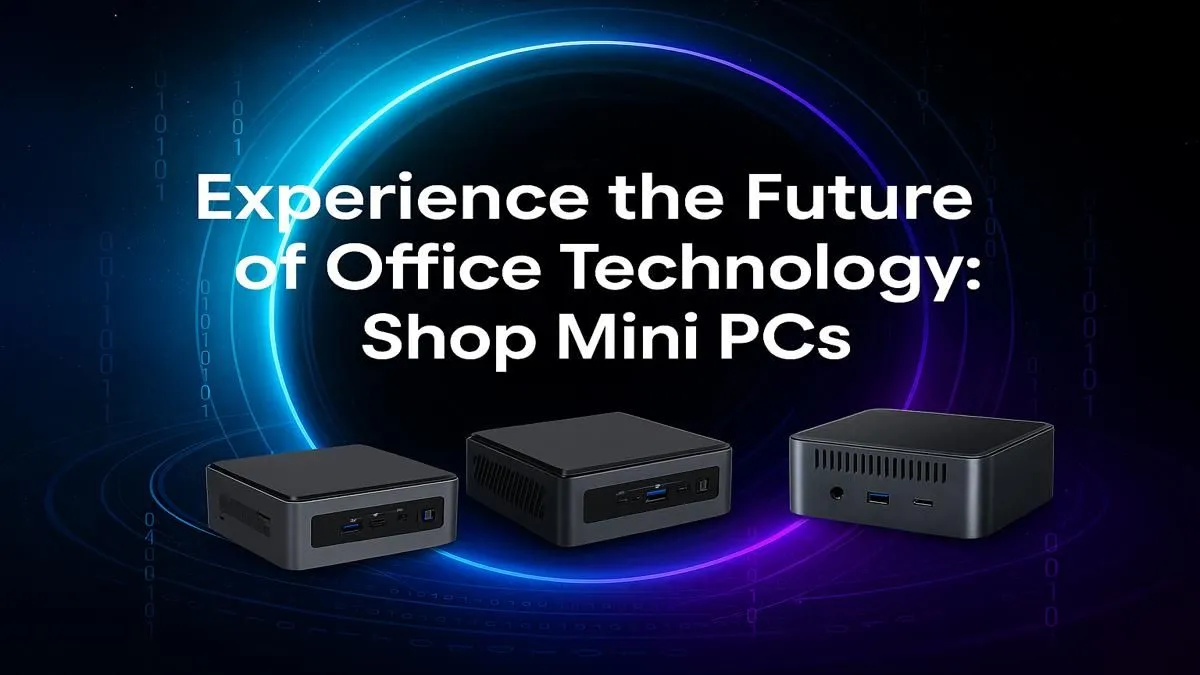
Is your office desk groaning under the weight of a massive, noisy computer tower? It’s time to reclaim your space. A modern mini PC for office use delivers all the power you need for a productive workday in a package that can fit in the palm of your hand. Imagine a clean, quiet, and efficient workspace… that's the upgrade you get when you switch to a compact PC. Ready to see how? 🚀
Why Choose a Mini PC for Your Office?
The days of needing a giant beige box for serious work are long gone. The primary benefit of an office mini PC is its ridiculously small footprint. These tiny powerhouses can be mounted discreetly behind your monitor (using a VESA mount) or sit neatly on your desk, freeing up valuable real estate for what matters.
But the advantages don't stop at size:
- Energy Efficiency: A mini PC consumes significantly less power than a traditional desktop. In a country where we're all watching our electricity usage, this means lower running costs and a smaller carbon footprint. Every little bit helps!
- Quiet Operation: Most mini PCs are designed for near-silent operation. Say goodbye to the distracting hum of case fans and hello to a more focused work environment.
- Surprising Power: Don't let the size fool you. These machines are packed with powerful PC components capable of handling everything from complex spreadsheets to multiple browser tabs and video calls without breaking a sweat.
Are Mini PCs Powerful Enough for Professional Work?
This is the big question, and the answer is a resounding yes. A modern mini PC for office use is more than capable of handling the daily grind for most professionals. Thanks to huge advancements in processor technology, you can find models equipped with the latest Intel Core and AMD Ryzen CPUs.
When paired with fast NVMe Solid State Drives (SSDs) and ample RAM (16GB is the sweet spot), these compact machines offer a snappy, responsive experience. They are perfect for:
- Heavy multitasking across Microsoft Office or Google Workspace.
- Lag-free video conferencing on Teams or Zoom.
- Running specialised business software.
- Light photo and video editing.
For the vast majority of office tasks, a mini PC doesn't just keep up… it excels. You can browse our full range of mini PCs to see the impressive specs on offer. ✨
What to Look For in an Office Mini PC
Choosing the right model is simple when you know what to prioritise. Focus on the core components that will directly impact your daily productivity.
Key Specifications to Check:
- Processor (CPU): An Intel Core i5 or AMD Ryzen 5 is a fantastic baseline for smooth performance and future-proofing your investment.
- Memory (RAM): 8GB is the absolute minimum, but 16GB is highly recommended for anyone who juggles multiple applications.
- Storage (SSD): Insist on an NVMe SSD. The speed difference compared to older hard drives is massive. A 512GB drive offers a great balance of space and value.
- Connectivity: Ensure it has enough USB ports for your peripherals, Wi-Fi 6 for fast wireless speeds, and at least two display outputs (like HDMI or DisplayPort) to support a multi-monitor setup. You can find excellent options under R22,000 that tick all these boxes.
Productivity Pro Tip ⚡
On Windows, use the PowerToys FancyZones utility to create custom snap layouts for your windows. It's a lifesaver for managing multiple apps on dual monitors, letting you perfectly organise your email, spreadsheets, and browser for maximum workflow efficiency.
A well-chosen mini PC for office work isn't a compromise; it's a smart, strategic upgrade to a more modern and efficient workspace. 🔧
Ready to Declutter and Upgrade?
A mini PC for office use is the smart choice for a modern, efficient South African workspace. Stop letting a bulky tower dictate your desk layout. Explore our massive range of Mini PCs and find the perfect compact powerhouse for your needs today.