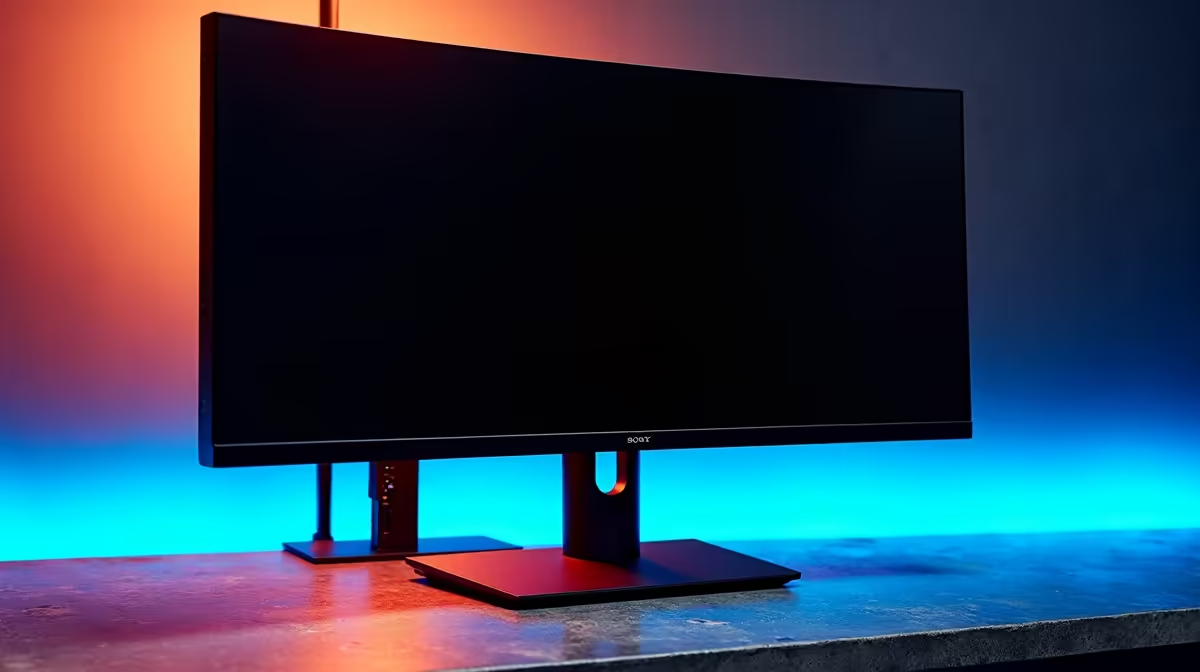
Is your desk buried under a nest of cables? For many South Africans juggling a work laptop and a gaming PC, it’s a daily struggle. You’re constantly swapping keyboards, mice, and unplugging cables just to switch between tasks. What if you could control both machines with one set of peripherals and a single button press, all while getting stable, wired internet on your laptop? Enter the monitor with KVM and Ethernet—the elegant, powerful solution to modern desk clutter. 🚀
Unpacking the Tech: What's a KVM and Why Add Ethernet?
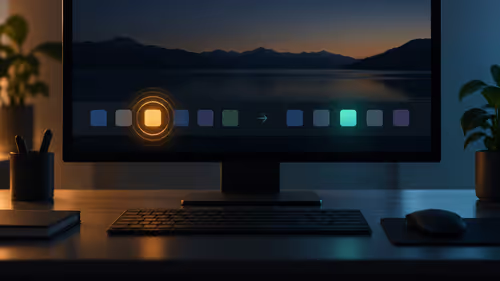
Let's break down the jargon. A KVM is a clever piece of hardware that stands for Keyboard, Video, and Mouse. An integrated KVM switch built into a monitor allows you to connect two different computers (like your work laptop and gaming rig) to the same screen and control them both with a single keyboard and mouse. You simply press a button on the monitor to switch your controls from one PC to the other. It's a seamless transition that completely streamlines your workflow.
The addition of an Ethernet (RJ45) port takes this convenience to the next level. When you connect your laptop via a single USB-C cable, that cable doesn't just send a video signal and charge your device… it also provides a stable, fast, wired internet connection from the monitor itself. This makes a monitor with KVM and Ethernet a true single-cable docking station, decluttering your space and boosting productivity. You can explore a wide variety of modern PC monitors with these advanced features right here at Evetech.
The Ultimate WFH and Gaming Setup: One Monitor to Rule Them All
Picture this: It’s 4:59 PM on a Friday. You’ve just finished your last work report on your company laptop, which is connected to your big, beautiful display via one USB-C cable. At 5:00 PM, you hit the KVM button on your monitor. Instantly, the screen switches to your fire-breathing gaming PC, your mechanical keyboard’s RGB lighting kicks in, and you’re ready to jump into a game with your mates. No cable swapping, no fuss. ✨
This is the core appeal of a KVM monitor for the hybrid South African professional and gamer. It elegantly separates your work and play environments while uniting them on one awesome screen. You maintain a clean, minimalist desk without sacrificing the power of a dedicated gaming setup. This integration is becoming a key feature across our full range of gaming monitors, blending high-refresh-rate performance with workday practicality.
What to Look For in a Monitor with KVM and Ethernet
When you're ready to buy, not all KVM monitors are created equal. Here are the key specifications to keep an eye on to ensure you get the best experience.
USB-C Power Delivery is Crucial
The "one-cable dream" relies on a powerful USB-C port. Check the Power Delivery (PD) wattage. A port with 65W or more is ideal for most work laptops, while power-hungry machines like MacBook Pros might need 90W or higher to charge effectively while in use.
Check Your Wattage! ⚡
Before buying, look at the fine print on your laptop's power adapter. It will tell you the wattage it requires (e.g., 65W, 95W). Make sure the monitor's USB-C Power Delivery spec meets or exceeds this number to ensure reliable charging and performance. An underpowered port can lead to slow charging or even battery drain during heavy use.
Resolution and Refresh Rate: Don't Compromise
You don’t have to choose between a sharp screen for work and a fast screen for gaming. Many modern KVM displays offer the best of both worlds. For a great balance of detail and performance, look for a 1440p (QHD) resolution with a 144Hz+ refresh rate. If your work involves design or video editing, investing in one of the many crisp 4K monitors can be a massive upgrade.
Panel Tech and Immersion
For most users, an IPS panel offers the best colour accuracy and viewing angles, making it perfect for both creative work and vibrant gaming. If you’re a competitive gamer, you might prioritise the fastest response times, while movie lovers and single-player gamers might prefer the deep blacks of a VA panel, often found in stunning immersive curved monitors.
Is a KVM Monitor Worth the Investment in SA?
At first glance, a monitor with KVM and Ethernet might seem more expensive than a standard display. But let's do the maths. Consider the cost of buying a good monitor, a separate KVM switch (which can cost over R1,000), a quality USB-C dock with Ethernet (another R1,500+), and all the extra cables. Suddenly, the all-in-one price looks much more reasonable.
You're not just paying for features; you're paying for convenience and a clean setup. By integrating everything, you save money on separate monitor accessories and eliminate multiple potential points of failure. Keep an eye on Evetech's best PC monitor deals to find these powerful displays at a competitive price.
Expanding Your Horizons 🔧
The incredible convenience of single-cable connectivity and device switching isn't just limited to your main desk setup anymore. This technology is starting to appear in different form factors. Imagine pairing your laptop with one of the latest high-quality portable monitors that offers USB-C power passthrough and additional ports, creating a powerful dual-screen setup wherever you go. The principles of simplification and powerful connectivity are changing how we interact with all our screens.
Ready to Declutter and Upgrade?
A monitor with KVM and Ethernet is the ultimate productivity and gaming hub. It's time to simplify your setup and focus on what matters. Explore our massive range of PC monitors and find the perfect screen to conquer your workflow.