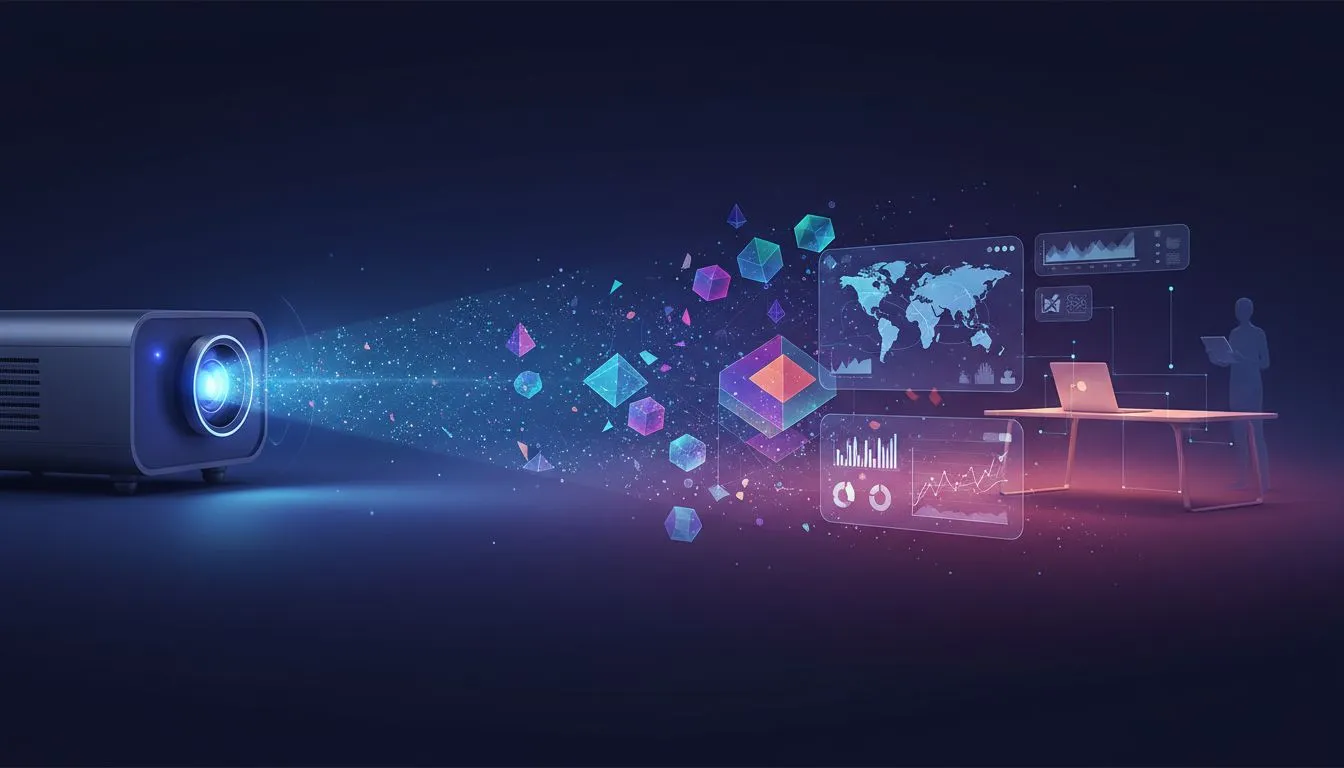
You’re seconds away from the biggest pitch of your career. You plug in your laptop, but the client’s boardroom projector displays a fuzzy, dim image that looks like a washed-out ghost. 💡 A modern portable projector for presentations isn't just a cool gadget; it's your professional lifeline. It ensures your hard work always looks sharp, bright, and impressive, no matter where you are in South Africa.
Why a Portable Projector is Your New Best Friend
Forget lugging around heavy, outdated equipment. Today's portable projectors are compact, lightweight, and incredibly powerful. They offer the ultimate freedom to present anywhere, from a coffee shop meeting in Cape Town to a client’s office in Jozi.
The real advantage is control. You're no longer at the mercy of someone else's faulty or ancient tech. A good portable presentation projector means you can guarantee a crisp, professional display every single time. It shows you’re prepared, tech-savvy, and serious about your work. Many of the latest modern portable projectors even come with built-in batteries, making you completely immune to power outages.
Quick & Easy Portable Projector Setup
Getting your presentation live shouldn't be a stressful scramble. Setting up a portable projector is usually a breeze. Here’s a simple 4-step guide:
- Positioning is Key: Place the projector on a stable, flat surface. Aim it at a plain, light-coloured wall or a dedicated screen. The further back you go, the larger the image will be.
- Power & Connect: Plug in the projector (or use its battery if it has one). Connect your laptop or device using an HDMI, USB-C, or wireless connection, depending on the model.
- Focus and Adjust: Power on the projector and use the focus ring or button until the image is perfectly sharp.
- Tweak the Image: Use the keystone correction feature to square up the image if it looks like a trapezoid. Adjust brightness and colour settings to match the room's lighting.
Presentation Pro Tip ⚡
'keystone correction' to fix distorted images. If your projector is angled up or down at the screen, the picture can look like a trapezoid. Keystone correction digitally reshapes the image so it appears perfectly rectangular. Most modern projectors, including compact options from [Promate](https: www.evetech.co.za PC-Components buy-projectors-154?brands=Promate), have this feature built-in. It’s a lifesaver for quick setups!
Pro Tips for a Flawless Presentation
Once you're set up, a few extra tricks can elevate your presentation from good to great.
Mind the Lumens
Lumens measure brightness. For a dimly lit room, 500-1000 lumens might be enough. But if you're presenting in a room with some daylight, you'll want something brighter. High-quality models from trusted brands like Viewsonic often provide excellent brightness levels for their size, ensuring your slides are always vibrant and easy to read.
Don't Forget Audio
While many portable projectors have built-in speakers, they are often small. For presentations with important audio or video clips, connecting a small external Bluetooth speaker can make a massive difference in sound quality and impact.
Finding a Great Portable Projector on a Budget
Investing in a portable projector for presentations doesn't mean you have to break the bank. Technology has advanced so much that powerful, reliable options are more accessible than ever. You can find fantastic features like HD resolution, multiple connection ports, and long battery life without a massive price tag. In fact, Evetech has a solid selection of great projectors under R7000 that are perfect for professionals on the move.