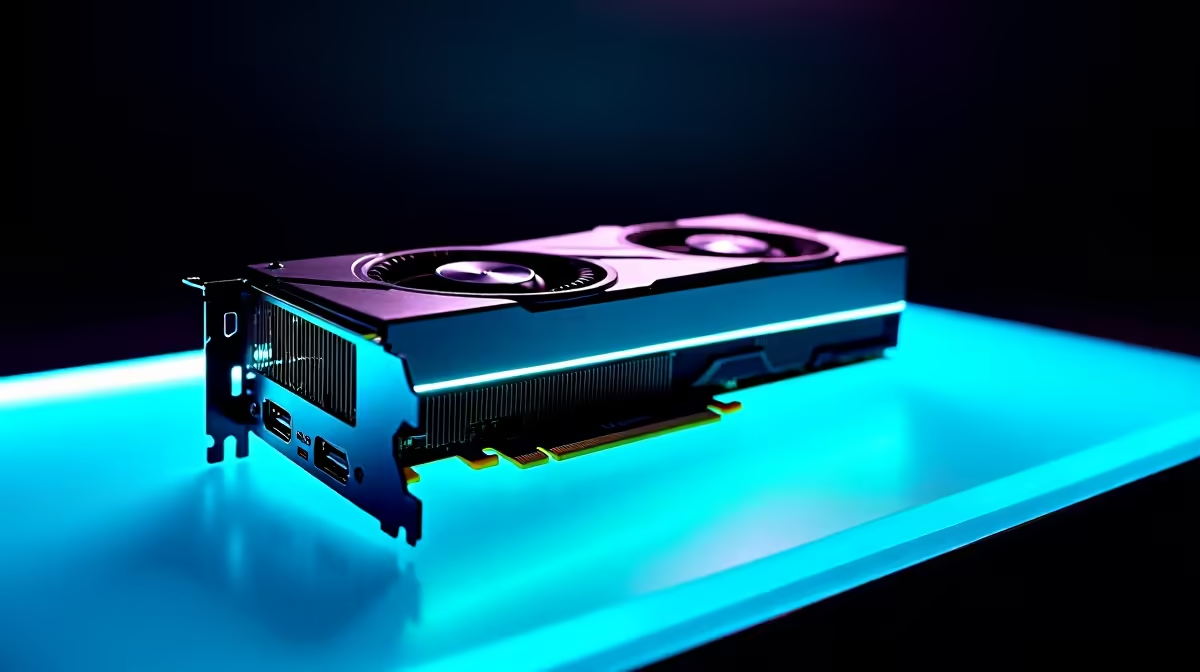
Waiting for a render to finish is painful. If your viewport lags every time you add a basic subdivision surface modifier, it is time for an upgrade. For South African 3D artists juggling load shedding and tight deadlines, finding the best GPU for 3D rendering in Blender is crucial. Let us explore which graphics card will slice your render times in half and save your sanity.
Why NVIDIA Dominates Blender Rendering 🚀
Blender's Cycles rendering engine absolutely loves NVIDIA hardware. Thanks to deep OptiX API integration, RTX cards utilise dedicated ray-tracing cores to accelerate rendering speeds massively. While AMD offers excellent rasterisation performance for standard gaming, NVIDIA is currently the undisputed champion for heavy 3D workloads. OptiX cuts through complex lighting calculations effortlessly. If you are looking to buy a new graphics card specifically for production work, the green team should be your very first stop.
Top Contenders for Every ZAR Budget
The Heavyweight: RTX 4090
If you render massive architectural visualisations, the RTX 4090 is an absolute monster. With 24GB of GDDR6X VRAM, it handles complex scenes with millions of polygons effortlessly. You will usually find this beast powering the best gaming PC deals at Evetech. It requires a massive investment in ZAR up front. However... the sheer amount of time saved on commercial projects pays for itself incredibly quickly.
The Sweet Spot: RTX 4070 Ti Super
For freelance animators and mid-level studios, the RTX 4070 Ti Super offers incredible value. It boasts 16GB of VRAM. This is plenty of memory for most character animations, fluid simulations, and detailed product renders. Do you prefer avoiding the hassle of building a rig yourself? Grabbing a powerful pre-built PC equipped with this specific card is a brilliant way to get rendering immediately.
Render Pro Tip ⚡
Always render your Blender animations as image sequences (like PNG or EXR) instead of direct video files. If load shedding hits unexpectedly, you will not lose your entire progress... you can simply resume rendering from the exact frame where the power dropped!
Portability vs Desktop Power
Sometimes you need to take your 3D workspace on the road to meet with clients. Fortunately, modern notebooks and laptops pack serious desktop-grade RTX power into portable chassis designs. An RTX 4060 or RTX 4070 laptop can handle real-time Eevee renders and moderate Cycles scenes beautifully. Whether you are tweaking materials at a local coffee shop or presenting in a boardroom, you no longer have to compromise on performance.
Making Your Final Choice ✨
When deciding on the best GPU for 3D rendering in Blender, you must always prioritise VRAM. High-resolution textures, dense geometry, and complex particle systems eat memory incredibly fast. If your graphics card runs out of VRAM during a render, Blender simply crashes out of memory. Always buy the card with the most memory your budget allows. Keep a close eye on our weekly specials to score a premium rendering GPU without breaking the bank.
Ready to Supercharge Your Renders?
Waiting hours for a single frame is a thing of the past. For maximum rendering power, choice, and value in South Africa, an NVIDIA RTX upgrade is hard to beat. Explore our massive range of PC component specials and find the perfect hardware to bring your 3D worlds to life.