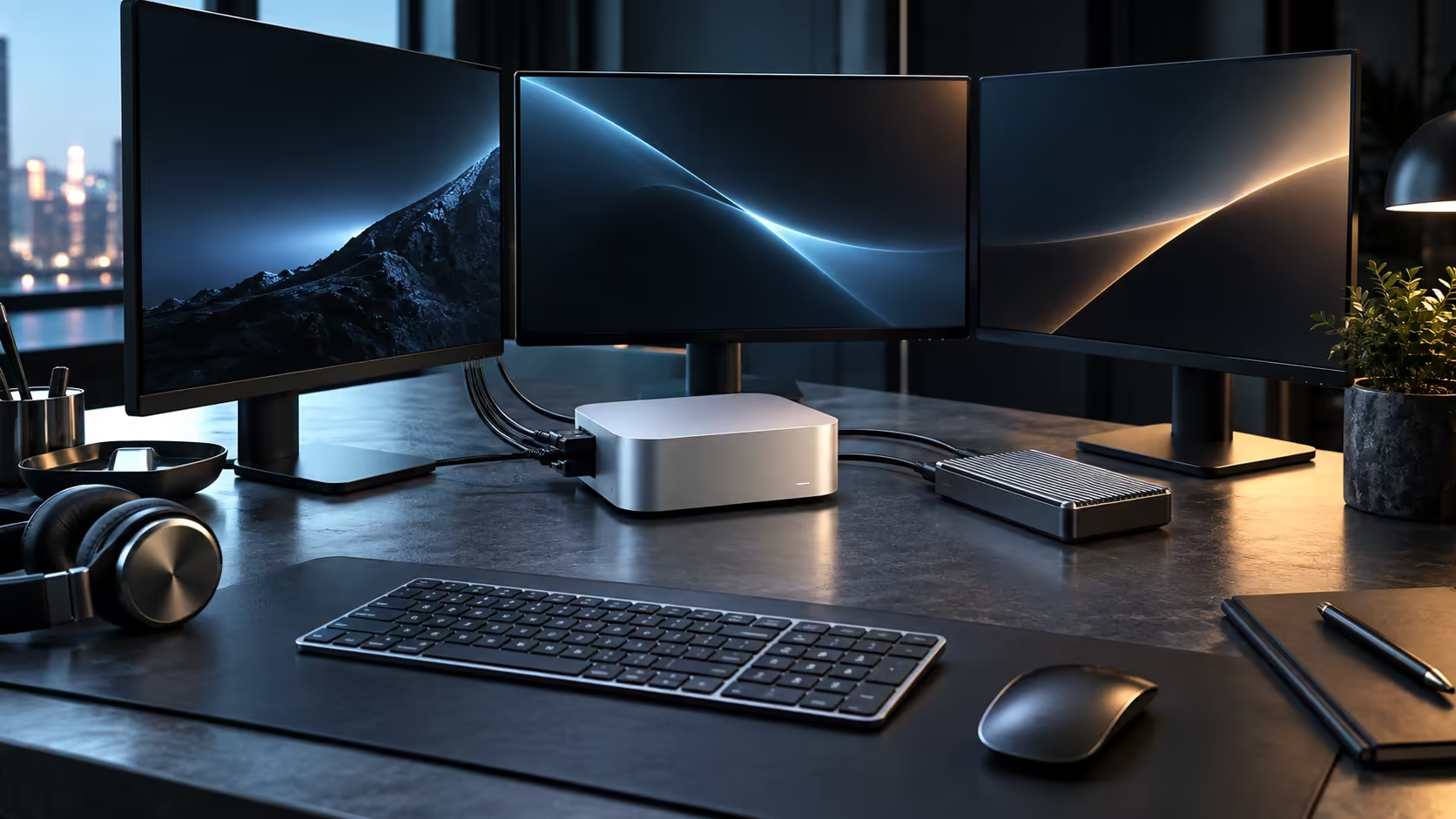
Four separate numbers describe a Mac Mini M5 Pro, and each does a different job: 15 CPU cores, a 16-core GPU, a 16-core Neural Engine, and 24GB of memory that all three of those engines share rather than own separately.
Quick Answer
The M5 Pro chip runs 15 CPU cores split into 5 Super Cores and 10 Performance Cores, a graphics engine built from 16 cores with hardware ray tracing baked in, and a 16-core block dedicated to AI, all reading from one 24GB unified memory pool. The full configuration, with a 512GB SSD, is R33,599.
🧮 The CPU: two core types, one job split
Five Super Cores handle the single heaviest task running at any moment, while ten Performance Cores share out the rest of the workload across open applications, all fifteen feeding the same 24GB pool. There is no separate efficiency tier on this chip the way the base Mac Mini uses one; the Pro design puts everything into cores built for sustained work, which shows up most on long, CPU-bound jobs such as encoding a video file.
🎮 The GPU: cores plus ray tracing hardware
Sixteen GPU cores, feeding the same 24GB pool as the CPU, handle rendering and compute work. Ray tracing hardware sits baked into the die itself rather than being faked in a software layer, and the payoff is realistic, convincing lighting inside any supported 3D tool or game. Those same cores double up on some local AI jobs too, wherever the software leans on general graphics compute instead of the Neural Engine.
🗄️ Storage and how it sits alongside these four numbers
The 512GB SSD is a separate figure from all four specifications above, and it is worth not confusing the two. Memory is where a task lives while it is actively running; storage is where files sit once you close the application. A 512GB drive holds a comfortable working set of documents, photos and applications, but large video libraries or extensive local AI model collections fill it faster than the memory figure would suggest, since a single downloaded model file can run to several gigabytes on its own.
🧠 The Neural Engine and the memory behind it
A 16-core Neural Engine takes on image recognition, transcription and on-device writing tools without sending any of that data to a server. It draws from the same 24GB pool as the CPU and GPU, which is why a large AI model competes directly with a heavy creative project for the same memory rather than having its own separate reserve. For a wider look at compact desktops built the same way, browse the mini PC category alongside this configuration.
Every other memory tier Apple sells sits within the same Mac Mini lineup, and stepping outside Apple entirely, the broader mini PC category holds plenty of alternatives worth a look too.
Frequently Asked Questions
Why does Apple split cores into Super and Performance types?
Splitting the workload lets a single demanding task get dedicated resources on the Super Cores while everything else runs on the Performance Cores, rather than every task competing equally.
Does the GPU or the Neural Engine handle AI work?
Both can, depending on the tool. Many AI applications use the GPU for heavier compute and the Neural Engine for specific, optimised tasks such as image tagging.
Is 512GB storage separate from the 24GB memory figure?
Yes, they measure different things entirely: 512GB is disk space for files and applications, while 24GB is working memory shared live by the CPU, GPU and Neural Engine.
Does a higher core count always mean better real-world performance?
Not automatically. An application has to be written to use several cores at once to benefit fully, so the actual gain depends on the software as much as the chip.
Is hardware-accelerated ray tracing only useful for gaming?
No. It also speeds up realistic lighting previews in 3D applications and some rendering workflows, which is why creative software benefits from it as much as games do.
Ready to see how these four numbers add up on your desk?
Compare the Mac Mini M5 Pro configuration against the wider mini PC range before you order.