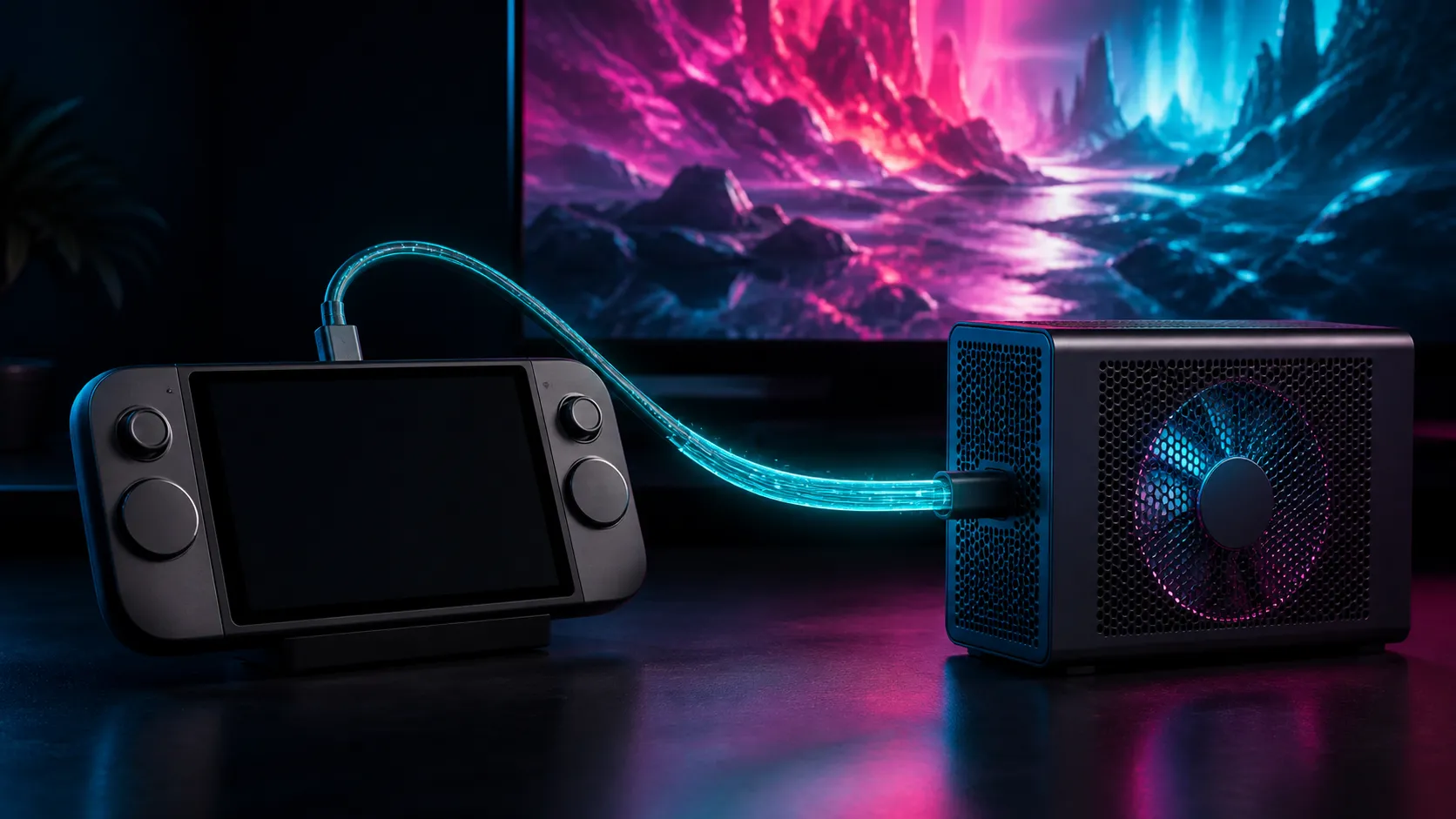
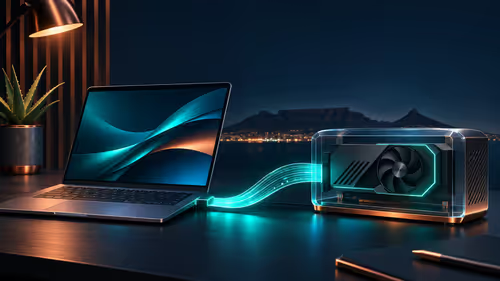
The ROG XG Core RX 9060 XT turns a low-profile desktop graphics card into an external option, but the USB-C connector is only the visible part of the compatibility chain. The host's USB4 implementation and firmware decide whether it can work correctly.
Quick Answer
ASUS announced the XG Core with a Radeon RX 9060 XT low-profile 16GB card, 40Gbps USB-C connection, HDMI 2.1 and DisplayPort 1.4 outputs. Confirm explicit host compatibility before buying. External-link bandwidth is lower than an internal full-width graphics slot, and performance varies by application, host controller and whether the display connects to the enclosure.
🔌 Confirm more than the USB-C shape
A USB-C port can carry several very different capabilities. It may support charging, display output, ordinary USB data, USB4 or some combination. The XG Core needs the high-speed path and system support required for external graphics. A matching connector alone is not proof.
Check the laptop or mini PC technical manual for USB4 and external-graphics support. Update firmware, chipset software and the operating system before first connection. If the manufacturer publishes a compatibility list, treat that as the starting gate.
The docking station category shows why connector labels need care: docks can share bandwidth across displays, storage and network devices, while an eGPU has different performance priorities.
📉 Account for the external bandwidth path
ASUS specifies a 40Gbps USB-C connection. That figure describes the link class, not guaranteed graphics throughput after protocol overhead and other traffic. An internal desktop card uses a direct PCI Express slot with a wider path, so identical GPUs can perform differently.
Workloads that transfer data frequently can lose more performance than those that keep assets in the card's 16GB memory. CPU limits can also hide the difference. Avoid quoting a universal percentage because the host, game, resolution and display route alter the result.
Compare RX 9060 XT graphics cards to understand the internal alternative, including case, power-supply and desktop-platform requirements.
🖥️ Choose the display route deliberately
Connecting the monitor to the eGPU's HDMI 2.1 or DisplayPort 1.4 output lets the enclosure send the final image directly to the display. Rendering to the laptop's internal panel can require completed frames to travel back across the external link, adding traffic.
That does not mean the internal display is unusable. It means the setup should be tested with the actual application. Record frame time and one-percent-low performance on both routes if portability and desk use both matter.
ASUS lists a 75W target for the installed low-profile card and a compact 144 by 117 by 39mm enclosure. Confirm ventilation around the unit and do not bury it behind a closed desk panel.
🧭 Compare against a complete desktop
An eGPU is most attractive when the host computer is otherwise suitable and mobility matters. If a buyer needs sustained maximum performance at one desk, complete RX 9060 XT gaming PCs provide the internal-slot comparison.
List the total objective: gaming resolution, external monitor, travel needs, CPU capability, storage and upgrade horizon. The enclosure cannot replace a weak host CPU or add memory to the laptop. It accelerates compatible graphics workloads through the available link.
Frequently Asked Questions
Will every USB4 computer support the XG Core?
Not automatically. Confirm the host controller, firmware, operating system and ASUS compatibility guidance for the exact model.
Why connect a monitor directly to the enclosure?
It can avoid returning completed frames across the external link to an internal display, leaving more bandwidth for graphics traffic.
Is its RX 9060 XT performance identical to a desktop card?
Do not assume that. The 40Gbps external path, host platform and workload can create a different result from an internal PCI Express slot.
Ready to judge the eGPU as a system?
Verify the exact host first, map the display route, and compare measured application performance with the complete desktop alternative.