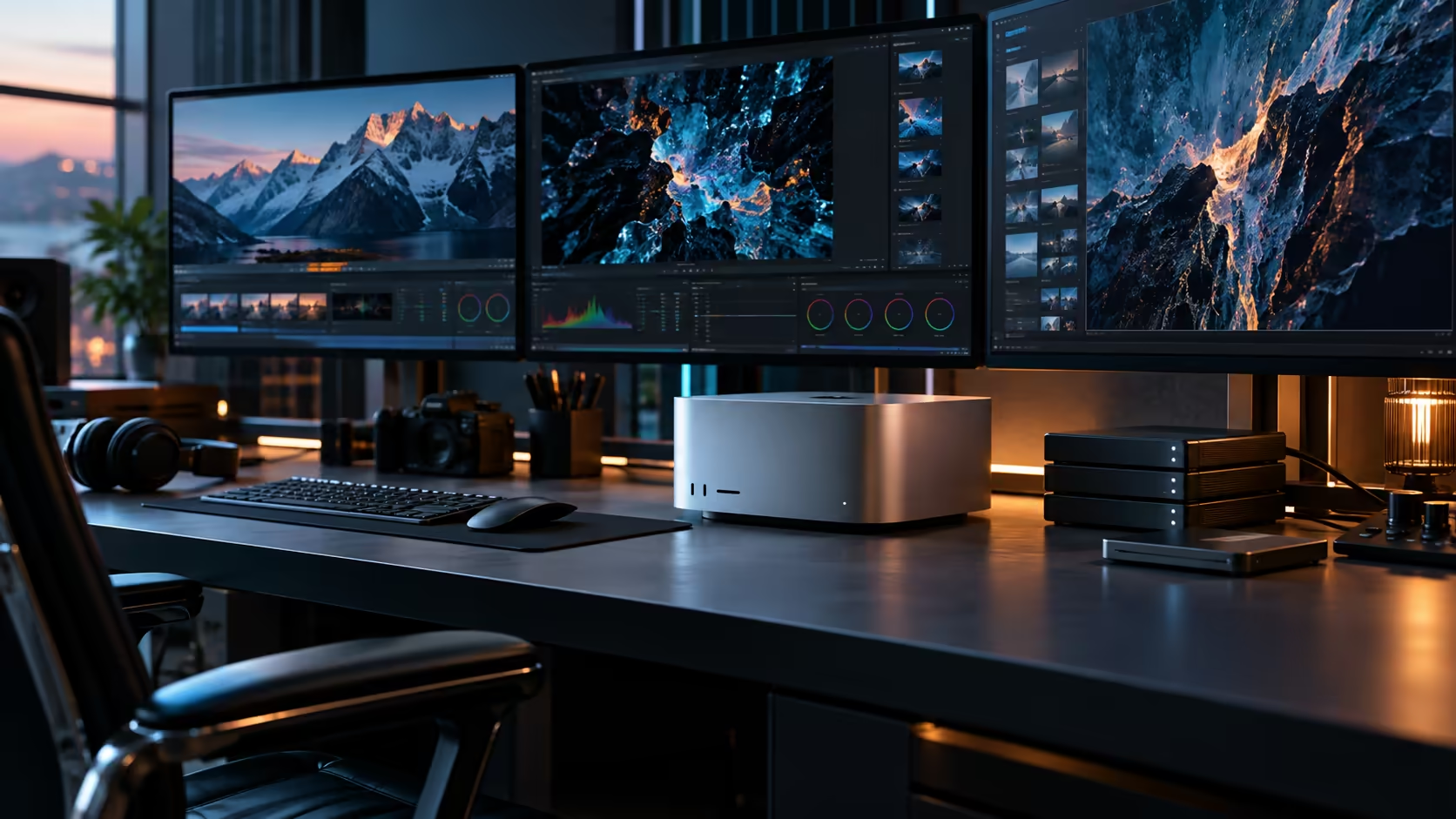
Three very different jobs, 8K colour work, a local AI model, and an engineering simulation, all draw on the same shared pool of memory inside a Mac Studio M5 Ultra, and none of them has to stop and wait for the others to finish first.
Quick Answer
The Mac Studio M5 Ultra handles 8K video, local AI models and engineering workloads by giving all of them access to the same 96GB memory pool at once, backed by thirty processor cores, a sixty-four-core graphics engine and a dedicated thirty-two-core Neural Engine, so nothing has to be shuffled between separate memory spaces the way a tower built around a discrete card would need. The build, with a 1TB SSD, is R108,999.
🎬 8K video: where the shared pool earns its keep
Footage at this resolution generates enormous frame sizes, and how a machine handles that data movement matters as much as raw processing speed.
Decoding, colour grading and exporting 8K (7680x4320) footage all draw from the same memory space here, so a frame decoded once stays available to the GPU for grading and to the export pipeline without a copy step in between. That matters more at 8K than at any lower resolution, since the sheer size of each frame amplifies any inefficiency in how data moves around the system.
🤖 Local AI: sized against a 96GB ceiling, not a marketing claim
Whether a specific model runs comfortably here depends entirely on checking its own published requirement against the actual pool available.
A 96GB shared pool covers a considerably larger range of model sizes than smaller configurations, though the honest approach remains the same regardless of scale: compare your target model's stated memory requirement, at your intended quantisation level, directly against 96GB rather than assuming a machine at this tier runs anything you throw at it.
⚙️ Engineering and simulation work: capacity before speed
For computational work like fluid dynamics or structural analysis, the dataset has to fit in memory before processing speed becomes relevant at all.
A workstation build approaches this the same way in principle: size memory against your largest realistic simulation first, then judge processing speed against machines that already clear that capacity bar. The Mac Studio M5 Ultra's 96GB pool, shared across 30 CPU cores and a 64-core GPU with hardware-accelerated ray tracing, gives engineering and visualisation work room to hold substantial datasets while still processing them without a separate memory bottleneck.
💾 Storage for footage and datasets this size
8K footage and large simulation output both consume storage fast, and planning for that early avoids a scramble later.
A 1TB internal SSD covers a working project further than the smaller tier does, but active 8K footage or large dataset exports still benefit from dedicated external Thunderbolt 5 storage from day one, leaving the internal drive to just handle macOS and whatever you have open right now.
Frequently Asked Questions
Is the Mac Studio M5 Ultra capable of 8K video editing?
Yes, its shared memory architecture and GPU are built for exactly this kind of high-resolution, data-intensive workflow, though real-time playback performance still depends on your specific footage codec and settings.
How much memory do engineering simulations actually need?
It varies by simulation size. Check your largest realistic dataset's requirement directly rather than assuming any single machine tier automatically covers it.
Is 96GB enough to run large AI models locally?
For a considerably wider range of models than smaller configurations, yes, though always check a specific model's published memory requirement against 96GB before assuming it fits.
Do I need external storage for 8K video work?
Very likely, since 8K footage consumes storage quickly. Plan for external Thunderbolt 5 storage from the start rather than after the internal drive fills.
Does the M5 Ultra's GPU help with engineering visualisation, not just rendering?
Yes. Hardware-accelerated ray tracing on the 64-core GPU applies to visualisation work as much as creative rendering, and it draws on the same shared memory pool as the rest of the chip.
Ready to see how this machine handles your specific 8K, AI or engineering workload?
Compare the Mac Studio M5 Ultra against workstation builds and storage options sized for your work.