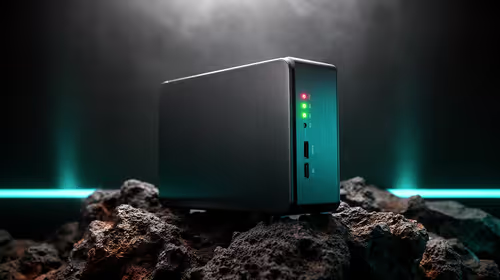
Most South African buyers reading about a Mac Mini M6 for the first time are switching from years on Windows, and the questions that actually matter for that specific move are different from a generic spec checklist.
Quick Answer
Confirm your software runs on macOS before ordering, check whether your existing keyboard, mouse and monitor need new cables, and buy through a local retailer so any repair stays inside South Africa. Price it properly against a comparable Windows build too, since R21,699 is not automatically the more expensive route once a full system is compared rather than bare specifications.
🔄 Software is the first check, before any hardware spec
Confirm that whatever you actually use daily, work software, specific games, an accounting package, has a macOS version or a workable equivalent before falling in love with a R21,699 hardware purchase. This is the single most common regret among first-time switchers, and it costs nothing to check before ordering anything.
🔌 What actually transfers from your old PC setup
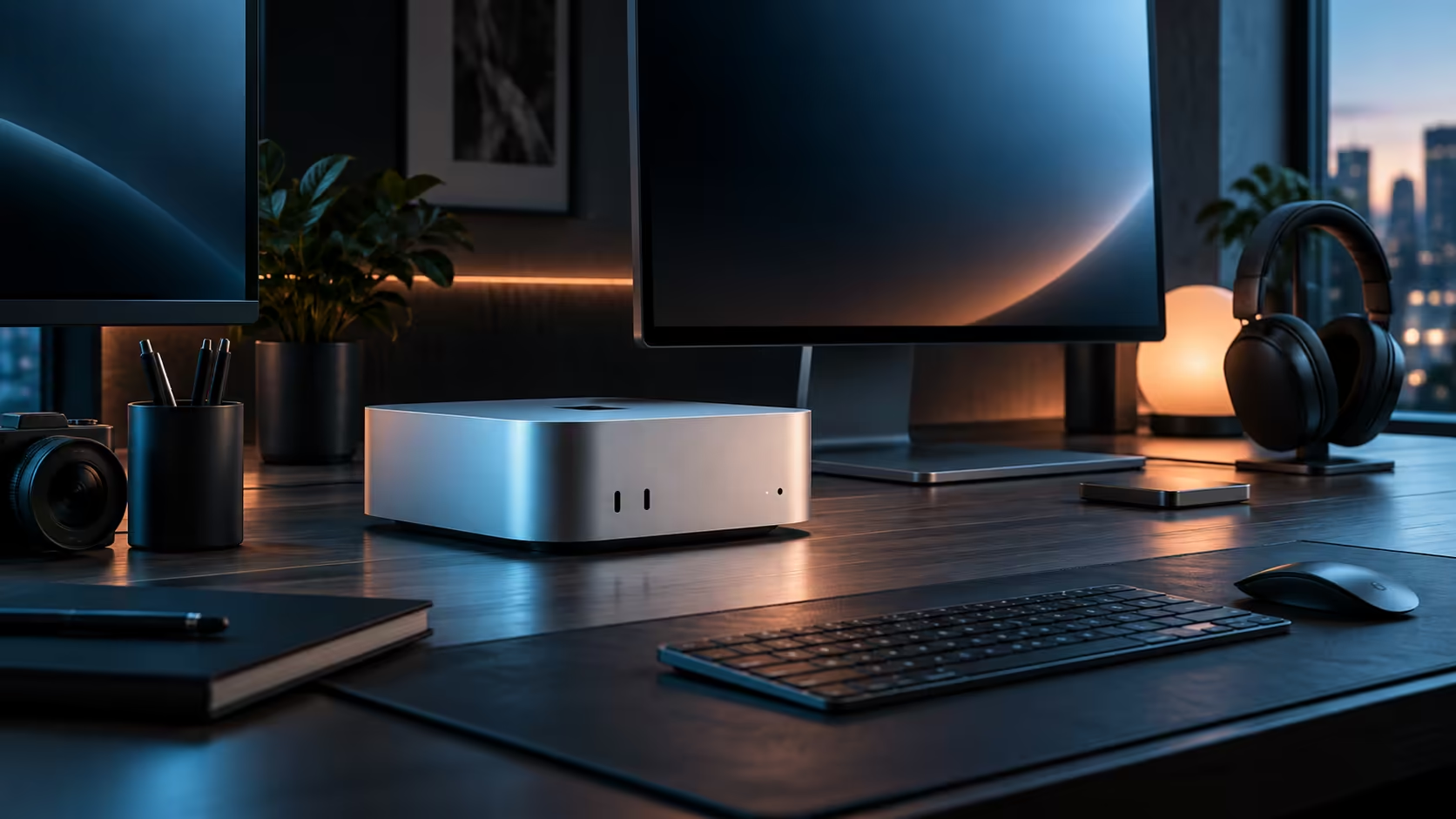
A Windows-era keyboard and mouse generally work fine over USB-C or Bluetooth with no special drivers needed. A monitor is the item most likely to need a new cable, since an older panel with only HDMI or DisplayPort will simply run over this machine's HDMI output rather than taking advantage of Thunderbolt 4.
💻 Pricing R21,699 against building an equivalent PC
A comparable Windows tower, priced with its own case, power supply and cooling bought separately, often lands within a few thousand rand of the same R21,699 figure once every part is totalled honestly. The Mac Mini is not automatically the pricier choice once you compare full working systems rather than a bare chip on a spec sheet.
🧾 Where a repair actually gets handled
Going through Evetech means one local invoice covers the whole R21,699 machine's warranty, sidestepping an overseas shipment and a customs headache if anything ever goes wrong. For someone new to Apple hardware, that single detail carries more weight than most of the numbers on the listing.
🧭 A short checklist before you finalise the order
Run through it in this order: confirm daily software has a macOS path, check what your existing keyboard, mouse and monitor actually need in the way of cables, and get a proper itemised Windows quote if the price comparison still matters to you. Skipping straight to ordering because the price looks fair on paper is how the software question ends up discovered too late, after the return window has already closed.
Before finalising your switch, the Mac Mini page is worth a look for other tiers, mini PC covers the wider compact-desktop category, and mini PC is worth a look too for a non-Apple alternative.
Frequently Asked Questions
What is the biggest thing people regret after switching from Windows?
Discovering a specific piece of software they relied on daily has no proper macOS version, which is why checking this first, before any hardware decision, matters most.
Do Windows peripherals just work with a Mac Mini?
Mostly yes for keyboards and mice over USB-C or Bluetooth; monitors are the item most likely to need a different cable depending on their inputs.
Is a comparable Windows PC actually cheaper overall?
Not always; once a case, power supply and cooling are priced in separately, the total often lands close to the Mac Mini rather than clearly below it.
Will my old Windows files transfer over easily?
Documents, photos and most common file formats move across without issue; it is specific Windows-only software, not general files, that actually causes trouble for a switcher moving between the two platforms for the very first time in their working life and their daily routine at home.
Ready to make the switch from Windows to a Mac Mini?
Confirm your software runs on macOS before you commit to anything else.