Why Refresh Rates Matter for Your Minecraft World
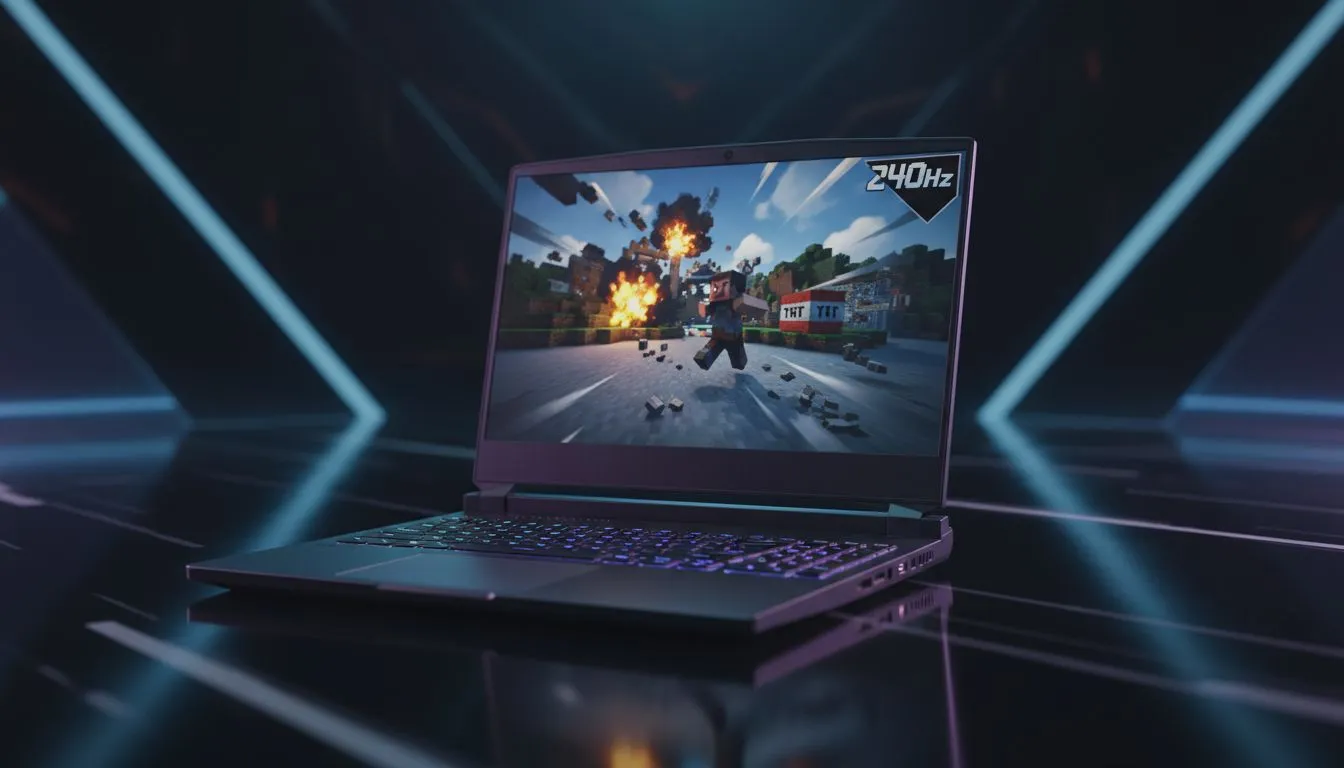
Most South African gamers think Minecraft is just about low-resolution blocks. But if you have ever tried a 240Hz laptop for Minecraft, you know the difference is night and day. Smooth motion makes parkour in the End or competitive PvP feel incredibly responsive. But does every Minecrafter need this level of performance? Let's break down the specs and the actual benefits for your local setup.
The Visual Edge of a 240Hz Laptop for Minecraft
When you play on a standard 60Hz screen, the display updates 60 times per second. A 240Hz panel quadruples that frequency. This reduces motion blur significantly when you flick your mouse to fight a Creeper. For those hunting for the best gaming laptop deals, a high refresh rate is often the most noticeable upgrade. It makes the entire world feel more fluid... almost like looking through a window rather than a screen ⚡.
CPU Power and Frame Rates
Minecraft is notoriously heavy on the processor. To actually hit 240 frames per second, you need a chip that can keep up. Many players find that intel laptops on special provide the high single-core clock speeds required for massive render distances. If you prefer a balance of multi-threaded performance for streaming your builds, checking out ryzen laptop deals is a smart move for any local builder.
Performance Pro Tip ⚡
To reach 240 FPS consistently, install the Sodium or OptiFine mod. These optimisations drastically improve frame delivery and reduce stuttering, ensuring your high refresh rate screen isn't wasted on erratic frame timings.
Shaders, Ray Tracing, and Visual Fidelity
If you want your world to look breathtaking, you are likely eyeing shaders or Minecraft with RTX. These features require serious graphical grunt. You can find geforce rtx gaming laptops on special that handle these tasks with ease. While shaders might drop your frame rate below 240, having a high-spec screen ensures that even at 120 or 144 FPS, the experience remains tear-free and crisp 🚀.
Is It Worth the Investment?
Budget is always a factor in South Africa. If you are a casual builder, a 240Hz laptop for Minecraft might be a luxury rather than a necessity. However, for competitive players, it is a vital tool. You can often buy gaming laptops under R20k that offer high refresh rates without breaking the bank. It comes down to how much you value that buttery-smooth motion during intense gameplay sessions ✨.
Ready to Find Your Perfect Match?
The Minecraft experience is better when it's smooth, but for maximum power, choice, and value in South Africa, Evetech is hard to beat. Explore our massive range of laptop specials and find the perfect machine to conquer your world.