


Master Your Connectivity: Best Outdoor LTE Router Placement Tips for Maximum Signal Strength
Struggling with inconsistent ping during a heated session of Warzone? We’ve all been there. In South Africa, where power interruptions and infrastructure challenges can turn a stable connection into a memory, finding the sweet spot for your hardware is vital. If you are relying on 4G or LTE to bridge the gap, where you mount your gear is just as important as the router itself. ⚡
Elevation is Everything
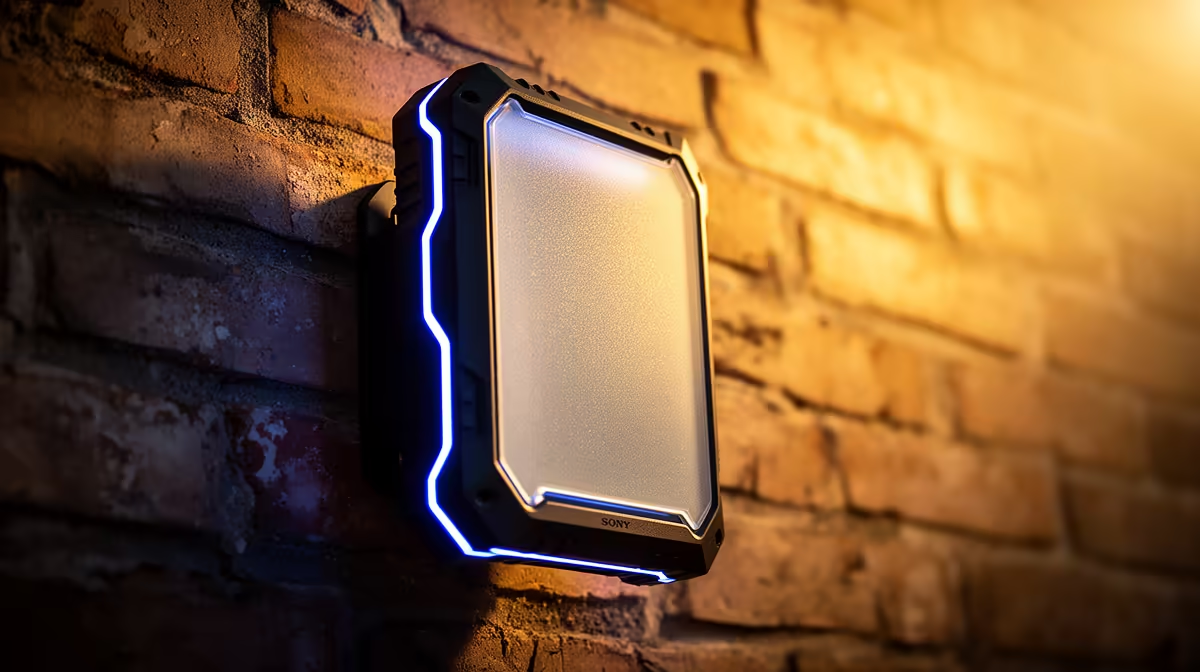
The most common mistake is hiding your router in a cupboard or behind a TV. To get the best outdoor LTE router placement, you need to minimise physical obstructions. Walls, especially those reinforced with steel or thick concrete, are the enemy of signal propagation. Mounting your router higher up—ideally near a window or outdoors under a sheltered eave—helps it maintain a direct "line of sight" to the nearest cellular tower.
If you are looking for a reliable entry point into high-speed connectivity, the Cudy LT700 AC1200 4G Cat6 Router is a fantastic starting point for those wanting to stabilise their home network without breaking the bank.
Aligning for Optimal Signal
Signal strength isn't just about height; it’s about orientation. Many users forget that internal antennas have a specific polarity. Even if you have a premium device from the Cudy South Africa range, you might need to rotate the unit slightly once mounted to find the peak signal on your dashboard. Use the built-in signal strength indicator in your router’s firmware to test various angles. A rotation of just 15 degrees can sometimes be the difference between a stable stream and a dropped connection. 🔧
Signal Strength Pro Tip 🚀
Before you drill holes into your wall, use a long Ethernet cable to temporarily mount your router in different spots around your home. Use a mobile app to map signal strength in real-time. Once you find the spot with the highest RSRP and SINR values, that is your permanent home for the device.
Hardware Matters: Beyond the Router
Sometimes, your placement is perfect but your hardware is bottlenecking your performance. If you are still running an older unit, it might be time to look at modern wireless router options that offer better MIMO support and beamforming technology. These features allow the router to focus its signal directly toward your gaming rig rather than broadcasting aimlessly into the void. ✨
Ready to Find Your Perfect Match? Don't let a weak connection hold your gaming performance back. Whether you need a high-end router or a complete network overhaul, we have the hardware to keep you online. Browse our latest networking deals here and dominate the leaderboard today.










