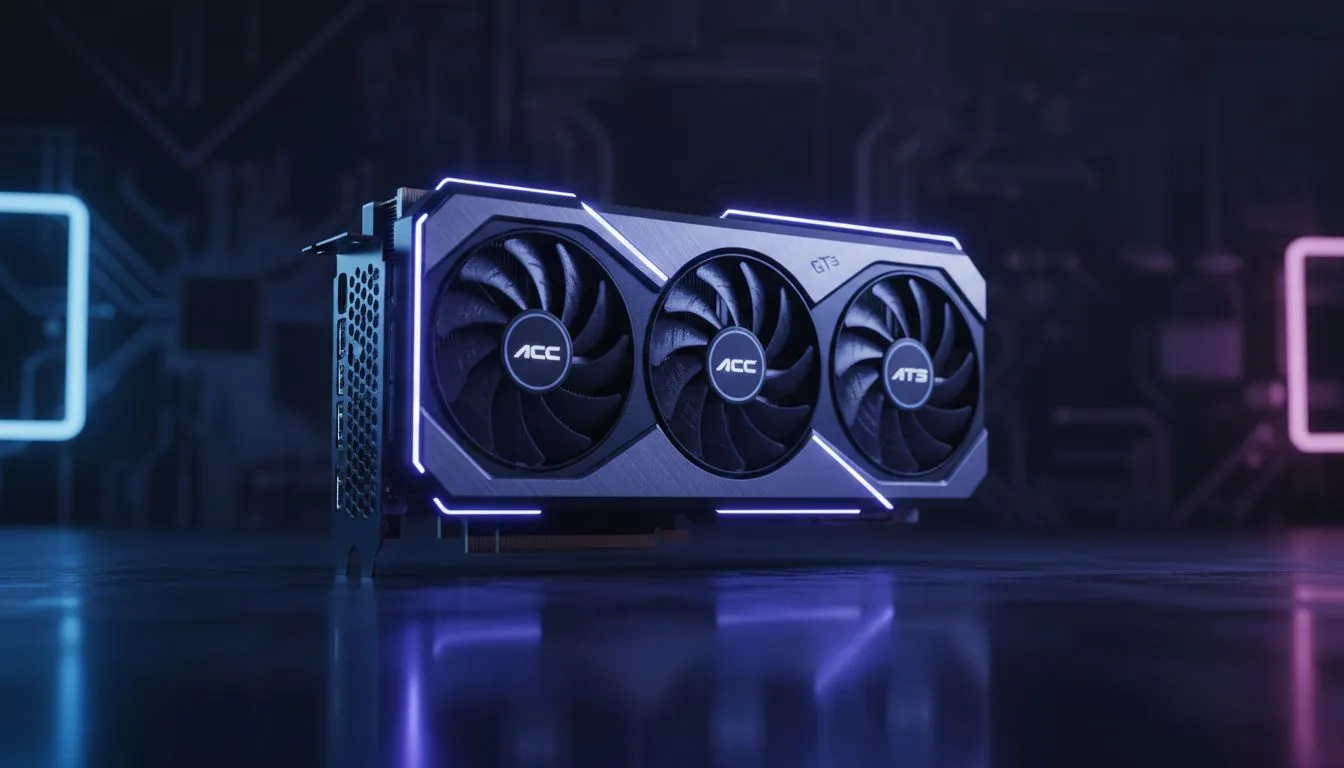
Why Full GT3 Grids Impact ACC VRAM Usage
You’re lining up for a sunset start at Kyalami in Assetto Corsa Competizione. The grid is packed with 30 GT3 cars. Suddenly, your frame rate stutters as your VRAM hits the ceiling. Understanding ACC VRAM usage is vital for any South African sim racer looking to avoid those mid-corner hiccups. Does a full GT3 grid really eat your memory? Let’s dive into the data. 🔧
Assetto Corsa Competizione is notoriously heavy on video memory. Every unique car skin and model on the grid must be loaded into your GPU. If you are running high-resolution textures, a 30-car field can easily push past 8GB of usage. This is why browsing the latest NVIDIA and ATI graphics cards is essential for serious competitors.
Balancing Resolution and Texture Quality
Higher resolutions like 1440p or 4K demand significantly more memory. If you want to keep those car models looking crisp without crashing, you need a card with a beefy buffer. Many local racers prefer MSI graphics cards because of their superior cooling and reliable VRAM performance. ⚡
When the VRAM fills up, the game swaps data to your system RAM. This causes massive stuttering... a nightmare when you are fighting for position into T1. To optimise your experience, consider how much memory your specific resolution requires.
Sim Racing VRAM Tip ⚡
Reduce the 'Visible Opponents' setting in ACC if you're hitting VRAM limits. Setting this to 12 or 15 still keeps the cars around you visible while significantly lowering the memory load on your GPU during those crowded race starts.
Choosing the Right GPU for Sim Racing
You don't always need to spend R30,000 to get a smooth experience. Even budget-conscious options like Intel Arc graphics cards are making waves with decent memory capacities for mid-range setups. 🚀
However, if you want raw power and massive VRAM pools, you might look at AMD Radeon graphics cards which often offer more gigabytes per Rand. This extra headroom is perfect for those heavy GT3 grids.
Professional Sim Rigs and Stability
For those building high-end motion simulators or triple-screen setups, consumer cards might not be the only path. Some enthusiasts even explore workstation graphics cards for their extreme stability and ECC memory... though standard gaming cards remain the king for pure frame rates. ✨
In South Africa, the heat can also affect how your VRAM performs. Keeping your card cool ensures that the memory modules don't throttle during long endurance races.
Ready to Upgrade Your Racing Rig?
Don't let VRAM limitations ruin your lap times at Kyalami or Spa. For the best performance, choice, and value in South Africa, our GPU selection is unmatched. Explore our massive range of graphics card specials and find the perfect hardware to dominate the GT3 grid.