


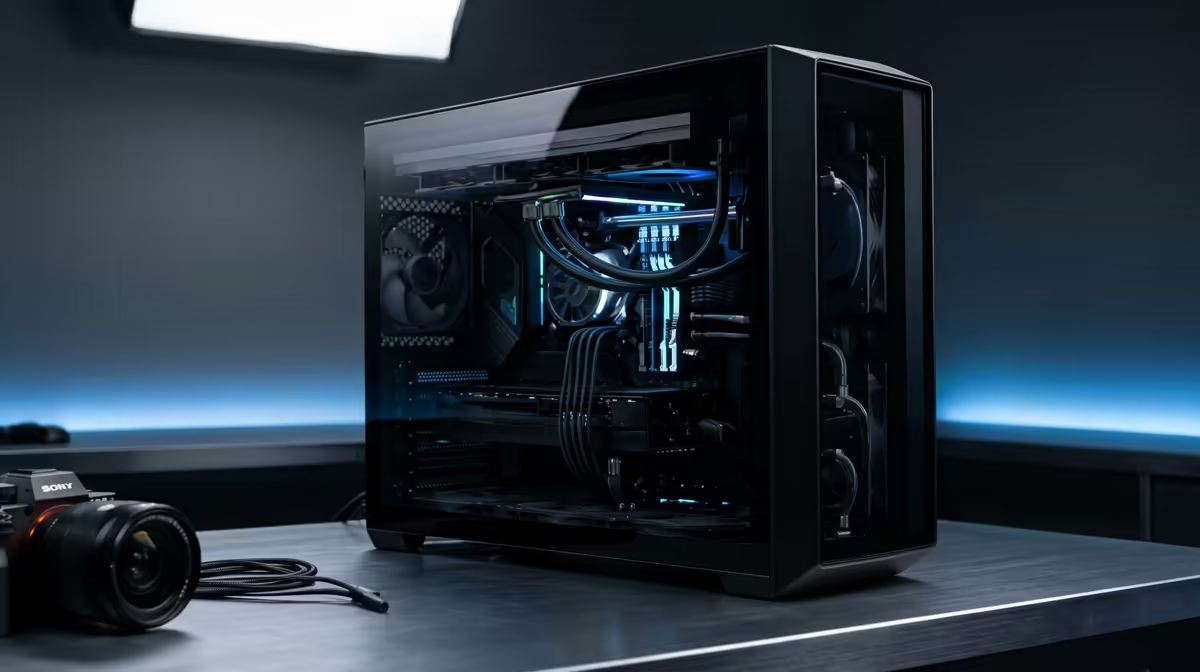
Staring at a Premiere Pro render bar that barely moves is a special kind of pain. We’ve all been there. You’ve poured your creativity into a project, and now your PC is holding you hostage. The good news? You don’t need to spend a fortune to fix it. In South Africa, R30,000 is the sweet spot for a machine that chews through timelines and exports. This guide will show you how to build the best editing PC under R30k for buttery-smooth renders. 🚀
Why Your Gaming PC Might Struggle with Editing
Many South African gamers are also creators, so it’s natural to assume a powerful gaming rig will crush video editing. Sometimes it does… but often, it hits a bottleneck. Gaming typically relies on a powerful GPU for high frame rates, while video editing is a team sport. Premiere Pro loves a CPU with many cores, heaps of fast RAM, and lightning-quick storage.
While many of the rigs in our best gaming PC deals are incredibly capable, a purpose-built editing machine reallocates the budget for a more balanced and productive workflow.
Core Components for the Best Editing PC Under R30k
Building the perfect rig is about balance. You need components that work together, not one superstar part creating a bottleneck for everything else. For a Premiere Pro powerhouse under R30,000, here’s where your focus should be.
The CPU: Your Render Engine
The Central Processing Unit (CPU) is the heart of your editing machine. When you hit "Export," it's the CPU that does most of the heavy lifting. For a solid editing PC under R30k, look for a modern processor with at least 6 to 8 cores.
- Intel: A Core i5 (12th gen or newer) or Core i7 offers a great blend of single-core speed for app responsiveness and multi-core power for rendering.
- AMD: A Ryzen 5 or Ryzen 7 processor is a fantastic choice, often providing excellent multi-threaded performance for your budget.
RAM: Your Creative Workspace
Think of RAM as your desk space. The more you have, the more apps and high-resolution clips you can work with at once without your PC slowing to a crawl. For 1080p editing, 16GB is the minimum. But for 4K workflows and After Effects integration, 32GB of fast DDR4 or DDR5 RAM is the new standard. It’s one of the most impactful upgrades you can make.
Storage Pro Tip 🔧
For a massive performance boost in Premiere Pro, use a multi-drive setup. Install your OS and applications on a primary NVMe SSD. Use a second, separate NVMe SSD exclusively for your project files, media cache, and scratch disks. This prevents your system drive from becoming a bottleneck during intensive timeline scrubbing and rendering. Store completed projects on a larger, cheaper hard drive.
The GPU: The Visual Accelerator
While the CPU is king for final renders, the Graphics Processing Unit (GPU) is crucial for a smooth editing experience. It powers the Mercury Playback Engine in Premiere Pro, accelerating real-time effects, colour grading, and timeline playback. A GPU with at least 6GB of VRAM, like an NVIDIA GeForce RTX 3050 or 4060, is a brilliant starting point for an R30k editing build. ✨
Balancing the Budget: Where to Spend Your Rands
With a R30,000 budget, every component choice matters. The goal is to build a balanced system without overspending in one area. If you're starting from scratch, you'll find excellent foundational systems among our budget gaming PCs, which can be customised for editing.
For many creators, the sweet spot lies in rigs priced just over the R20k mark, leaving enough budget for crucial RAM and storage upgrades. You can explore a wide variety of these powerful bases in our PCs above R20k category. Conversely, if your needs are simpler, starting with one of our excellent PCs under R20k and adding more RAM later is a smart, budget-conscious strategy.
Pre-Built PCs: The Smart Choice for SA Creators 💻
Building a PC is rewarding, but it takes time, research, and a bit of luck. For a content creator, time is money. A pre-built PC is often the smarter choice. It arrives tested, optimised, and ready to work, with a full system warranty for peace of mind. You can skip the hassle of assembly and driver installation and get straight to creating.
This approach ensures you get a professionally built and cabled machine, letting you focus on what you do best. Exploring our current pre-built PC deals is the fastest way to find a powerful, reliable editing rig that fits your budget.
Ready to Obliterate Render Times? Finding the perfect PC for video editing in South Africa doesn't have to be complicated. A balanced system is your ticket to a faster, more creative workflow. Explore our massive range of Pre-Built PC Deals and find the perfect machine to bring your vision to life.









