Lighting and Shadows in the Forgotten Realms
You’ve spent hours in the character creator. Now you’re wondering if Faerûn can look even better. Many South African players are asking: BG3 Ray Tracing: Does Baldur's Gate 3 Support It? While the game's lighting is breathtaking, the short answer might surprise you. Let's dive into the technical side of Larian’s masterpiece and how to maximise your visual experience in the Forgotten Realms. ⚡
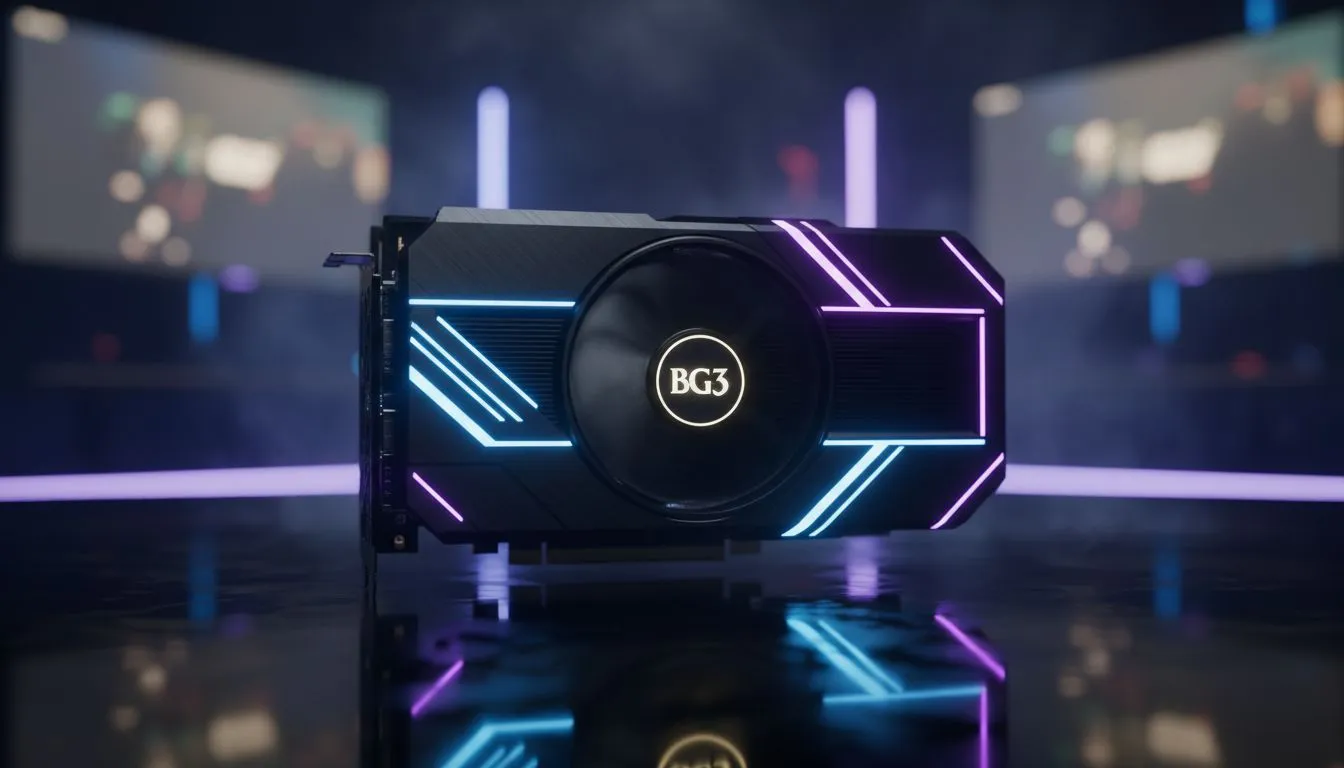
Despite the stunning visuals, Baldur’s Gate 3 does not currently support hardware-accelerated ray tracing. Larian Studios opted for a highly sophisticated global illumination system instead. This system provides incredible depth without the massive performance hit usually seen with ray-traced reflections. To see these details at their best, you will still want one of the latest NVIDIA graphics cards to handle the high-resolution textures and complex shadows.
Boosting Frames with Modern Hardware
Even without native ray tracing, the game is demanding at 4K resolution. Larian implemented NVIDIA DLSS and AMD FSR to help gamers maintain high frame rates. If you are looking for smooth performance in the busy streets of the Lower City, MSI graphics cards offer excellent cooling solutions to keep your rig quiet during long sessions.
Performance Pro Tip ⚡
For the best balance of visuals and frames in BG3, set your Shadow Quality to High rather than Ultra. It saves significant VRAM without sacrificing the atmosphere of the Emerald Grove. This is especially helpful if you are playing on older hardware.
Choosing the Right GPU for Your Adventure
While NVIDIA is a popular choice, they aren't the only players in the kraal. Many local gamers are finding great value in AMD Radeon graphics cards which provide massive amounts of VRAM. This is crucial for loading those dense city textures. Alternatively, the newer Intel Arc graphics cards have seen massive driver improvements... making them a viable budget-friendly option for 1080p adventurers. ✨
If you use your PC for more than just saving the world, you might consider workstation graphics cards for their stability in creative apps. However... for pure gaming performance in BG3, consumer-grade cards usually offer better value for your Rands. 🚀
Final Verdict on BG3 Visuals
So, while the answer to "BG3 Ray Tracing: Does Baldur's Gate 3 Support It?" is a "no," the game remains one of the most beautiful RPGs ever made. By using modern upscaling tech and a solid GPU, you can experience every spell effect and facial expression in crisp detail. 🔧
Ready to Upgrade Your Gaming Rig?
While BG3 doesn't use ray tracing, a powerful GPU ensures you can crank every other setting to the max. Check out our latest graphics card deals and experience Faerûn in glorious 4K today.