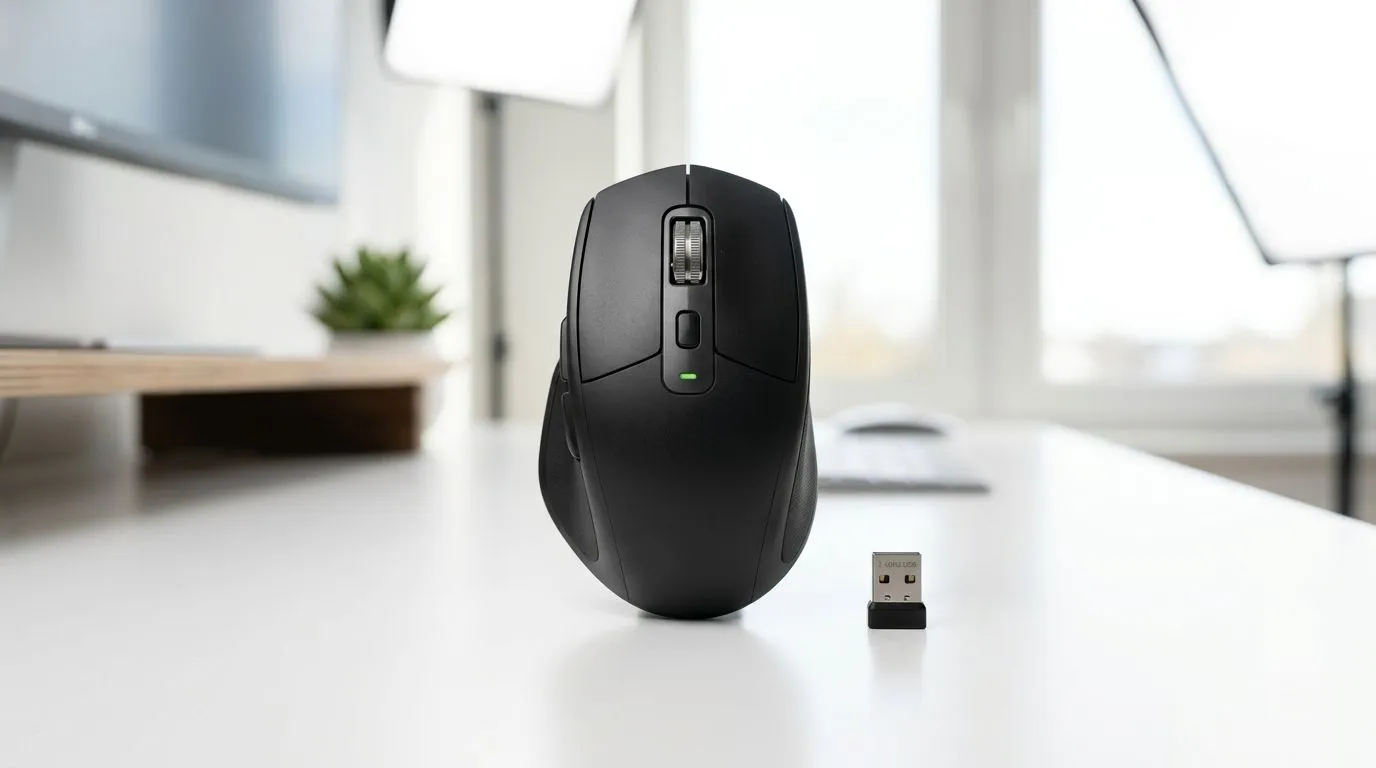
Bluetooth Mouse vs USB Receiver Mouse: Why SA gamers notice the difference
If your aim is crisp and your input feels instant, the mouse connection matters more than most people think. In South Africa, where loadshedding and Wi‑Fi congestion are real, your setup should stay responsive… even when the environment gets messy. 🎮
So, should you go Bluetooth mouse vs USB receiver mouse: efficiency comparison? Let’s break it down the practical way: power use, latency habits, reliability, and what to buy for your exact routine.
Bluetooth Mouse vs USB Receiver Mouse: Efficiency comparison (battery and real-world usage)
Both options can be efficient, but they often shine in different scenarios.
Power efficiency in practice
A Bluetooth connection can save power when you’re away, because the mouse may sleep and wake using the host’s Bluetooth stack. A USB receiver mouse (often called 2.4GHz wireless) tends to stay in a dedicated, direct link with the receiver dongle, which can mean more consistent performance during heavy movement, but the battery behaviour varies by model and sensor sleep settings.
What you can control: turn off unused connectivity, and avoid leaving your mouse powered while it’s idle for long sessions. If your mouse has a DPI stage and sleep timer, set it sensibly.
Latency habits that feel different
“Latency” isn’t just one number. It’s the path from your sensor to the PC, then how the OS schedules input. In real gaming, USB receiver mice often feel consistent because they avoid Wi‑Fi channel contention. Bluetooth can be totally fine, especially on modern PCs, but busy Bluetooth environments (headsets, controllers) can add occasional jitter.
For players who chase every micro-adjustment in FPS titles, that stable link often wins.
Bluetooth vs USB receiver for daily gaming + work: reliability under pressure
South African offices and households commonly have multiple devices paired via Bluetooth. That means your mouse competes for bandwidth. On the other hand, USB receivers use a dongle dedicated to that device, which typically stays out of the Bluetooth “chat”.
If you game and also work with video calls, audio, and chat apps, it’s a smoother experience when your mouse isn’t sharing attention with everything else.
What about setup friction?
Bluetooth pairing is convenient. You may not want another dongle sticking out of a laptop. But USB receiver mice are usually “plug in and go”, and they’re often easier to troubleshoot if something goes wrong.
If you’re building a desk setup from scratch, it helps to plan cable space and port availability.
Setup Pro Tip 🔧
On a laptop or mini PC, choose a USB receiver mouse if your Bluetooth is busy (headset + controller). If you travel a lot and want fewer dongles, Bluetooth is the better everyday pick. Either way, test on your most common game before you commit to a long-term purchase."
What to buy in South Africa: matching the mouse to your performance needs
For gamers focused on responsiveness, start by looking at good wireless gaming options and models designed for low-latency behaviour. Browse Evetech’s selections here:
Quick decision guide: Bluetooth or USB receiver mouse?
Choose Bluetooth mouse vs USB receiver mouse: efficiency comparison like this:
- Pick Bluetooth if you hate dongles, want fewer USB ports used, and your PC Bluetooth setup is clean.
- Pick USB receiver if you prioritise steady connectivity, especially in crowded wireless homes or during long gaming sessions.
- Either way, prioritise sensor quality, button feel, and shape. Connection type helps, but comfort keeps you accurate. ✨
Ready to Find Your Perfect Match?
The Mac vs Windows debate is complex, but for maximum power, choice, and value in South Africa, Windows is hard to beat. Explore our massive range of laptop specials and find the perfect machine to conquer your world.