


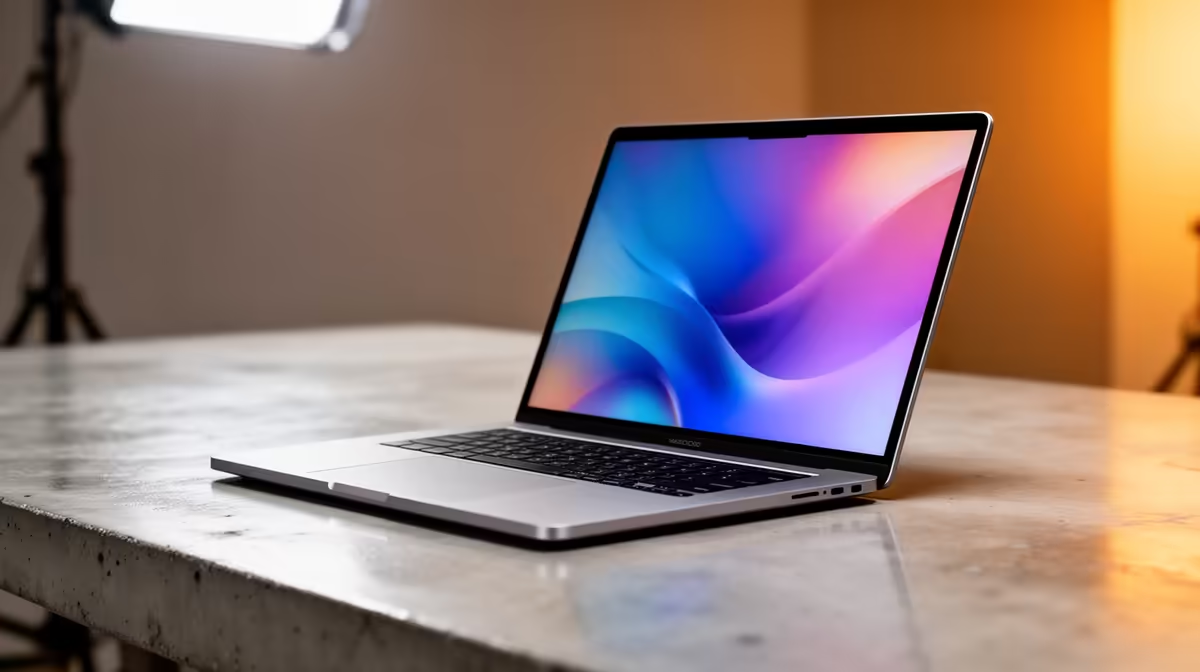
For years, South African gamers have known the secret to silky-smooth visuals: a high refresh rate. But what if that same tech could make your 9-to-5 grind feel less... grindy? The business laptop refresh rate is no longer a niche spec. It’s a crucial feature that impacts everything from eye strain during long hours in Excel to how responsive your machine feels. It’s time to look beyond the CPU and RAM.
Understanding Refresh Rate Beyond the Game
So, what exactly is a refresh rate? Measured in Hertz (Hz), it’s simply how many times per second your laptop screen updates the image. A standard 60Hz display refreshes 60 times a second. A 120Hz display, however, does it 120 times.
Think of it like a flipbook. A book with 60 pages per second of animation will look okay, but one with 120 pages will be incredibly fluid and lifelike. This smoothness, once reserved for high-end gaming rigs, is now a key factor in the professional world, and understanding the business laptop refresh rate can seriously upgrade your workday.
Why a Higher Refresh Rate Matters for Your Work 💻
You might not be chasing high frame rates in a game, but the benefits of a smoother screen translate directly to productivity and comfort. It’s a quality-of-life upgrade you’ll feel instantly.
Taming Digital Eye Strain
Staring at a screen all day is tough on the eyes. A higher refresh rate creates smoother motion when you scroll through documents, websites, or code. This reduces the subtle judder and tearing that contributes to digital eye strain and headaches. For professionals in South Africa spending hours at their desks, this is a massive, tangible benefit. Many modern Dell Vostro laptop deals now feature displays above the standard 60Hz, making premium features more accessible.
A Snappier, More Responsive Feel
Everything you do, from moving your mouse cursor across the screen to dragging windows, feels more immediate and fluid on a 90Hz or 120Hz panel. This enhanced responsiveness makes your entire workflow feel faster, even if the underlying hardware is the same. It’s a psychological boost that makes your laptop feel more premium and powerful. If you're handling demanding tasks, this perceived speed on a high-spec machine from our Dell workstation laptop deals can make all the difference.
A Must-Have for Creative and Technical Pros ✨
For anyone working with motion, a higher business laptop refresh rate is non-negotiable.
- Video Editors: Get a clearer, smoother preview of timelines.
- Animators & 3D Modellers: See fluid motion when manipulating models and objects.
- Engineers: Experience smoother navigation in complex CAD and design software.
For these power users, a device like those found in our Dell Precision Workstation laptops range with a high-refresh-rate screen provides a more accurate representation of the final product.
Check Your Current Refresh Rate ⚡
Curious what you're running right now? On Windows 11, right-click your desktop, go to 'Display settings' > 'Advanced display'. You'll see your current refresh rate listed. If you have a dropdown menu, you might be able to select a higher rate your panel already supports!
Finding the Right Balance for Your Needs
Do you need a 360Hz screen to work on spreadsheets? Probably not. The sweet spot for most professionals is 90Hz or 120Hz. This delivers a noticeable upgrade in smoothness without the significant battery drain of an elite gaming panel.
If your work is primarily office-based, consider how a high-refresh-rate monitor paired with a Dell All-in-One desktop PC could create an even more comfortable and expansive workspace. Ultimately, the right business laptop refresh rate depends on your role, but it’s a specification that deserves your attention when choosing your next machine in South Africa.
Ready to Find Your Perfect Match? A higher refresh rate is more than a number—it's a better daily experience. For maximum power, choice, and value in South Africa, a modern laptop is hard to beat. Explore our massive range of laptop specials and find the perfect machine to conquer your workday.









