


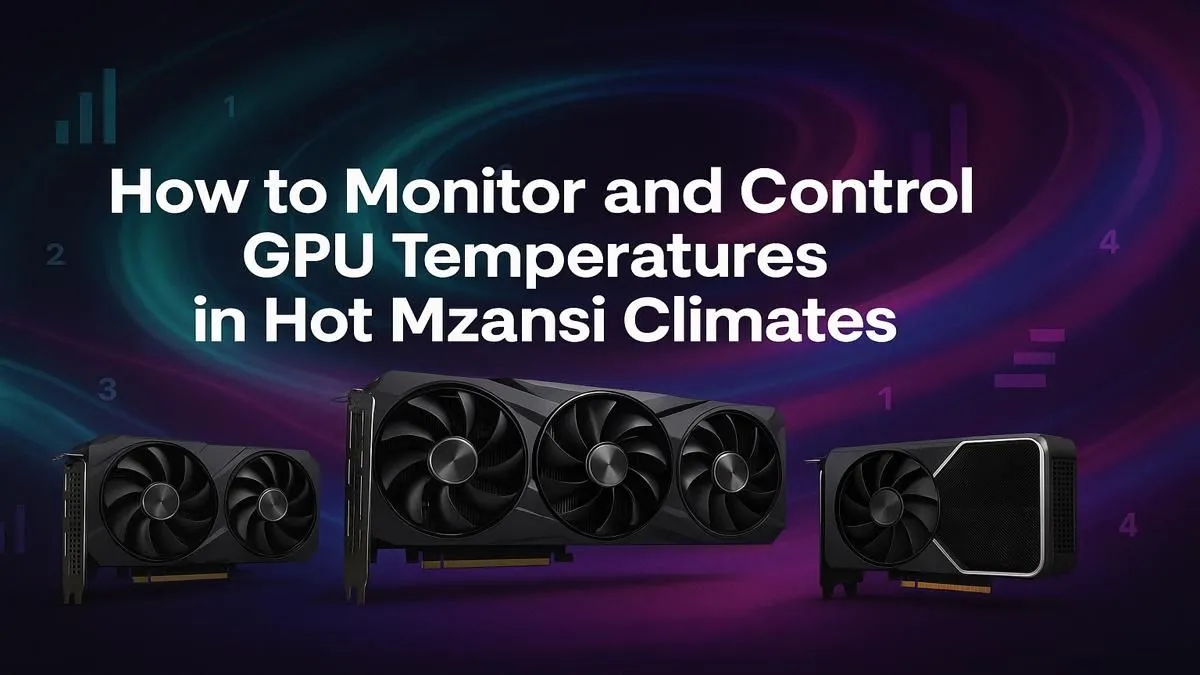
Is your gaming rig sounding more like a jet engine during a Mzansi heatwave? You're not alone. High ambient temperatures, especially when an unexpected outage kills the AC, can push your graphics card to its limits. Learning how to control GPU temperature isn't just about winning the match; it's about protecting your expensive hardware. Let's explore how to keep your card cool when the South African sun is doing its worst.
Why You Need to Control GPU Temperature
Your GPU (Graphics Processing Unit) is the heart of your gaming PC. But when it gets too hot, it protects itself by "thermal throttling"—slowing down to reduce heat. This means sudden frame drops and stuttering right when you need performance most. Consistently high temps can also shorten your card's lifespan. Properly managing your GPU's temperature ensures you get the smooth, high-fidelity experience you paid for, season after season.
Simple Steps to Lower Your GPU Temperature
Before you think about spending a cent, there are easy ways to improve your cooling. These basic maintenance steps are crucial for anyone looking to control GPU temperature effectively.
Give it a Good Clean 🧼
Dust is the enemy of cool. It clogs heatsinks and suffocates fans, trapping heat inside your PC case. Every few months, power down, unplug everything, and give your PC a thorough cleaning with compressed air. Pay special attention to your GPU's fans and the heatsink fins. You'll be surprised what a difference it makes.
Optimise Your Case Airflow
How is your PC case set up? A good airflow path brings cool air in from the front or bottom and exhausts hot air out the back or top. Ensure your case fans are pointing the right way and that cables aren't blocking the flow. Sometimes, just taking off a side panel can temporarily help diagnose an airflow problem... but it's not a long-term fix!
Monitoring Master Tip 🌡️
Use a free tool like MSI Afterburner or HWMonitor to see your GPU's temperature, clock speed, and fan speed in real-time. You can even display them as an overlay while you game. Knowing your numbers is the first step to effectively controlling your GPU's heat and performance.
Advanced Cooling Techniques 🔧
If the basics aren't enough, it's time to get your hands a little dirtier. These methods require more effort but can yield fantastic results for keeping your graphics card cool.
Undervolting: The Free Performance Hack
Undervolting sounds scary, but it's one of the best ways to reduce heat without losing performance. It involves slightly lowering the voltage your GPU receives. Less voltage means less power consumption and, crucially, less heat. Often, you can maintain the same clock speeds with lower voltage, giving you a cooler, quieter, and more efficient GPU.
Replacing Thermal Paste
The thermal paste between your GPU chip and its heatsink dries out over time, becoming less effective at transferring heat. If your card is a few years old and running hotter than it used to, replacing this paste can bring temperatures down significantly. It’s a delicate process, but a rewarding one for any PC enthusiast.
When an Upgrade is the Smartest Move 🚀
Sometimes, you're just fighting a losing battle with older hardware. Newer GPUs are not only more powerful, but they're also built with vastly superior cooling technology. If your card is constantly hitting its thermal limits despite your best efforts, it might be time for an upgrade.
Modern cards from both teams have made huge strides. For example, many of today's modern NVIDIA GeForce cards feature massive heatsinks and intelligent fan-stop technology for silent, cool operation under light loads. Similarly, the latest AMD Radeon models boast refined cooler designs that efficiently manage heat during intense gaming sessions.
For professionals in creative fields, managing thermals is even more critical during long renders. In these cases, investing in powerful workstation graphics cards designed for sustained, heavy workloads is the best path forward. Ultimately, a new GPU can offer the best long-term solution to the challenge of keeping your graphics card cool, especially when you consider the wide variety of NVIDIA and AMD graphics cards available today.
Ready for a Cooler Gaming Experience? Controlling your GPU temperature is key, but sometimes an upgrade is the best solution. Newer cards offer superior cooling and efficiency. Explore our massive range of graphics cards and find the perfect GPU to keep your frames high and your temps low.











