


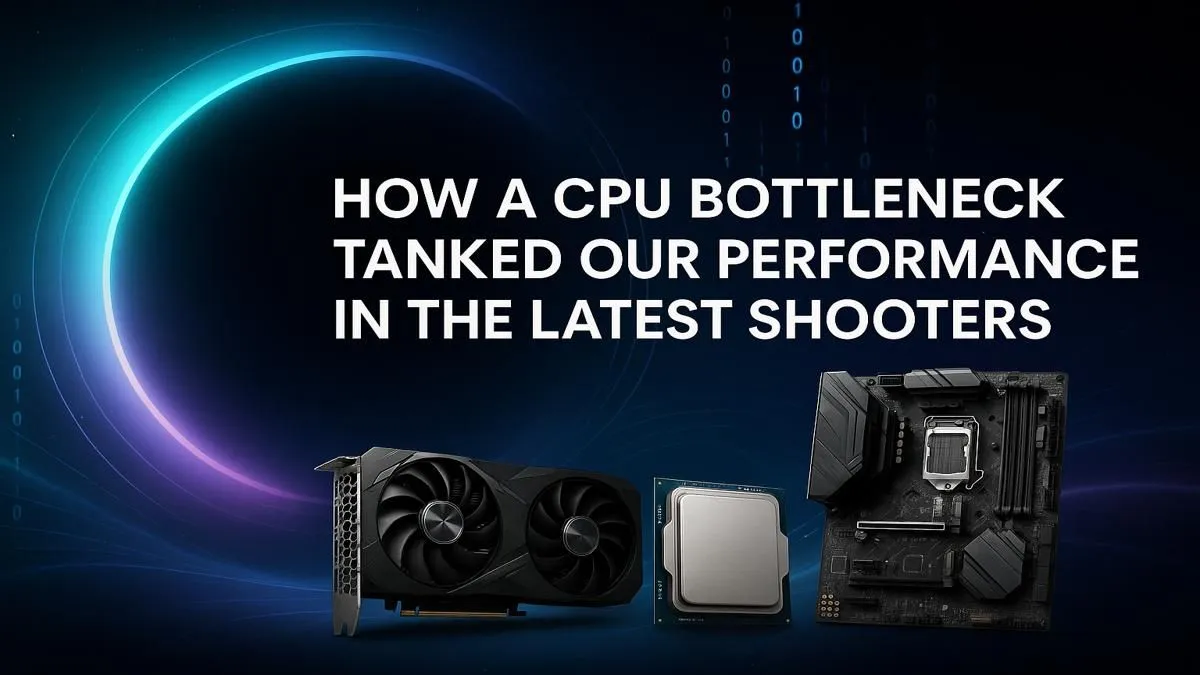
You’ve just dropped a small fortune on a beastly new graphics card, expecting silky-smooth frame rates in the latest shooters. Instead, you’re getting frustrating stutters and performance that’s… well, just meh. What gives? Chances are, your rig is suffering from a classic CPU bottleneck. This sneaky performance thief is especially brutal in fast-paced games, holding your expensive GPU hostage and tanking your FPS when the action heats up. Let's fix that. 🔧
What Exactly is a CPU Bottleneck?
Think of your PC as a production line. Your Graphics Card (GPU) is the artist, rendering stunning visuals. Your Central Processing Unit (CPU) is the factory manager, handling instructions, physics, player data, and telling the GPU what to draw.
A CPU bottleneck happens when the manager (CPU) can't give instructions fast enough for the artist (GPU) to keep up. Your powerful GPU ends up waiting around, and your frame rate suffers. It doesn’t matter how fast your GPU is if the right CPU processor isn't there to feed it data.
Why New Shooters Hammer Your Processor 🎯
Older games were often GPU-bound, meaning graphics were the main performance hurdle. But modern shooters like Warzone, Apex Legends, and The Finals have changed the game.
More Than Just Graphics
These titles simulate massive maps, dozens of other players, complex bullet physics, and destructible environments. Your CPU has to calculate all of this in real-time. Every player movement, every explosion, every piece of crumbling cover... that's a job for your processor. When too much happens at once, an older or underpowered CPU simply can't keep up, leading to a crippling CPU bottleneck right when you need performance the most.
Quick Bottleneck Check ⚡
Want a simple way to check for a CPU bottleneck? Open your Task Manager (Ctrl+Shift+Esc) to the Performance tab while your game is running. If your CPU usage is consistently pinned at 90-100% while your GPU usage is sitting much lower (e.g., 60-70%), you've likely found your culprit. This shows your CPU is maxed out and can't feed your GPU fast enough.
Breaking Free: Your Upgrade Path
So, how do you solve a CPU bottleneck? The most effective solution is an upgrade. Moving to a modern processor with more cores and higher clock speeds gives your system the headroom it needs to manage both the game's logic and your GPU's demands.
For competitive gamers, a CPU with strong single-core performance is vital for high FPS. Whether you're looking at the multi-core value of the latest AMD CPUs or the raw clock speeds from powerful Intel CPUs, a balanced system is key. Pairing a new CPU with fast RAM can also make a significant difference, ensuring your processor gets the data it needs without delay. Don't let an old processor kill your K/D ratio! 🚀
Ready to Uncap Your FPS? A CPU bottleneck is frustrating, but it's fixable. The right processor unlocks your GPU's true potential, delivering the smooth, responsive gameplay you paid for. Explore our massive range of PC Components and build a balanced rig that dominates the competition.









