


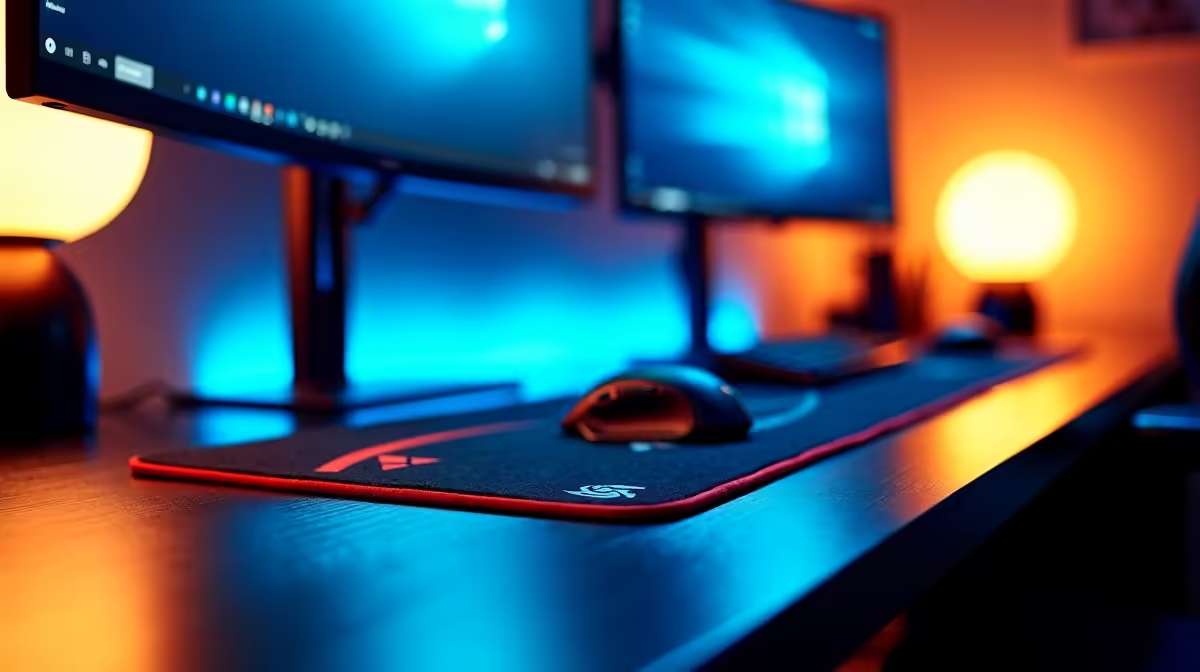
Got Dual Monitors? Here’s How to Perfect Your Mousepad Placement
Running dual monitors but your wrist still falls off the edge mid-flick? Or worse… your mousepad isn’t even centred with your aim zone? South African gamers are realising that dual monitor mousepad placement tips aren’t just about aesthetics—they’re about precision, comfort, and maximising every square centimetre of desk space. Let’s fix your setup so your glide matches your grind. 🎯✨
Understand the Ergonomics of Dual Monitor Setups
Dual monitors often mean your main screen is slightly off-centre. That’s fine—if you adjust your gear placement accordingly. Most FPS gamers keep their mouse hand directly in front of their body’s midline. But when your pad is shoved right because of a full keyboard and misaligned displays, your posture and aim suffer.
Here’s how to reclaim control:
- Anchor your mousepad to your dominant hand’s monitor (usually the left screen)
- Keep your elbow-to-hand range unblocked—no edge collisions
- Rotate your keyboard slightly to free up wrist space
Need a simple starting point? Browse mousepads under R999 that come in compact or L-sized formats suited for dual-screen desks.
Should You Centre Your Pad Between Screens?
Short answer: no. Long answer: only if your primary gameplay view spans both monitors—which is rare. For most gamers, the ideal mousepad placement lines up with:
- Your primary display’s centre
- Your natural seated alignment
- The edge of your keyboard (not your desk)
Remember: Your dominant monitor—not your dual layout—should guide pad placement.
Re-align After Monitor Mounting
When you install dual screens on an arm or riser, revisit your mousepad position. New angles = new muscle memory.
Extended Mousepads vs Standard Size in Dual Setups
Extended desk mats are a natural fit under dual displays. They give your keyboard and mouse a unified surface, reduce edge friction, and add a clean aesthetic.
Here’s when to go extended:
- You use low DPI and need long arm swipes
- You want a clutter-free base that holds everything in place
- Your desk has space for 900mm+ width
Need something that fills your rig space and supports full-arm motion? Explore premium desk mats above R1,000 built for dual-screen setups and big flick energy.
Cable Management and Mousepad Position
Don’t overlook your cables. Many users shift their mousepads left or right to avoid snags. Instead:
- Route mouse cables under the monitor stand or through a cable bungee
- Ensure your mousepad’s edges aren’t curling due to desk surface changes
- Use a non-slip base—essential for stable tracking across extended play sessions
Still experimenting with your layout? Check out Evetech’s full mousepad range to compare control pads, hybrid mats, and surfaces optimised for multiple monitor rigs.
Final Thought: Centre Your Aim, Not Just Your Setup
Dual monitors are great for productivity, streaming, and multitasking—but don’t let your mousepad fall victim to poor placement. With the right dual monitor mousepad placement tips, your aim stays centred, your hand stays comfortable, and your setup finally feels right.
Place with purpose… and let your wrist breathe.
Align Your Desk, Perfect Your Aim Whether you flick or glide, the right placement makes all the difference… Shop now at Evetech for performance that leaves lag in the dust.











