You’ve finally ascended to the 1440p “sweet spot.” The monitor is glorious, the desk setup is clean… but the gameplay is a stuttering mess. Instead of buttery-smooth visuals in Helldivers 2, you’re getting a slideshow during intense firefights. It’s a classic, frustrating case of 1440p gaming lag. While it’s easy to blame your graphics card, is it the only villain in this story? Let's find out.
Is Your GPU Causing the 1440p Gaming Lag?
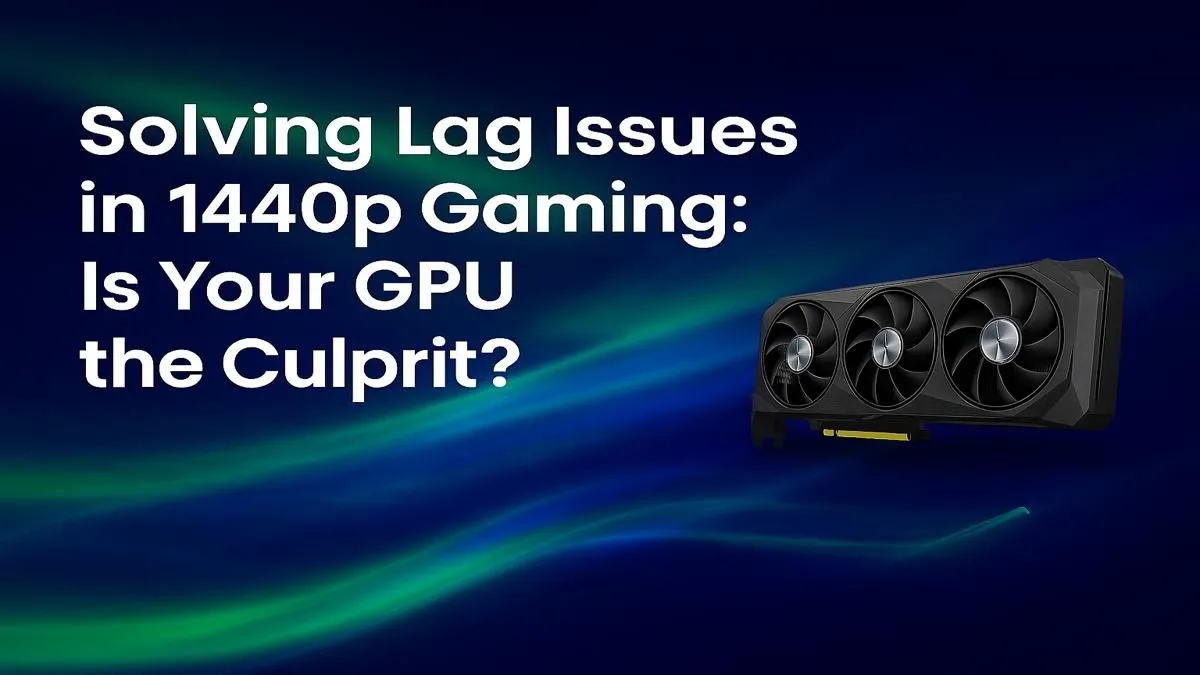
Let's be clear: the jump from 1080p to 1440p is significant. You're asking your PC to render over 77% more pixels for every single frame. This immense pressure falls squarely on your Graphics Processing Unit (GPU). If your card is a few years old or was a mid-range model to begin with, it might simply lack the horsepower and, crucially, the VRAM needed for today's graphically demanding titles at this resolution.
Symptoms of a GPU bottleneck are quite specific:
- Consistently low frame rates (FPS) that don’t improve much even when you lower CPU-intensive settings (like shadow quality or number of NPCs).
- GPU usage pinned at 99-100% in monitoring software, while your CPU usage is relatively low.
- VRAM warnings in-game, indicating you've exceeded your card's memory capacity.
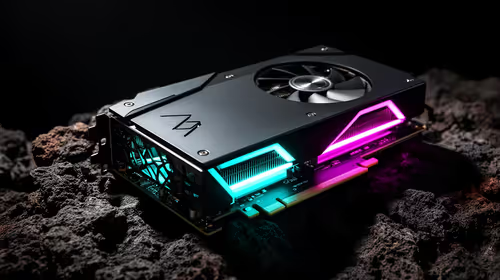
If this sounds familiar, your GPU is likely the primary source of your 1440p gaming lag. Exploring the latest graphics cards is your most direct path to a solution.
Beyond the GPU: The Hidden Bottlenecks
But what if your GPU usage isn't maxed out, and you're still experiencing terrible stutter? The problem might lie elsewhere in your system. A gaming PC is an ecosystem, and a weakness in one area can cripple the entire machine’s performance. ⚙️
The CPU Bottleneck
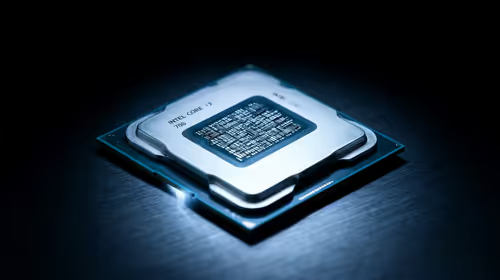
Your CPU prepares the data (the frames) for your GPU to render. If your processor can't keep up with your powerful GPU, the graphics card is left waiting, causing stutter and inconsistent frame times. This is especially common in strategy games, large open-world titles, or when aiming for very high frame rates (144Hz+). An old quad-core CPU, for example, will almost certainly hold back a modern graphics card at 1440p.
Insufficient RAM
While 16GB of RAM is still considered the standard for many, modern games are becoming memory-hungry. Running a game, Discord, a browser, and other background apps can easily push you over the 16GB limit, forcing your PC to use much slower storage (your SSD or HDD) as a temporary substitute. This causes massive, jarring stutters. For a smooth 1440p experience, 32GB of fast DDR4 or DDR5 RAM is becoming the new recommendation.
Quick Diagnosis Tip ⚡
Use a free tool like MSI Afterburner with its on-screen display to monitor your component usage while gaming. If your GPU usage is consistently below 90% but one or more CPU cores are hitting 100%, you have a CPU bottleneck. This is the clearest sign that your processor is the source of your 1440p lag.
Finding the Right GPU for a Flawless 1440p Experience
If you've diagnosed the issue and a GPU upgrade is on the cards, you're in luck. The current market is packed with incredible options tailored for that 1440p sweet spot.
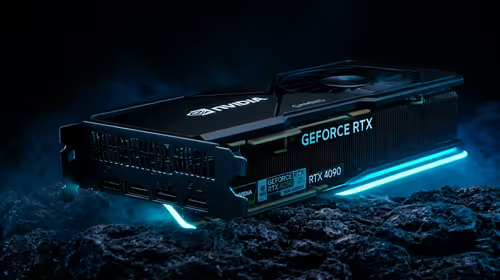
For Team Green enthusiasts, NVIDIA's latest GeForce cards offer fantastic raw performance coupled with industry-leading features like DLSS, which uses AI to boost frame rates significantly. On the other side, the value proposition from AMD Radeon graphics cards is undeniable, often providing more raw performance and VRAM for your Rand.
We're also seeing strong competition from newcomers. Intel's Arc series is proving to be a worthy contender, especially in newer titles, offering South African gamers another excellent choice. And for those who mix work and play, some high-end workstation graphics cards can also handle gaming, though they are optimised for creative applications. 🚀
Ultimately, eliminating 1440p gaming lag requires a balanced system. Pinpointing the real bottleneck, whether it's your GPU, CPU, or RAM, is the first step to building a rig that delivers the fluid, immersive experience you paid for.
Ready to Crush the Lag? Diagnosing 1440p gaming lag is the first step. The next is getting the right hardware for the job. Whether you need a powerful new GPU or a full system overhaul, we've got you covered. Explore our massive range of graphics cards and find the perfect upgrade to deliver the smooth, high-framerate experience you deserve.