Any Nioh veteran knows that the Ki Pulse is the heartbeat of combat. It is the difference between a fluid combo and a quick trip back to the shrine. But with the rise of AI-driven performance, a new question haunts South African samurai: Does Frame Gen Nioh 3 support ruin your Ki Pulse timing? Let’s dive into the latency trade-offs. ⚔️
The Physics of Frame Gen Nioh 3 Performance
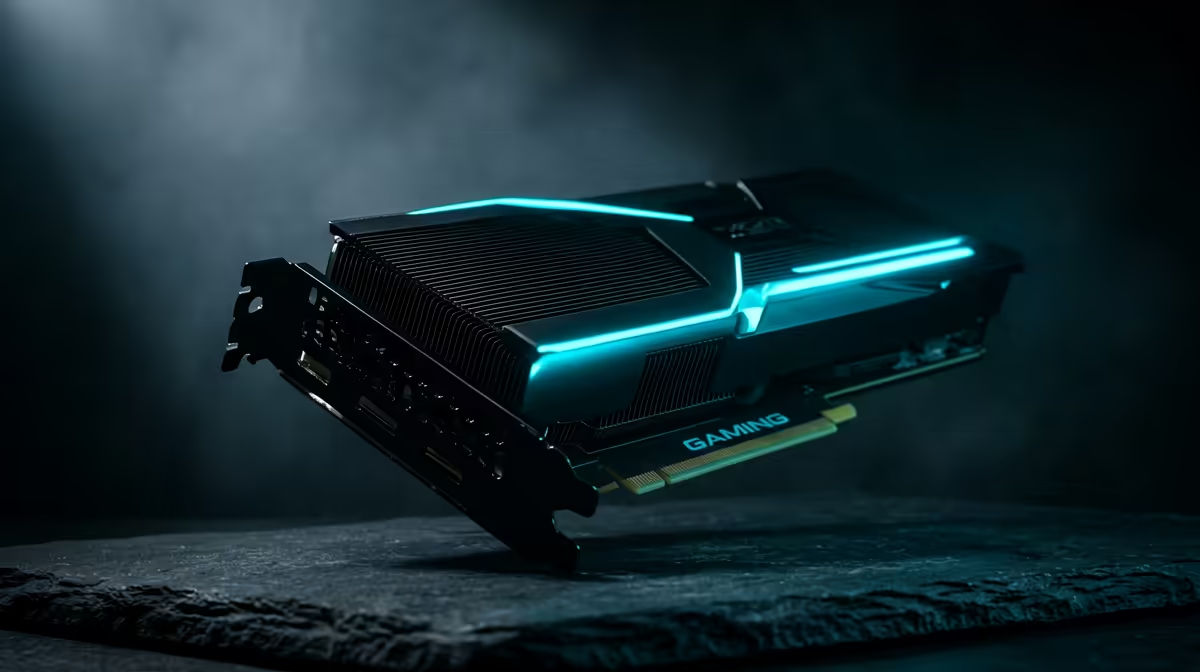
Frame generation technology is a marvel for visual fluidity. By inserting AI-synthesised frames between traditionally rendered ones, it makes a game feel incredibly smooth. However, the technical cost is often a slight increase in system latency. In a title like Nioh 3, where a Ki Pulse depends on millisecond-perfect inputs, this delay is a valid concern. To mitigate this, most players look toward the latest NVIDIA graphics cards which utilise Reflex technology to keep input lag at a minimum.
When you are fighting a boss in a dark realm, you need your hardware to respond instantly. High-end hardware, such as premium MSI GPUs, helps bridge the gap by providing enough raw power to keep base frame rates high... ensuring the AI has a solid foundation to work from.
Why Latency Matters for the Ki Pulse
The Ki Pulse requires you to press a button exactly when the blue orbs gather around your character. If frame generation adds even 20ms of "perceived" lag, your muscle memory might fail you. This is why optimising your settings is vital. If you find that the timing feels "mushy," you might want to explore the AMD Radeon graphics cards lineup, as FSR 3.0 offers its own version of frame interpolation that caters to different hardware architectures. ⚡
For those on a tighter budget, even the Intel Arc range has begun implementing competitive upscaling features. While these cards offer great value for entry-level gaming in South Africa... usually starting under ZAR 7,000... the high-stakes timing of a Soulslike often demands the lowest possible latency overhead.
Ki Pulse Precision Tip ⚡
If you use Frame Generation, always enable NVIDIA Reflex or AMD Anti-Lag+ in the game settings. This helps synchronise the CPU and GPU, reducing the 'floaty' feeling that can sometimes throw off your Ki Pulse timing during intense boss encounters.
Choosing the Right Hardware for Stability
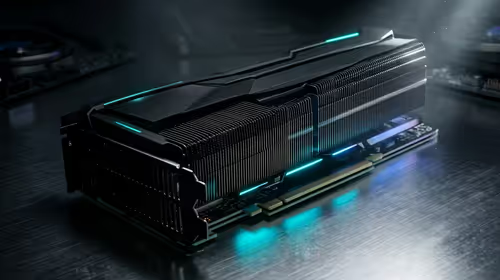
Not everyone is a hardcore gamer. Some users might be running Nioh 3 on a professional rig. While workstation graphics cards are designed for rendering and CAD, they can handle modern titles with the right drivers. However, for the best Ki Pulse consistency, a dedicated gaming GPU is always the recommended path. 🚀
In South Africa, where a stable 60 FPS can be the difference between victory and a broken controller, balancing your visual settings is key. If Frame Gen Nioh 3 feels slightly off, try lowering your resolution and relying on native frames instead.
Ready to Master Your Timing?
Whether you need the lowest latency for Ki Pulses or the smoothest frames for cinematic boss fights, we have the hardware you need. Explore our massive range of graphics card specials and find the perfect GPU to dominate Nioh 3.