


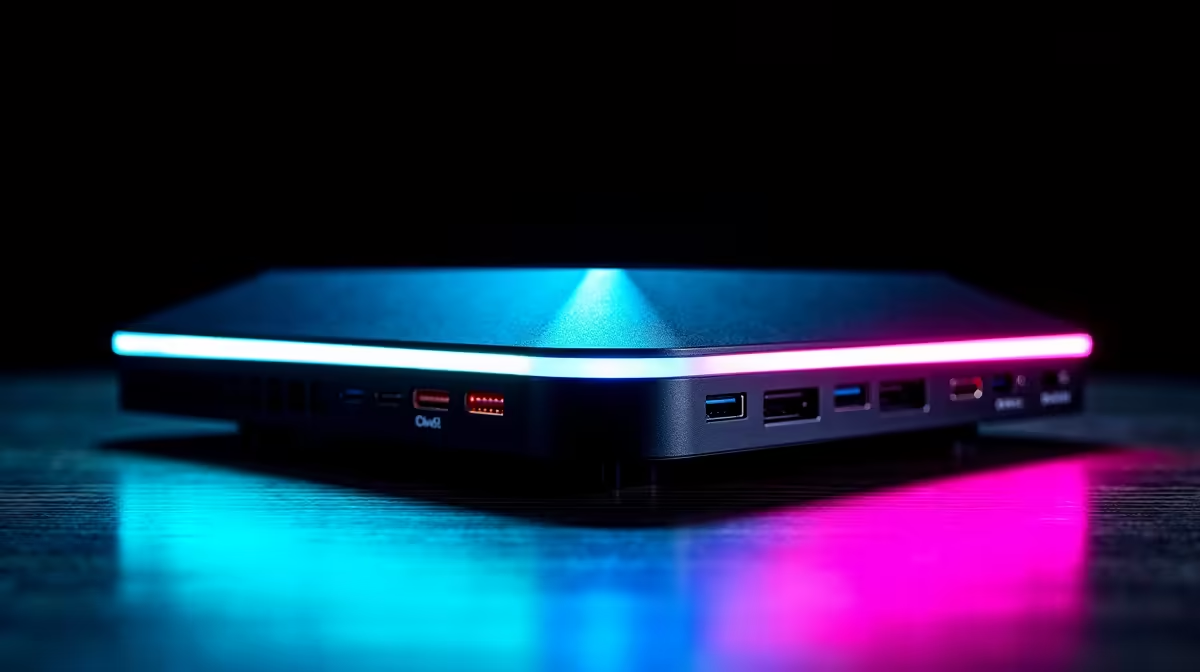
Your gaming laptop is a beast, right? So why does plugging it into a dock suddenly feel like you’re gaming on a potato? Jittery frames, input lag... it’s a vibe killer. The secret isn't a new laptop; it's choosing the right gaming dock for lag-free performance. Let’s get your setup sorted so you can get back to climbing those leaderboards without a single stutter. 🚀
Unlocking Smooth Gameplay: The Gaming Dock Difference
We’ve all been there. You invest in a powerful gaming laptop, ready to dominate in Warzone or explore the vast world of Starfield. You get home, plug it into your work-from-home dock, and suddenly your slick 120 FPS drops to a choppy 40. What gives?
Standard office docking stations are built for spreadsheets and video calls, not for pushing the high-bandwidth data your GPU and high-refresh-rate monitor demand. A proper docking station for gaming is engineered with superior components to handle that heavy load, ensuring your gameplay remains buttery smooth. It’s the crucial link that transforms your portable powerhouse into a desktop-class experience. For gamers on a budget, you can find some seriously powerful docks under R1000 that already offer a massive upgrade over basic hubs.
Must-Have Features in a Dock for Lag-Free Performance
When you're hunting for a dock, cutting through the jargon is key. Forget about the number of USB-A ports for a second and focus on the specs that directly impact lag-free gaming performance. ⚡
High-Speed Connectivity: Thunderbolt & USB4
These are the kings of connectivity. A Thunderbolt 3, Thunderbolt 4, or USB4 port provides up to 40Gbps of bandwidth. This is more than enough to run a 1440p monitor at 144Hz, your mouse, keyboard, and headset without creating a data traffic jam that leads to input lag.
Dedicated Video Outputs: DP 1.4 & HDMI 2.1
Look for docks with DisplayPort 1.4 or HDMI 2.1. These standards support the high refresh rates and resolutions that modern gaming monitors offer. Plugging your 165Hz screen into an old HDMI 1.4 port on a cheap dock will cap your framerate, wasting your monitor's potential.
Reliable Power Delivery (PD)
Your gaming laptop is thirsty for power. A good gaming dock should offer at least 90W of Power Delivery. This ensures your machine stays fully charged even during intense gaming sessions, preventing the system from throttling performance to save battery.
Driver Duty! 🔧
Before you blame the hardware, make sure your laptop’s GPU drivers and the dock’s specific drivers (if any) are fully updated. A simple update from the manufacturer's website can often solve weird flickering or performance drops.
Optimising Your Setup for a Clean Sweep
Getting the right hardware is half the battle; setting it up correctly is the other half. A great gaming dock doesn't just improve performance, it cleans up your entire desk. One cable to your laptop can replace a tangled mess of power, display, and peripheral cables.
This streamlined approach means you can transition from mobile gaming to a full desktop setup in seconds. Investing a bit more often unlocks more ports and higher specs, and you can find excellent options under R2000 that provide a perfect balance of features and price for a truly elite gaming experience.
Stop Throttling, Start Gaming. Don’t let a weak link ruin your entire setup. Explore our curated selection of gaming docks and build the clean, powerful battlestation you deserve. Shop now at Evetech for performance that leaves lag in the dust.









