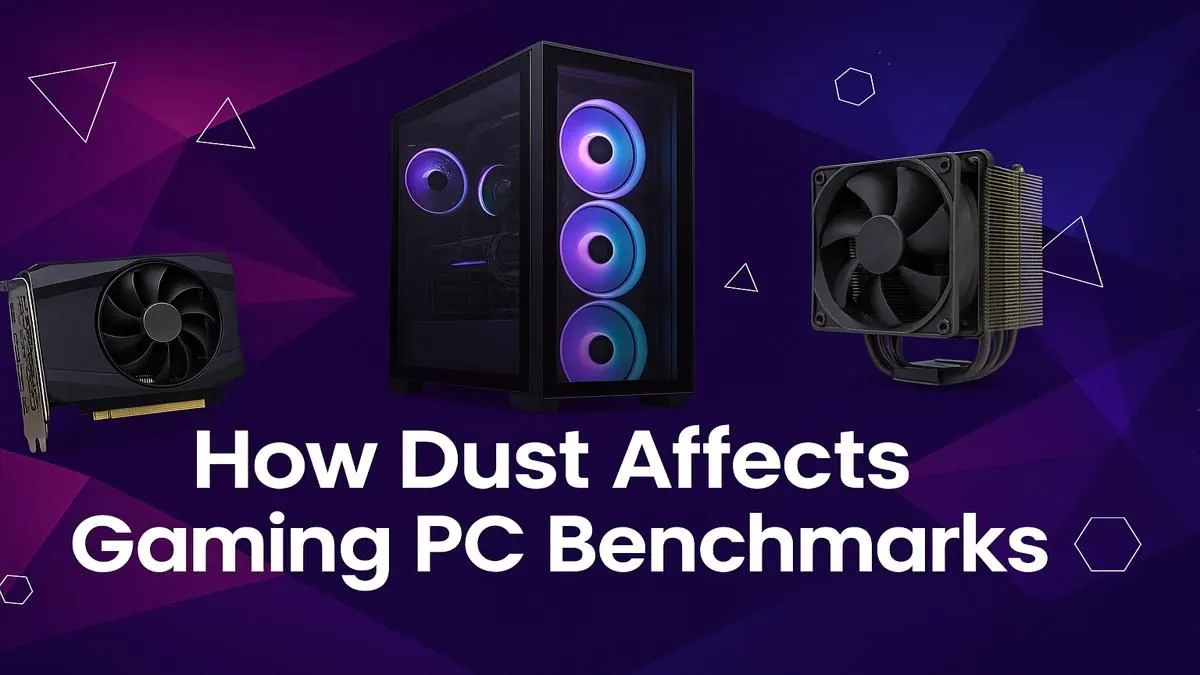
That brand-new PC feeling… remember it? Unboxing your rig, firing up your favourite game, and watching the frame counter soar. But lately, something’s off. The performance that once felt buttery smooth now stutters. Before you blame the latest game patch or driver update, look at the silent culprit lurking inside your case. It’s more than just unsightly; dust affects PC performance in ways that directly hit your benchmarks and kill your vibe.
How Dust Sabotages Your Gaming Rig
Think of dust as a tiny, fluffy blanket. A single layer seems harmless, but as it builds up on your components, it becomes a highly effective insulator. Your PC’s cooling system—the fans and heatsinks—is designed to pull heat away from your CPU and GPU. When they’re caked in dust, they can’t do their job.
This is where the real trouble starts.
- Trapped Heat: The dust blanket prevents heat from escaping the metal fins of your heatsinks.
- Struggling Fans: Clogged fans have to spin faster and louder to try and move air, increasing noise and power consumption.
- Thermal Throttling: To prevent damage from overheating, your CPU and GPU will automatically slow themselves down.
This self-preservation mechanism is the direct reason dust affects PC performance so dramatically. Your R20,000 graphics card starts performing like a model half its price, all because it's being choked. Even the most carefully selected components for a budget gaming PC can't escape the laws of thermodynamics.
The Real-World Impact: From Benchmarks to Lag Spikes ✨
The impact of dust on your PC's performance isn't just theoretical; you feel it during every gaming session. That 10% drop in your 3DMark score translates to frustrating frame drops in the middle of a firefight in Apex Legends.
Let's tell a quick story. A gamer builds a solid rig, something from our popular PCs under R20k range. For the first six months, it's flawless. A year later, they notice stuttering. Their temperatures, once cool in the 60s, are now spiking into the 80s under load. The machine hasn't changed, but a year's worth of South African dust has accumulated, causing severe thermal throttling. This is how performance slowly degrades over time.
Quick Clean Pro Tip ⚡
You don't need to do a full teardown every time. Once a month, power down your PC, take it outside, and give the fan filters and heatsinks short, controlled bursts of compressed air. This 5-minute job can prevent 90% of dust-related performance issues and keep your machine running smoothly.
Your Action Plan: A Dust-Busting Guide 🔧
Ready to reclaim your lost frames? A little maintenance goes a long way. Giving your PC a proper clean every 3-6 months is one of the best things you can do for its health and performance. This is especially crucial for the high-performance rigs you'll find in our best gaming PC deals, which generate more heat.
The Basic Cleaning Checklist:
- Power Down: Completely unplug your PC from the wall.
- Get Grounded: Touch a metal part of the case to discharge any static electricity.
- Open It Up: Remove the side panel.
- Use Compressed Air: In short bursts, blow dust out of the CPU cooler, GPU fans, case fans, and power supply. Start from the top and work your way down.
- Clean the Filters: Most modern cases have removable dust filters on the intakes. Pop them out, give them a good wipe or rinse (make sure they're 100% dry before reinstalling), and you're set.
When Cleaning Isn't Enough
Sometimes, even after a thorough cleaning, the performance just isn't there anymore. Components age, and today's games are more demanding than ever. If your rig is still struggling, it might be a sign that the hardware itself is the bottleneck. This is when the peace of mind that comes with one of our professionally built pre-built PC deals is invaluable.
Upgrading to a new system not only gives you a massive power boost but also ensures you start with pristine components, optimised airflow, and zero dust. It’s the ultimate performance reset. For those seeking the absolute pinnacle of performance, exploring PCs above R20k will open up a new world of possibilities, letting you crush benchmarks from day one.
Ready to Leave the Dust Behind? 🚀
A clean PC is a fast PC, but nothing beats the raw power of a brand-new rig. If you're tired of battling throttles and are ready for a serious upgrade, we've got you covered. Explore our massive range of gaming PC deals and find the perfect machine to dominate the leaderboards.