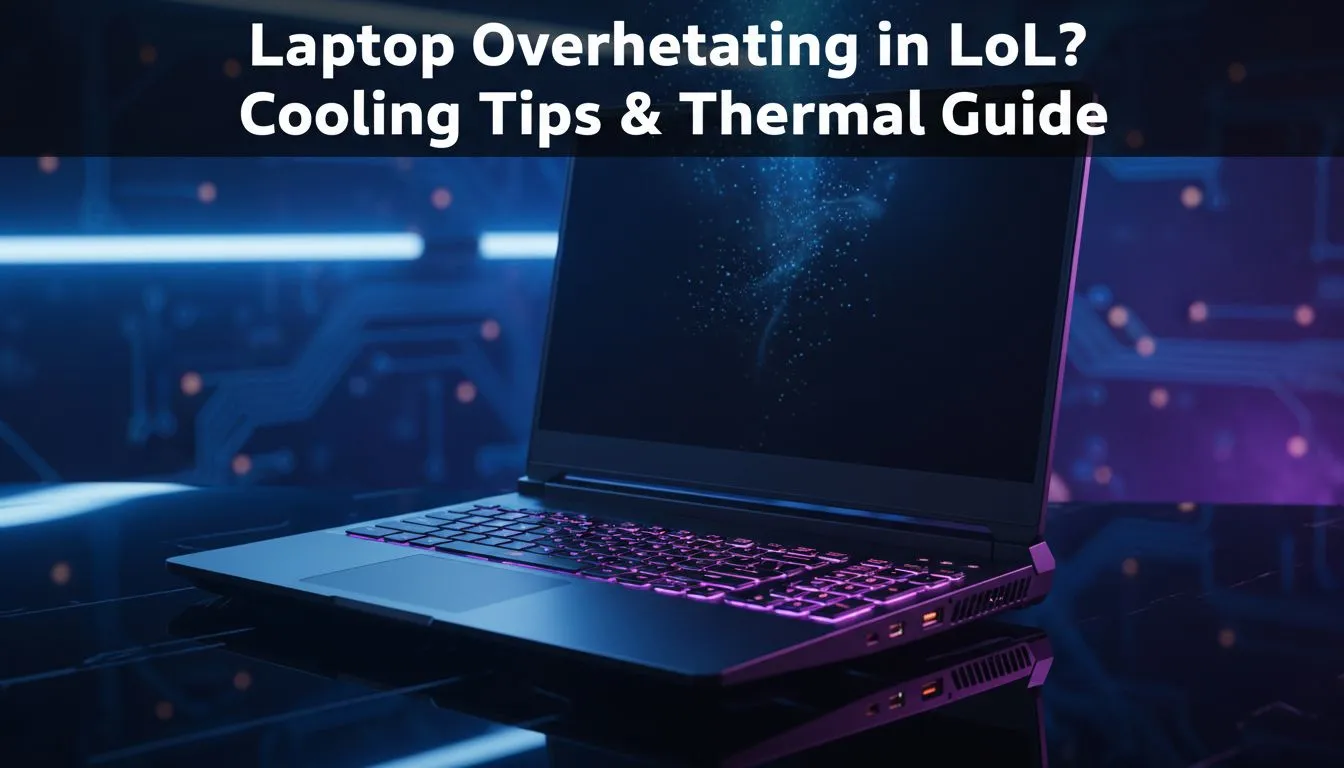
You are deep in a ranked match, the Nexus is vulnerable, and suddenly... your frames drop to slides. If you are struggling with laptop overheating in LoL, you are not alone. Heat management is the secret to consistent performance, especially during those hot Mzansi afternoons. Let’s look at how to keep your temps down and your win rate up before your hardware takes a permanent vacation.
Why is your Laptop Overheating in LoL?
League of Legends might not look like the most demanding title, but it puts a consistent load on your processor. When your CPU works hard, it generates heat. If that heat cannot escape, the system slows itself down to prevent damage... a process known as thermal throttling. This is why your FPS might start at 144 but drop to 40 by the twenty-minute mark.
Modern hardware is designed to handle high temperatures, but South African ambient heat adds an extra challenge. If you are using older intel laptops on special from a few years ago, the thermal paste might have dried out. Similarly, high-performance ryzen laptop deals often feature aggressive boost clocks that generate significant heat during team fights. 🔧
Immediate Fixes for Better Airflow
The quickest way to combat laptop overheating in LoL is to check your environment. Never play on a bed, carpet, or cushion. These surfaces block the intake vents at the bottom of your chassis. Always use a hard, flat surface like a desk.
Thermal Pro Tip ⚡
Elevate the back of your laptop by just two or three centimetres. This small gap significantly increases the volume of fresh air the intake fans can pull in. It is often more effective than an expensive cooling pad for reducing temperatures during intense team fights in League of Legends.
If your current machine is simply too old to breathe properly, it might be time to look at the best gaming laptop deals currently available. Newer models feature much more sophisticated heat pipe layouts and dual-fan configurations designed for sustained gaming sessions.
Software Tweaks to Lower Temps
You can also optimise your software to reduce the thermal load. Capping your frame rate in the LoL settings to match your monitor’s refresh rate (usually 60Hz or 144Hz) prevents your GPU from working harder than necessary. Running at 300 FPS is pointless if your screen cannot show it... and it only serves to cook your internals.
For those who chose to buy gaming laptops under R20k, using the manufacturer's "Performance" or "Turbo" mode can help. These profiles ramp up fan speeds earlier to keep the heat from building up in the first place. ⚡
When to Consider a Hardware Upgrade
Sometimes, the thermal design of a laptop just cannot keep up with modern patches and background tasks. If you have cleaned your fans and tried every software trick but still face laptop overheating in LoL, the hardware might be reaching its limit.
Newer machines, specifically the geForce RTX gaming laptops on special, utilise advanced cooling materials and vapour chambers. These technologies move heat away from the core components much faster than traditional copper pipes. Upgrading ensures you stay competitive without the fear of a mid-game shutdown. 🚀
Ready to Find Your Perfect Match?
Don't let thermal throttling ruin your climb to Challenger. For maximum power, choice, and value in South Africa, a dedicated gaming rig is hard to beat. Explore our massive range of laptop specials and find the perfect machine to conquer your world.