Why Your Laptop Overheating While Gaming is a Performance Killer
There is nothing worse than being mid-clutch in a heated match only for your frame rate to tank. Laptop overheating while gaming is a silent performance killer... especially during a South African summer. If your fans sound like a jet taking off while your FPS drops to single digits, it is time for some tactical siege cooling tips to reclaim your thermal headroom and keep your hardware safe. 🔧
Understanding the Heat: Why Thermals Matter
When your internal temperatures spike, your CPU and GPU automatically slow down to prevent permanent damage. This is called thermal throttling. To avoid this, many Intel laptops on special now feature advanced liquid metal thermal interfaces and multi-heatpipe designs to move heat away from core components faster.
However, even the best hardware needs a bit of help. Dust is the primary enemy in South Africa... it acts like a blanket, trapping heat inside your chassis. If you haven't cleaned your vents in six months, you are likely leaving performance on the table.
Practical Siege Cooling Tips for South African Gamers
The environment plays a massive role. Gaming on a bed or a plush carpet is a recipe for disaster because it chokes the intake vents. Always use a hard, flat surface. If you are looking to buy gaming laptops under R20k, look for models with elevated rubber feet that allow for better airflow underneath the unit.
The 'Bottle Cap' Trick ⚡
If you don't have a dedicated cooling pad, try propping up the back of your laptop with two plastic bottle caps. This small 1cm lift increases the volume of fresh air your intake fans can pull in, often dropping temperatures by 3 to 5 degrees Celsius during heavy sessions.
Software optimisation is just as vital. Browsing the latest Ryzen laptop deals often reveals chips that offer incredible performance-per-watt, but you can still tweak your power profiles. Using "Balanced" mode instead of "Turbo" can sometimes reduce heat significantly with only a negligible impact on your actual in-game frames. 🚀
Hardware Upgrades and Long-Term Maintenance
Sometimes, the internal cooling solution of an older machine simply cannot keep up with modern titles. Pushing high frame rates on geforce RTX gaming laptops on special requires a clear path for hot air to escape. If your current rig is several years old, the thermal paste may have dried out... replacing it can breathe new life into your system.
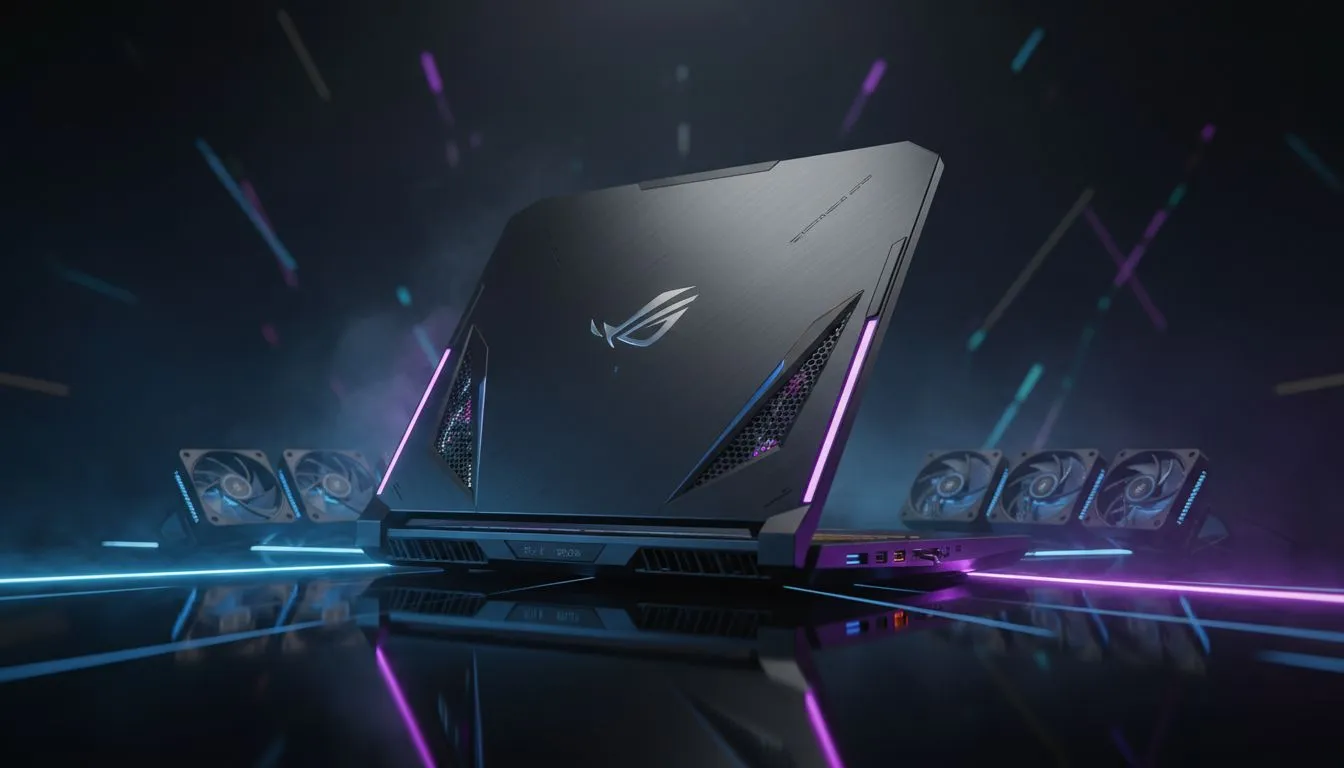
If maintenance feels like too much of a chore, investing in the best gaming laptop deals ensures you get a chassis designed for high airflow from the ground up. Modern designs have moved away from cramped internals to more robust, dual-fan configurations that handle the heat of a Highveld afternoon with ease. ✨
Ready to Find Your Perfect Match?
The battle against heat is easier with the right hardware. For maximum power, choice, and value in South Africa, our curated selection is hard to beat. Explore our massive range of laptop specials and find the perfect machine to conquer your world.