


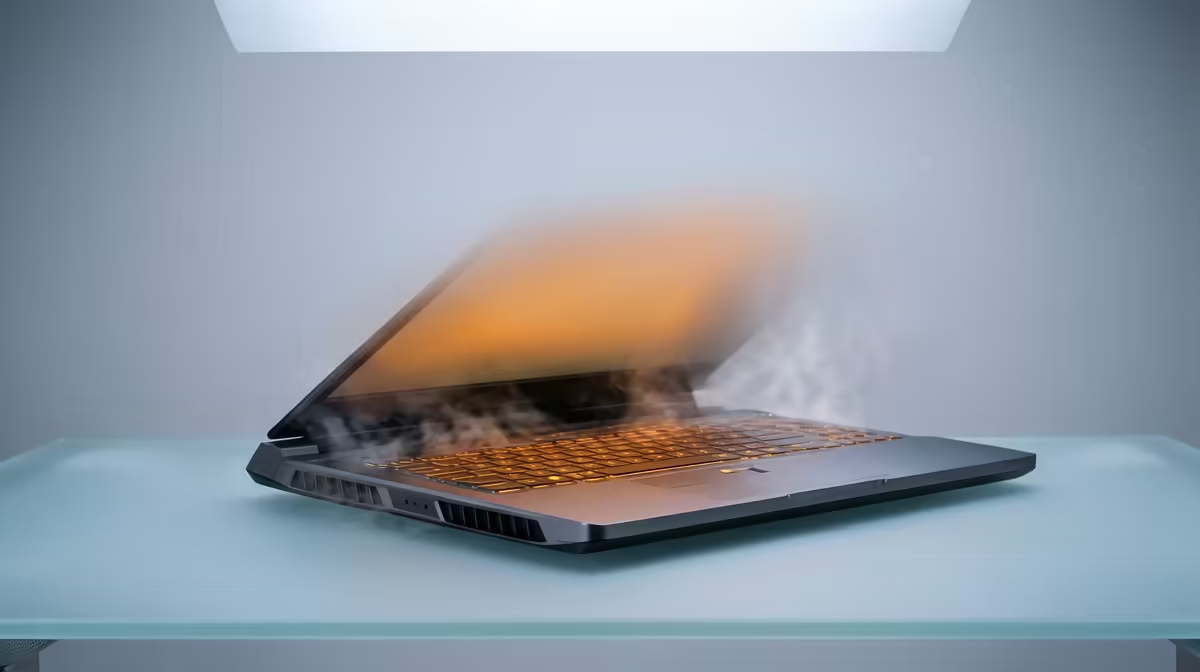
Is your laptop hot enough to warm up last night's boerewors roll? When your machine starts sounding like a jet engine during a Warzone match, you're not just dealing with noise... you're losing performance. A laptop running hot is a laptop that's thermal throttling, slowing down your CPU and GPU to prevent damage. But don't stress. We'll walk you through why it happens and share some pro tips to get your temps back under control.
Why Your Laptop is Running Hot 🌡️
At its core, the reason is simple: powerful components create heat. Your laptop's cooling system—a combination of fans, heat sinks, and heat pipes—is designed to move that heat away. When it can't keep up, temperatures skyrocket.
Here are the usual suspects:
- Dust Bunnies are Performance Killers: Over time, dust and fluff clog your laptop's air vents and fans, trapping hot air inside. It's the number one reason a laptop that used to be cool is now overheating.
- Blocked Airflow: Are you gaming on your bed or a couch? Soft surfaces block the intake vents on the bottom of your laptop, effectively suffocating it.
- Intense Workloads: Pushing your hardware to the limit with demanding games or 4K video editing will naturally generate more heat. If your machine struggles with modern titles, it might be time to check out the best gaming laptop deals that feature far superior cooling solutions.
- Aged Thermal Paste: The paste between your CPU/GPU and its heat sink dries out over years, becoming less effective at transferring heat.
Pro Tips to Cool Down Your Overheating Laptop
Ready to bring those temperatures down? Let's start with the easy fixes before getting our hands dirty. A cool laptop isn't just quieter; it's faster and will last longer.
Quick & Easy Cooling Fixes
You can do these right now, with zero technical skill required.
- Give it Some Air: The simplest trick is to elevate the back of your laptop. Use a book or a proper laptop stand to improve airflow underneath. Never use it on a soft surface like a blanket.
- Take Control of Your Software: Close unnecessary background applications. Use the Task Manager (Ctrl+Shift+Esc) to see what's hogging your resources. Sometimes, a rogue process is the culprit behind a laptop running hot.
- Adjust Your Power Plan: In Windows, switch to the "Balanced" power plan for everyday tasks. This stops the CPU from running at maximum speed when it doesn't need to.
Software Pro Tip 🔧
Download a free tool like HWMonitor or MSI Afterburner to see your real-time CPU and GPU temperatures. Knowing your baseline temps helps you track if your cooling efforts are working. Aim to stay below 90°C under heavy load for most modern components.
The Next Level: Maintenance & Upgrades
If the basics don't cut it, a little maintenance can make a world of difference.
- Clean Your Vents & Fans: (If you're comfortable) Power down, unplug, and use a can of compressed air to blow dust out of the vents. Use short bursts to avoid damaging the fans.
- Consider a Cooling Pad: A good laptop cooler with fans can actively force cool air into your machine's intakes, often dropping temperatures by a few critical degrees.
Whether you're team blue or team red, modern CPUs are designed to manage heat efficiently. But even the most powerful chips can't beat physics when cooling is inadequate. From the latest powerhouse Intel laptops on special to the incredibly efficient options in our AMD laptops on special range, a new machine often solves overheating issues instantly with its factory-fresh cooling system.
When is it Time to Upgrade? ✨
Sometimes, a laptop running hot is a sign that it's simply reached the end of its effective lifespan for your needs. If you've cleaned it, given it airflow, and it still throttles under pressure, it might be time for an upgrade. Constant high temperatures can degrade components over time, leading to a shorter lifespan for your beloved machine.
Ready for a Cooler, Faster Experience? If your current laptop is holding you back with constant overheating, it's time to stop compromising. Explore our massive range of laptop specials and find a machine with the cooling power to unleash your true gaming potential.










