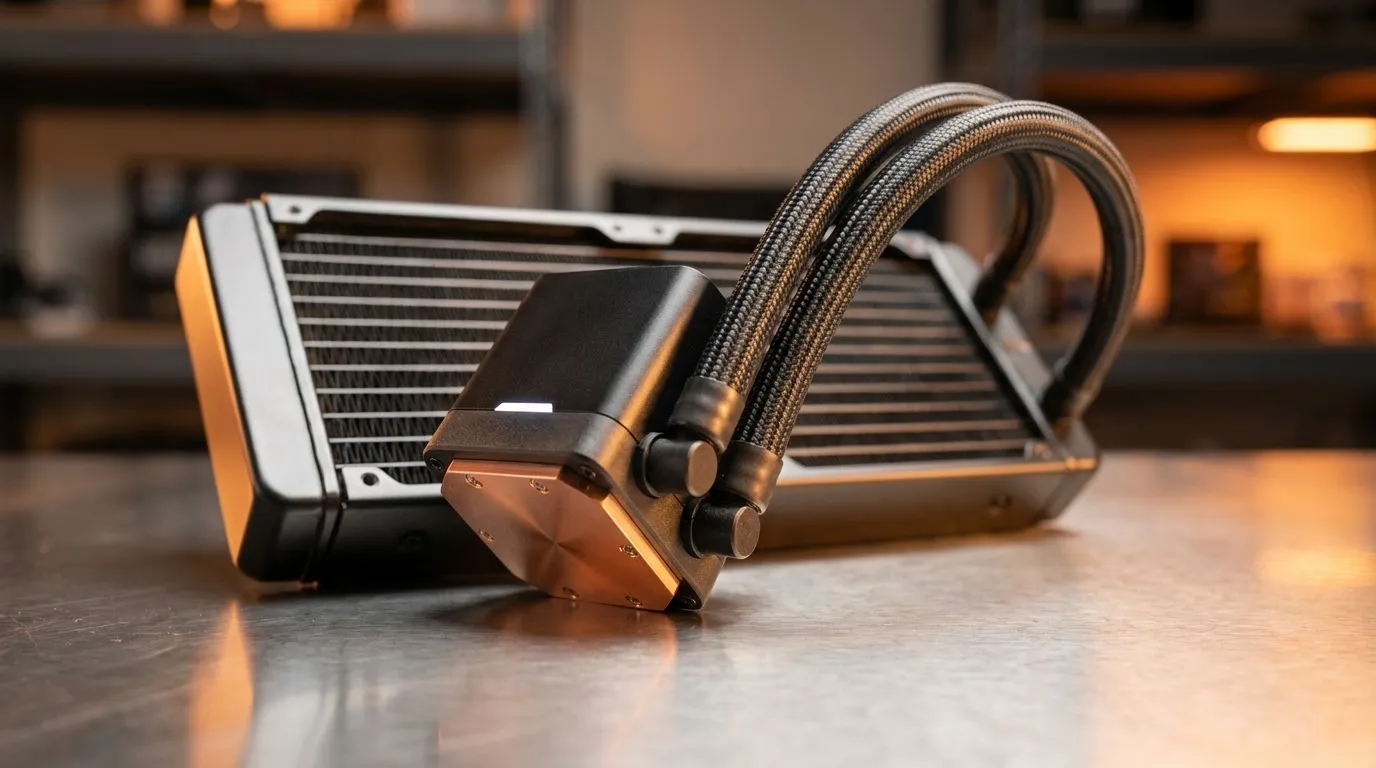
Cooling for Long Sessions
Every South African gamer knows the dread of the lights flickering during a boss fight. While the sudden darkness is annoying, the silent threat to your hardware is far worse. When the power drops, your cooling fans stop immediately, but your components are still radiating intense heat. Managing an outage-ready PC heat spikes is the difference between a long-lasting rig and a premature trip to the repair shop. ⚡
The science is simple but dangerous. Under heavy load, your CPU can reach temperatures exceeding 80°C. Normally, your fans exhaust this heat constantly. When the power cuts, that airflow vanishes instantly. The heat "soaks" into the surrounding components without any way to escape. This thermal stress can degrade your silicon over time. One of the best ways to mitigate this risk is by upgrading your CPU coolers to models with high thermal mass.
The Importance of Thermal Mass in South Africa
A beefier heatsink acts like a thermal sponge. Larger coolers can absorb more residual heat even when the fans aren't spinning. If you are tired of worrying every time the grid goes down, investing in a high-quality Air Cooler is a smart move. These units use copper heat pipes and aluminum fins to draw heat away from the processor... even during a sudden blackout.
UPS Sizing Tip
If a UPS is required, size it for a controlled shutdown against the measured load of the complete PC setup.
Choosing the Right Air Cooler for Your Rig
When browsing for upgrades, look for surface area. More fins mean more places for heat to go. We often recommend models featuring 120mm Fans because they offer the perfect balance between noise levels and static pressure. This ensures that even during normal operation, your system stays well below the danger zone.
Reliability is key when dealing with the South African climate and unpredictable power. Brands like Deepcool have become local favourites for their robust build quality and excellent thermal performance. If you are looking for great value without sacrificing cooling potential, EINAREX offers fantastic options that fit most modern chassis. 🔧
Protect Your Investment Today
Don't wait for a heat-related failure to take your PC out of commission. Proper cooling is not just about performance... it is about longevity. By choosing a cooler that can handle the sudden stops of our local power grid, you ensure your gaming sessions remain legendary for years to come. 🚀
Ready to Beat the Heat?
Don't let the next Stage 4 schedule cook your expensive components. Whether you need a massive heatsink or a subtle cooling upgrade, we have the stock to keep you running cool. Browse our full range of CPU coolers and protect your investment today.