Monitor Cable G-Sync FreeSync Compatibility — Quick take 🔧⚡
Confused why your new monitor says FreeSync but your GPU lists G-Sync? South African gamers and PC builders hit this snag all the time. This short guide cuts through the jargon, shows what cable choices really matter, and gives simple fixes you can test in 10 minutes. Read on so your frames and colours behave — not your setup.
Monitor Cable G-Sync FreeSync Compatibility — how it works
G-Sync is Nvidia’s variable refresh tech and FreeSync is AMD’s. Both rely on Adaptive-Sync standards in the display and the GPU, but cables and ports make or break real-world compatibility (Nvidia, AMD). If your monitor supports Adaptive-Sync over DisplayPort, it usually plays nicely with both brands. HDMI support varies by monitor model and firmware, so always check the manufacturer spec page before you buy.
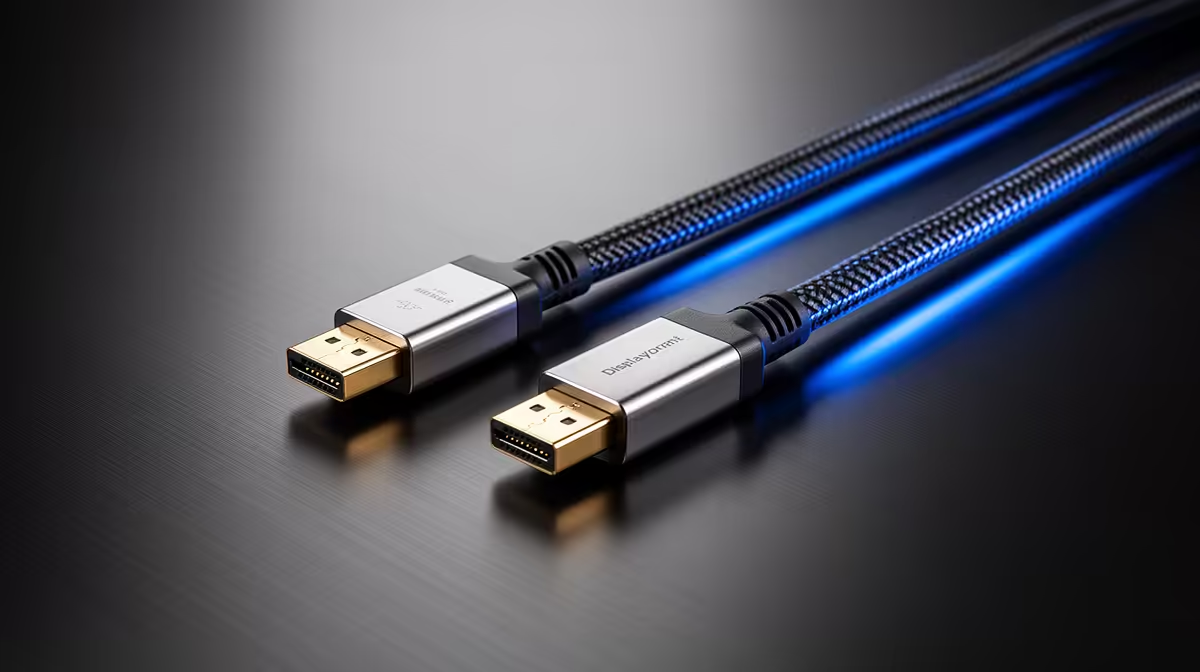
Need tidy cabling for a neat desk and reliable signal? Check these individually sleeved, quality cables that avoid accidental interference and look great in a build: NZXT individually sleeved premium cables. They’re practical and help keep a clean path from GPU to monitor.
Monitor Cable G-Sync FreeSync Compatibility — common pitfalls and fixes 🚀
- Wrong port: DisplayPort usually gives the most consistent Adaptive-Sync experience.
- Outdated firmware: Monitors sometimes need firmware updates to unlock HDMI FreeSync. Check the monitor maker’s support page.
- Cheap cables: Substandard HDMI or DP cables can drop features. Swap to a quality cable before troubleshooting software.
- Driver settings: Enable adaptive sync in your GPU driver; Nvidia calls it ‘G-Sync Compatible’ for some FreeSync monitors (Nvidia).
Quick micro-story: A Cape Town gamer bought a 144Hz FreeSync panel and saw stuttering on an Nvidia card. Swapping to a certified DisplayPort cable and toggling G-Sync Compatible in the driver resolved it within 15 minutes. Small fix, big relief.
Panel & Cable Pairing Tip ✨
When you buy a high-refresh monitor, prioritise a certified DisplayPort cable. For HDMI, check the monitor's supported HDMI version. If you need extra reach or cleaner routing, use individually sleeved premium cables to avoid interference and accidental bends.
Monitor Cable G-Sync FreeSync Compatibility — buying checklist and pro tips
Before checkout, confirm these three things: port type, Adaptive-Sync support in the spec, and monitor firmware availability. If you customise your build, neat extensions can make maintenance painless. For extensions and ARGB-friendly routing, consider a reliable in-line option that keeps signal integrity while adding flair — like this affordable extension from GameMax: GameMax ARGB extension cable.
If you still see issues after swaps and updates, test the monitor with another GPU or system. That isolates whether the panel, cable, or card is at fault. When in doubt, ask Evetech support with your monitor model and GPU info — they’ll point you to compatible parts and firmware notes.
Ready to Find Your Perfect Match?
The Mac vs Windows debate is complex, but for maximum power, choice, and value in South Africa, Windows is hard to beat. Explore our massive range of laptop specials and find the perfect machine to conquer your world.