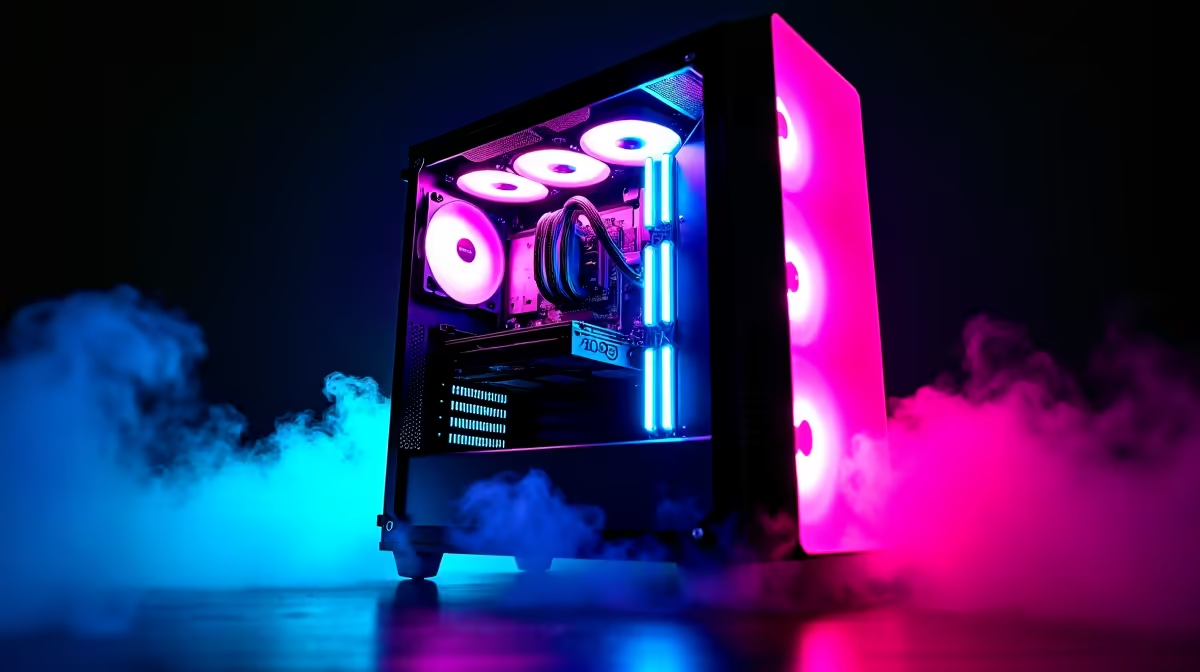
Dreaming of hitting Radiant in Valorant or clutching a round in CS2, but your budget is feeling more bronze than global elite? We get it. The good news is you don't need a monster rig to compete. It's entirely possible to optimise your gaming PC for esports on a R10000 budget, achieving the smooth frame rates you need to climb the ranks. It’s all about smart choices and strategic tweaks. Let's dive in. 🚀
The R10k Esports Mindset: Smart Component Choices
When you're building or buying an esports PC on a budget, every rand counts. The goal isn't to run Cyberpunk 2077 on ultra settings; it's to get high, stable frames per second (FPS) at 1080p in competitive titles. This means prioritising performance where it matters most.
Core Components to Focus On:
- CPU (Processor): Esports titles like Valorant, League of Legends, and CS2 are often more CPU-bound than graphically intense AAA games. A modern quad-core processor is a great starting point.
- GPU (Graphics Card): You don't need the latest and greatest. A solid entry-level card is more than capable of pushing 144+ FPS at 1080p with optimised settings.
- RAM (Memory): 16GB of DDR4 RAM is the sweet spot. It provides enough headroom for your game, Discord, and a few browser tabs without causing stutters.
- Storage: A Solid State Drive (SSD) is non-negotiable. The lightning-fast load times for maps and the operating system itself give you a tangible competitive edge.
Getting this balance right is key, which is why many gamers find incredible value in our curated budget gaming PCs, where the component synergy is already figured out for you.
Software Optimisation: Free Performance Gains 🔧
Before you even think about upgrading hardware, you can squeeze a surprising amount of performance out of your machine with software tweaks. This is the secret to making a R10000 gaming rig punch well above its weight class.
Start with the basics: ensure Windows is in "Game Mode" and that your graphics drivers (NVIDIA or AMD) are fully up to date. In your favourite esports title, dive into the graphics settings. Turn down or disable settings like shadows, anti-aliasing, and ambient occlusion. Your goal is maximum FPS and clarity, not cinematic beauty. These principles apply whether you're on a tight budget or looking at more powerful rigs from our PCs under R20k range.
Pro FPS Tip ⚡
Make sure your monitor is actually running at its advertised refresh rate! Right-click your desktop, go to Display Settings > Advanced display settings, and select the highest available refresh rate (e.g., 144Hz) from the dropdown menu. It's a simple check that many gamers forget, effectively capping their FPS.
Planning Your Upgrade Path
A R10,000 PC is an incredible starting point for any aspiring esports player. It gets you in the game with a competitive setup. As you get more serious (or save up some more cash), you can plan your upgrades. Typically, the first and most impactful upgrade is the graphics card.
Later, you might consider a more powerful CPU, which could also require a new motherboard. This is the path many pro players take, eventually landing on high-end systems like the ones in our gaming PCs above R20k category that are built for top-tier streaming and competition. For many, starting with one of our pre-built PC deals provides a solid, warrantied foundation that’s easy to upgrade down the line.
Why a Pre-Built PC is Often the Smartest Move
While building a PC can be a rewarding experience, it comes with risks... component compatibility, troubleshooting, and managing multiple warranties can be a headache. When you're trying to optimise a gaming PC for esports on a R10000 budget, every component needs to work perfectly together.
This is where a professionally assembled PC shines. You get a machine built by experts, a single point of contact for your warranty, and the peace of mind that it will work flawlessly out of the box. Often, due to component bundling, you'll find some of the best gaming PC deals in the pre-built market, giving you more performance for your money. ✨
Ready to Dominate the Leaderboard?
An esports-ready PC doesn't have to break the bank. With the right optimisations and smart choices, you can achieve smooth, competitive performance. Explore our incredible range of budget gaming PCs and find the perfect machine to kickstart your journey.