


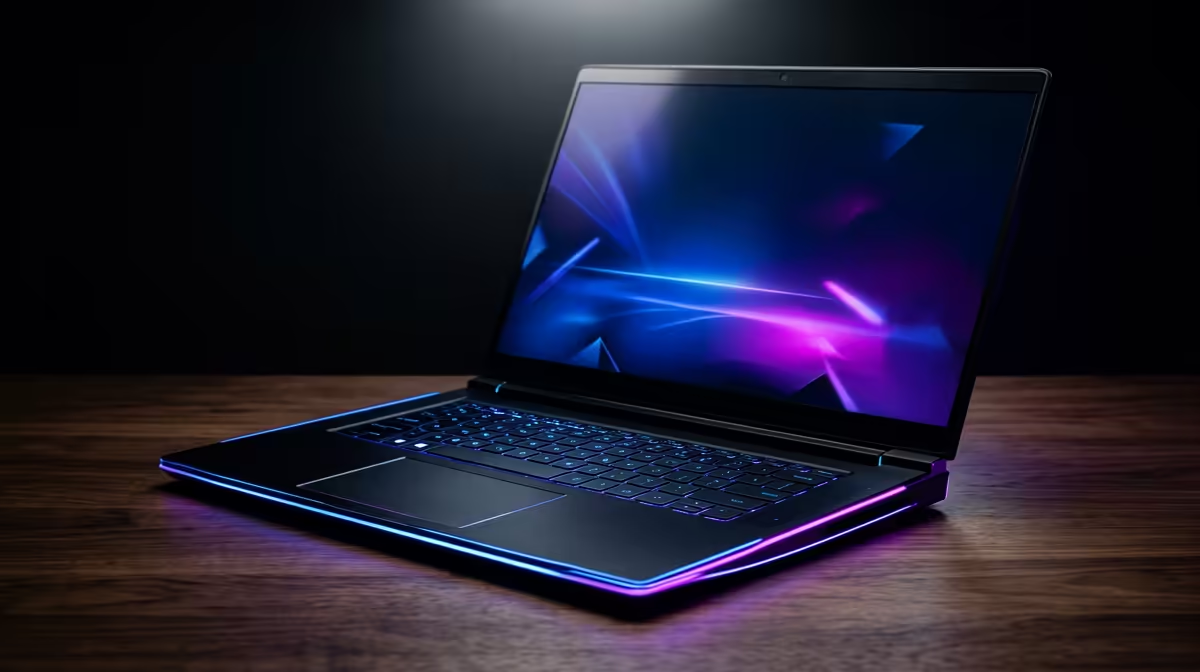
Finding the Perfect Balance for Phantom Blade Performance
Phantom Blade Zero is set to push modern hardware to its absolute limits with its high-octane combat and dark, atmospheric visuals. Whether you are grinding at home or trying to squeeze in a session during a power cut, knowing how to optimize laptop for Phantom Blade: FPS vs Battery is essential. You need those sword strikes to feel fluid, but you also do not want your machine dying mid-boss fight. ⚡
Achieving a stable frame rate starts with your hardware. If you are looking for raw power to handle these intensive graphics, checking out the latest geforce rtx gaming laptops on special is a great place to start. These GPUs support DLSS, which is the secret sauce for maintaining high frames without draining your battery as fast as native resolution would.
Maximising Frames While Staying Mobile
When you are away from a wall socket, your laptop naturally wants to throttle performance to save power. To optimize laptop for Phantom Blade: FPS vs Battery, you should look into your manufacturer’s software... think Armoury Crate or Alienware Command Centre. Setting your laptop to a "Balanced" mode rather than "High Performance" can often give you a much longer play session with only a minor hit to your frame rate.
If you are currently hunting for a new rig that handles power management efficiently, browsing the best gaming laptop deals can help you find a machine with a larger Watt-hour battery. A bigger battery means more time exploring the phantom world before the screen goes dark.
Smooth Combat Pro Tip ⚡
When playing Phantom Blade on battery, cap your frame rate to 30 or 45 FPS in the NVIDIA Control Panel. This prevents the GPU from working overtime on frames you might not even notice on a smaller screen, significantly extending your play session during those pesky power cuts.
Choosing Your Engine: Intel or Ryzen?
The heart of your laptop dictates how well it handles the complex AI and physics in Phantom Blade. Many South African gamers prefer the raw clock speeds found in intel laptops on special, which can help push those FPS numbers higher in CPU-bound scenarios.
On the other hand, if you value efficiency and cooler operating temperatures, the ryzen laptop deals often provide incredible performance-per-watt. This is a massive advantage when you want to optimize laptop for Phantom Blade: FPS vs Battery because a cooler chip consumes less energy and keeps the fans from sounding like a jet engine. 🚀
High-End Gameplay on a Local Budget
You do not need to spend a fortune to get a decent experience. There are plenty of capable machines among the laptops under r20k that can run modern titles if you tweak the settings correctly. Lowering shadows and turning off motion blur are two of the quickest ways to reclaim some performance.
Remember that South African summers can be brutal on hardware. Always ensure your laptop is on a flat, hard surface to allow for maximum airflow. This prevents thermal throttling, which is the quickest way to ruin your FPS and degrade your battery health over time. ✨
Ready to Find Your Perfect Match? The FPS vs Battery debate is complex, but for maximum power, choice, and value in South Africa, Evetech has you covered. Explore our massive range of laptop specials and find the perfect machine to conquer Phantom Blade today.











