


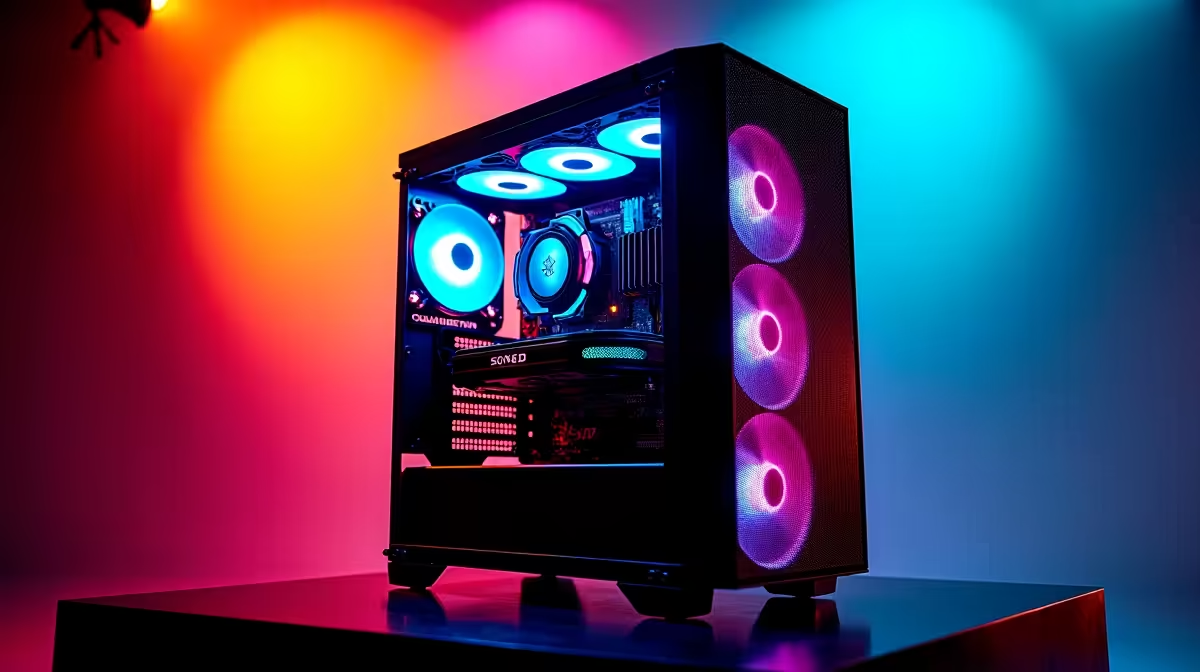
So, you’ve got a powerful DeepSeek PC and you’re hearing whispers about… overclocking. It’s the art of pushing your hardware past its factory settings for more performance, essentially getting free speed. For a South African gamer, squeezing every last frame out of your rig is tempting, especially when you want that competitive edge. But is it all smooth sailing? This guide to overclocking DeepSeek PCs breaks down the pros and cons right here in SA.
The Upside: Why You'd Overclock a DeepSeek PC 🚀
Let's start with the good stuff. The primary reason for overclocking DeepSeek PCs is to boost performance without spending an extra Rand. By increasing your CPU or GPU's clock speed, you can see real-world benefits.
For gamers, this often translates to higher frames-per-second (FPS) in demanding titles like Apex Legends or Cyberpunk 2077. A few extra frames can be the difference between a smooth experience and frustrating stutter. It also makes your entire system feel snappier, from booting up Windows to loading applications. If you're running one of our powerful NVIDIA GeForce gaming PCs, overclocking can help you push that graphics card to its absolute limit, ensuring you get the best visuals possible.
The Downside: Potential Risks of Overclocking in SA 🔧
Now for the reality check. Pushing your components harder generates more heat. In a warm South African climate, managing thermals is already a challenge. An overclocked system requires a robust cooling solution… think high-end air coolers or liquid AIOs. Without proper cooling, your components can overheat, leading to performance throttling or even permanent damage.
Another local concern is power. Overclocking increases your PC's electricity consumption. While it might not break the bank, it’s a factor to consider with rising energy costs. More importantly, this higher draw can put extra strain on your system during an unexpected outage when running on a UPS. Instability is the final hurdle; finding a stable overclock requires patience, testing, and accepting the occasional blue screen. Many custom-built AMD Radeon gaming PCs come with unlocked processors ready for tuning, but the risks remain the same regardless of the brand.
Cooling is King ❄️
Always monitor your temperatures when attempting to overclock. Free tools like HWMonitor or MSI Afterburner are essential. Watch your CPU and GPU temps under load using a stress test. If they climb above 90°C, it's a clear sign you need to dial back your settings or improve your PC's cooling.
The Verdict: Should You Overclock Your Rig?
So, is overclocking DeepSeek PCs a good idea for you? It depends entirely on your personality and needs.
If you’re a tech enthusiast who loves tinkering, benchmarking, and extracting every ounce of power from your hardware, then absolutely. The process can be rewarding, and the performance gains are real.
However, if you rely on your machine for work and need 100% stability, it's probably best to avoid it. For professionals whose livelihoods depend on their machine, the risk of crashes and data loss isn't worth the extra speed. In these cases, investing in purpose-built specialised workstation PCs that are optimised for stability out of the box is a much wiser choice. For most gamers, a modern DeepSeek PC is already a beast… overclocking is just the cherry on top.
Ready for Peak Performance? Whether you're an overclocking pro or need a rock-solid rig right out of the box, the perfect PC is waiting. Design your ultimate rig with our PC configurator and build a machine that perfectly matches your performance goals.











