


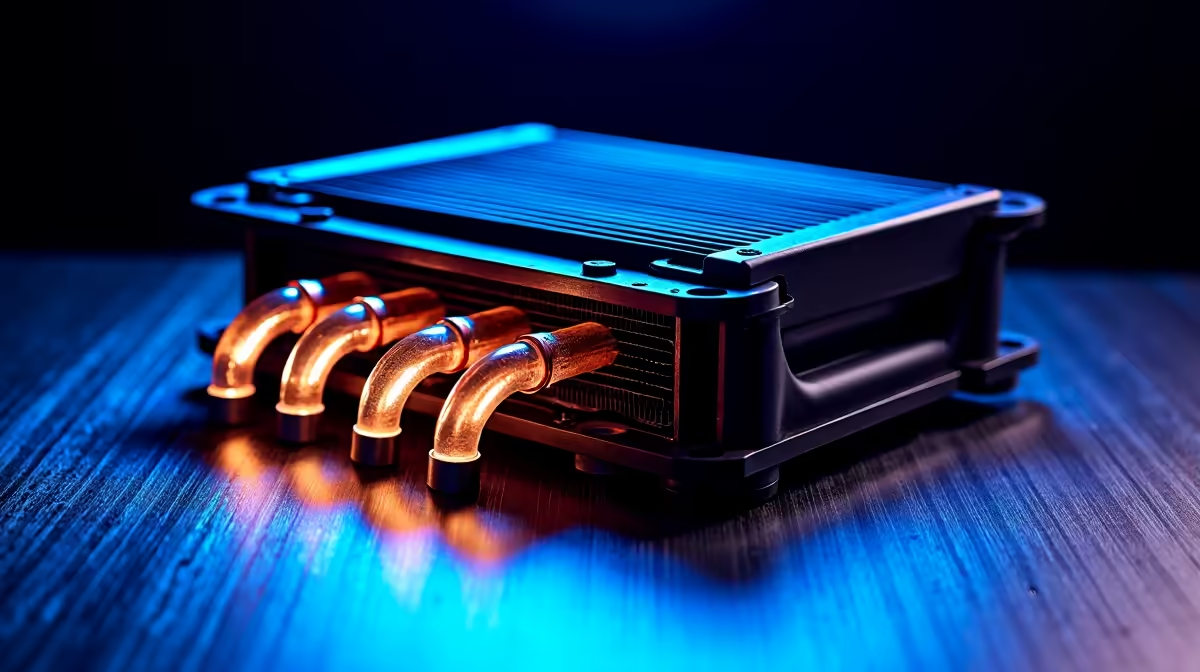
Is your PC struggling to keep its cool during a heated Apex Legends match in the middle of a Durban summer? You’re not alone. In our climate, keeping your components from melting is half the battle. Effective PC heat management in South Africa isn’t just a luxury for overclockers; it’s essential for getting the performance you paid for, day in and day out. This guide cuts through the noise to give you practical, tested advice.
Why PC Cooling is Critical in South Africa
Let's talk about the beast that is thermal throttling. In simple terms, when your CPU or GPU gets too hot, it automatically slows down to protect itself from damage. It’s a safety feature, but it’s also a performance killer. Suddenly, your smooth 144 FPS drops to a stuttery mess.
The challenge? Our high ambient temperatures. If the air in your room is already 30°C, your PC’s fans are starting with a massive disadvantage. This is where a smart approach to PC heat management in South Africa becomes non-negotiable for anyone serious about performance. Dust from the Highveld and coastal humidity only add to the challenge, clogging filters and reducing efficiency.
The Core Components of PC Heat Management
Getting your thermals under control involves more than just buying the biggest cooler. It’s about creating a balanced system where every part works together.
Airflow is King 🌬️
The single most important factor in cooling is airflow. You need to move cool air in and hot air out efficiently. This means setting up your case fans in a proper intake/exhaust configuration. Typically, you want fans at the front and bottom pulling cool air in, and fans at the back and top pushing hot air out. This creates a clear path for air to travel over your hottest components.
Quick Maintenance Tip 🔧
Your PC's dust filters are its first line of defence. In South Africa, they can get clogged surprisingly fast. Make it a habit to check and clean them every month. A quick rinse or a blast of compressed air can dramatically improve airflow and lower your temperatures. A clean PC is a cool PC!
CPU Coolers: Air vs. Liquid
Your processor is the brain of your rig, and it generates serious heat. Choosing the right cooler is vital.
- Air Coolers: Use a heatsink and fan to pull heat away from the CPU. They are reliable, cost-effective, and great for most builds.
- AIO (All-In-One) Liquid Coolers: Use liquid to transfer heat to a radiator, where it's dissipated by fans. They often provide superior cooling for high-end chips, making them a perfect match for the latest Intel gaming PCs that push the performance envelope.
While modern chips found in powerful AMD Ryzen builds are incredibly efficient, pairing them with a quality cooler ensures you can extract every drop of performance without thermal throttling.
Practical Steps for Better PC Cooling
Ready to drop those temps? Here are a few actionable steps you can take right now.
First, tidy up your cables. A rat's nest of wires inside your case can severely obstruct airflow. Taking 30 minutes to route them behind the motherboard tray can make a noticeable difference. It’s one reason why our expertly crafted pre-built PCs pay such close attention to clean cable management. ✨
Second, consider your environment. Is your PC shoved into a tight cabinet with no room to breathe? Move it. Giving your computer even a few extra centimetres of space on all sides for ventilation can help it run cooler.
Finally, remember that good thermal design matters at every price point. Even the great value gaming PCs under R20,000 benefit hugely from a well-ventilated case and a decent CPU cooler, ensuring you get a stable and enjoyable gaming experience.
Ready for a Cooler, Faster Gaming Experience? Taming heat is the key to unlocking your PC's true potential. If your rig is struggling with the South African heat, it might be time for an upgrade. Explore our wide range of pre-built gaming PCs, all optimised for maximum performance and superior cooling.







