Why Your Ping is Spiking During Peak Hours
We’ve all been there: you’re lining up the perfect shot in a high-stakes match, and suddenly, your character teleports across the map. In South Africa, where shared household bandwidth and congested local networks are the norm, that lag spike is the ultimate enemy. While an Ethernet cable remains the gold standard, modern WiFi 6 adapters offer a massive leap in stability and speed for gamers who can't run cables through their hallways. 🚀
Upgrading Your Network Stability
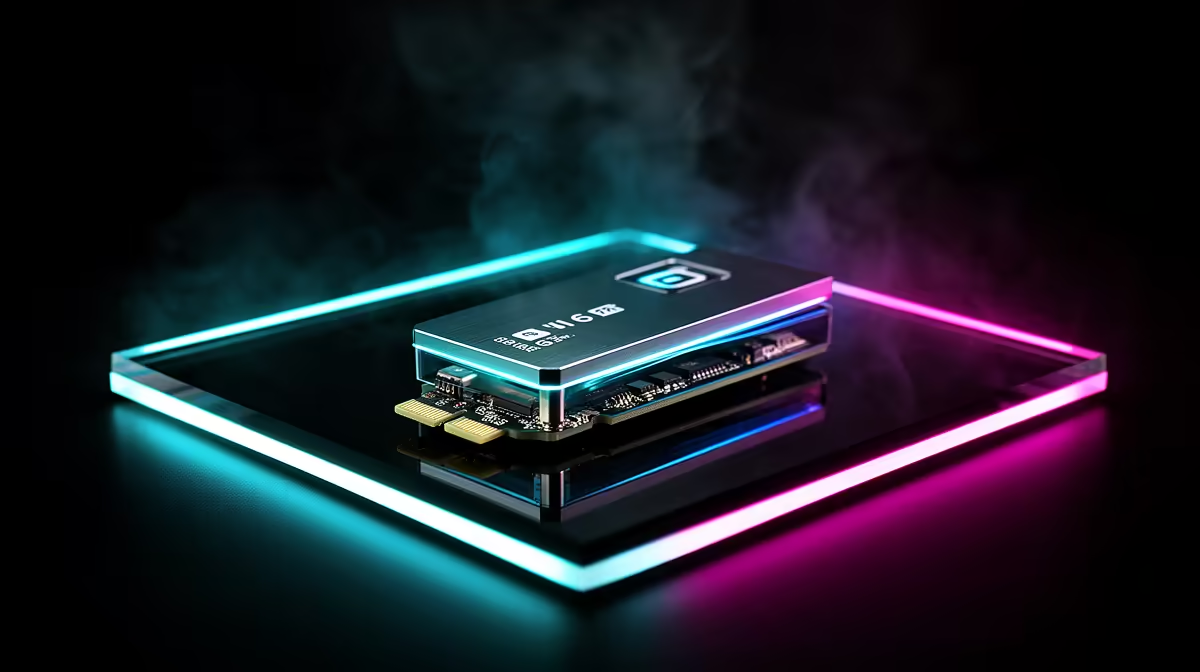
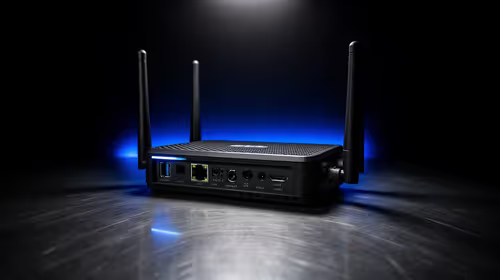
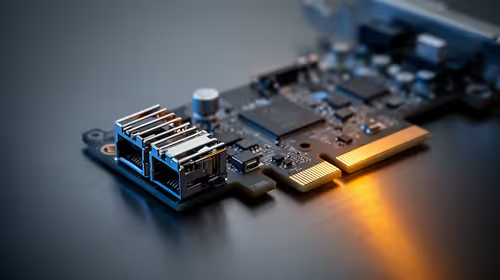
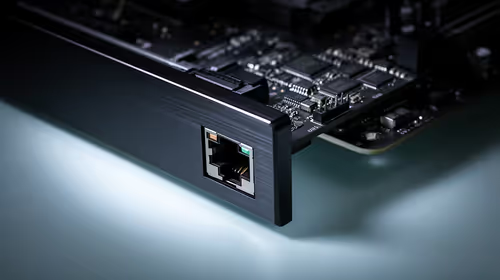
The jump to WiFi 6 (802.11ax) isn't just about raw speed numbers on a box. It’s about OFDMA and MU-MIMO technology, which allow your router to handle multiple devices simultaneously without choking your gaming traffic. If you are struggling with inconsistent latency, browsing our network adapters collection is the first step toward a more reliable connection. By offloading your wireless traffic to a dedicated high-performance card, you effectively clear the path for your game packets to reach the server with fewer interruptions.
Signal Strength Pro Tip ⚡
When installing your new PCIe wireless card, ensure the external antennas are positioned away from large metal objects or your PC chassis. A clear line of sight to your router—or at least minimal obstruction—can be the difference between a stable 40ms ping and frequent jitter.
Choosing the Right Hardware for Your Rig
Not all wireless solutions are created equal. For users who prioritise reliability, we often suggest looking at TP-Link network solutions due to their robust driver support and consistent performance in local environments. If you are working with a smaller budget but still need that competitive edge, Cudy network adapters offer an impressive price-to-performance ratio for South African gamers. 🔧
Optimising for the Local Landscape
Living in SA means dealing with unique infrastructure challenges. Beyond hardware, ensure your Windows network settings are optimised for gaming. Disable "Allow the computer to turn off this device to save power" in your device manager settings to prevent your adapter from sleeping mid-game. Pair this software tweak with a high-quality WiFi 6 adapter, and you will notice a significant decrease in those frustrating rubber-banding moments. ✨