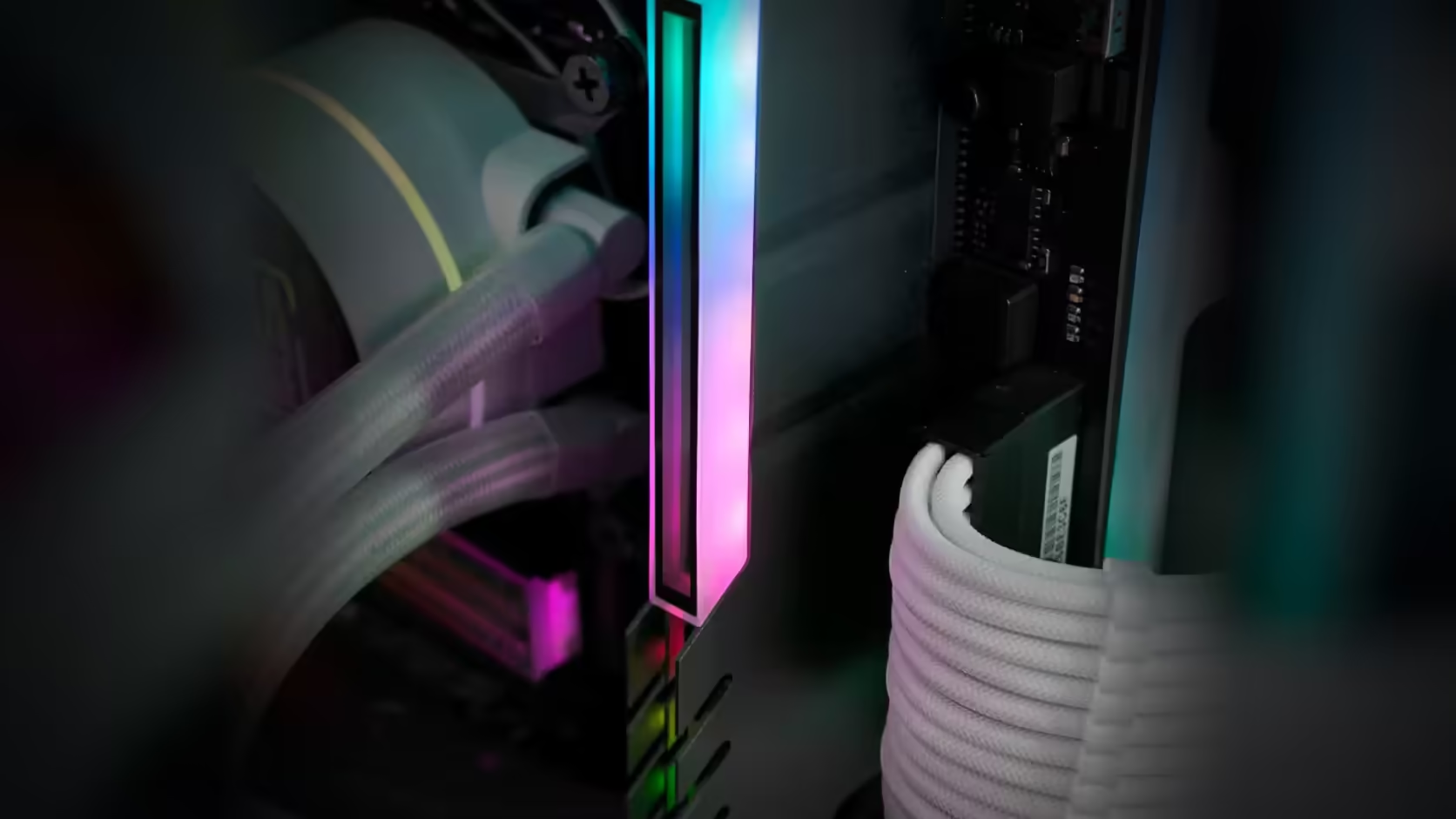
A build can look entirely matched from the outside and still be running memory that disagrees with itself underneath. A RAM cover is very good at solving the first half of that sentence and has nothing at all to say about the second, which is a distinction worth keeping straight before assuming a tidy exterior means a tidy configuration.
Quick Answer
Precisely nothing - that is what happens to a memory module's underlying specifications when an AsiaHorse RAM Cover ARGB Heatsink, R249 apiece, is clipped over it. Mixed capacities, speeds and timings stay exactly as mixed as they were before - a build can look fully matched from outside the case while running memory that is not, and it is worth knowing that rather than assuming otherwise.
🎭 What "unify" actually means here
Unifying mismatched RAM under one lit finish is how the description positions the cover, and that claim is accurate as far as it goes - it describes the visible surface, not what is underneath it. Reading it as a broader claim about the memory becoming somehow matched would be a misreading of what the product does.
🧬 What stays mismatched regardless
Capacity, rated speed, timings, and rank arrangement are all properties of the modules themselves, set at manufacture and configured by the board and BIOS. None of those are visible from outside the case, and none of them change because the outside now looks consistent.
⚠️ Why mixed memory can still matter
Running mismatched modules together can affect the speed the whole set settles on, since memory typically runs at the pace of its slowest or most restrictive member, and in some configurations it can affect stability too. That is an entirely separate technical question from appearance, and it exists whether or not a cover is fitted.
🔧 How to actually check the configuration
Your board's BIOS reports the speed the memory set is genuinely running at, which is often lower than the fastest individual module's rated speed once mixed memory forces a compromise. That reading is the honest answer to whether your set is running at its best, independent of how it looks.
🎯 Should mixing be avoided in the first place
A matched kit bought as one set remains the safer default for predictable behaviour, but plenty of builds run mixed memory without any real difficulty once everything settles at a common, stable speed. Neither choice is wrong on its own - it depends on what the build actually needs and what is already on hand.
🖌️ The cover's honest role
None of this makes the cover worse at what it actually promises. It changes nothing electrically and genuinely does make the visible difference between modules less obvious - that part of the claim holds. What it does not do is resolve anything about how the memory performs, and treating the two as connected is where confusion creeps in.
📋 Worth recording regardless
Particularly with mixed memory, knowing exactly which module sits where matters for diagnosing anything later, whether the sticks are DDR5 or DDR4 - a cover changes the view, not the underlying facts worth having on record.
Frequently Asked Questions
What does the cover actually unify?
The visible finish, which is what the description means by unifying mismatched RAM under one lit finish.
What stays mismatched?
Capacity, rated speed, timings and rank arrangement, all of which are properties of the modules themselves.
Does mixed memory cause problems?
It can affect the speed the set runs at or, in some cases, stability, which is a separate matter from appearance.
How would I check the configuration?
The BIOS reports the speed the set is actually running at, which is often lower than the fastest module's rating.
Is mixing generally advisable?
A matched kit is the safer choice, though many builds run mixed memory without difficulty at a common speed.
Does the cover make mixing worse?
Not at all. It changes nothing electrically and simply makes the difference less visible.
Should I still record what is fitted?
Particularly with mixed memory, since knowing which module is which matters when diagnosing anything later.
Want a matched look without assuming a matched configuration?
Check your speed in the BIOS, then browse Evetech's DDR4 and DDR5 range if the memory itself needs sorting out.