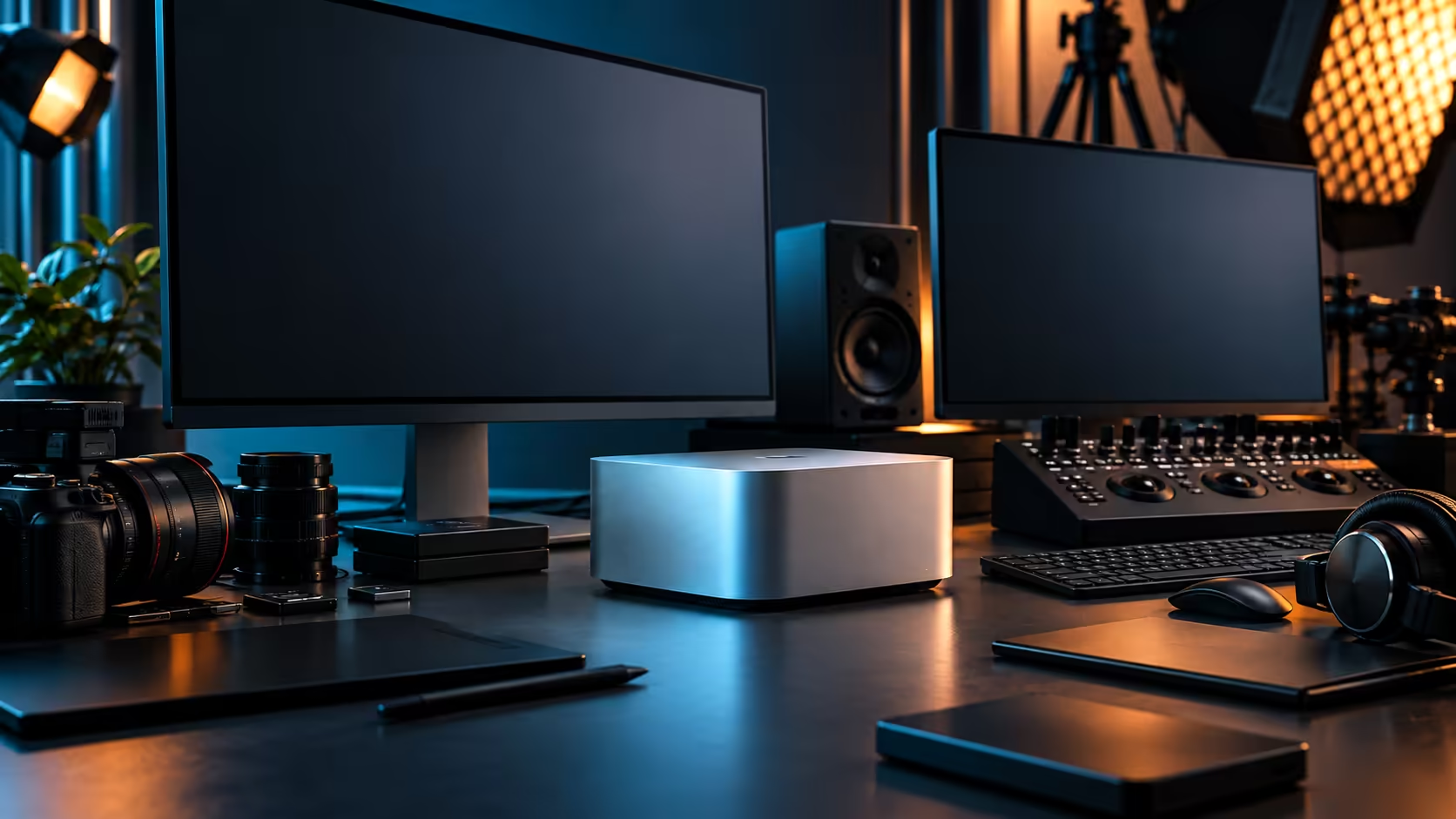
For most local video editors, the honest answer to "is this enough" splits right down the middle: the memory comfortably handles the work, and the storage doesn't.
Quick Answer
For most South African video editing work, 36GB of unified memory is comfortable and 512GB of internal storage is not. Memory handles multi-stream 4K editing and colour grading well, while the internal drive fills within a project or two, making external storage part of the real purchase rather than a later upgrade. The machine is R49,499.
🎬 Where 36GB genuinely holds up
Multi-layer 4K timelines, real-time colour grading and a background export are exactly the combination this memory pool is built to handle at once.
Since the processor, graphics cores and Neural Engine all pull from one identical 36GB space, footage moving through decode, grading and export never has to be copied between separate memory pools the way a discrete-GPU tower would require. For the majority of South African editing workflows, corporate video, event coverage, YouTube and social content, this 36GB configuration comfortably covers the work without approaching the ceiling.
💾 Where 512GB runs out faster than expected
Camera-original 4K footage, render caches and multiple export versions consume the internal drive quickly, often within one or two real projects.
Plan for an external SSD as part of the initial purchase, not a reactive fix once the low-space warning appears. Active project footage benefits from living on fast external Thunderbolt 5 storage from the start, keeping the internal drive free for the operating system, applications and whatever you're actively touching that week.
📶 What South African fibre changes about this equation
The storage question is entirely local; the delivery question depends on your connection.
Working from local, external storage keeps editing and rendering completely independent of your fibre speed. Where fibre actually matters is delivering the finished master to a client, since most local 1Gb fibre deals allocate noticeably less bandwidth to uploads than downloads, making that step, not the editing itself, the one worth planning around a fibre line's real limits.
🧮 A practical storage plan for a South African edit setup
Split storage by role rather than buying one large drive to cover everything.
Internal storage for the operating system, applications and the current active project. External Thunderbolt 5 storage for camera-original footage and active project files during the edit. Separate, cheaper bulk storage or a NAS for finished, delivered work once a project wraps, sized independently of whichever memory tier you've chosen for the machine itself. This tiered approach costs less overall than one oversized drive and keeps the fast internal storage from filling up with completed jobs.
Frequently Asked Questions
Is 36GB unified memory enough for 4K video editing in South Africa?
For most workflows, yes, including multi-layer timelines and real-time colour grading, particularly with camera formats and workflows typical of local corporate and content work.
Why does 512GB internal storage feel tight so quickly?
Camera-original footage and render caches consume space fast, often filling the drive within one or two real projects, which is why external storage should be planned from the outset.
Does my fibre connection affect editing performance?
No, editing and rendering happen on local storage, unaffected by internet speed. Fibre speed only matters when uploading or delivering a finished file to a client.
What's the most efficient storage setup for a local editor?
Internal storage for the system and current project, external Thunderbolt 5 storage for active footage, and separate bulk storage or a NAS for completed, delivered work.
Ready to build a storage plan that matches how South African editors actually work?
Pair the Mac Studio M5 Max with external SSD storage sized for your real project needs.