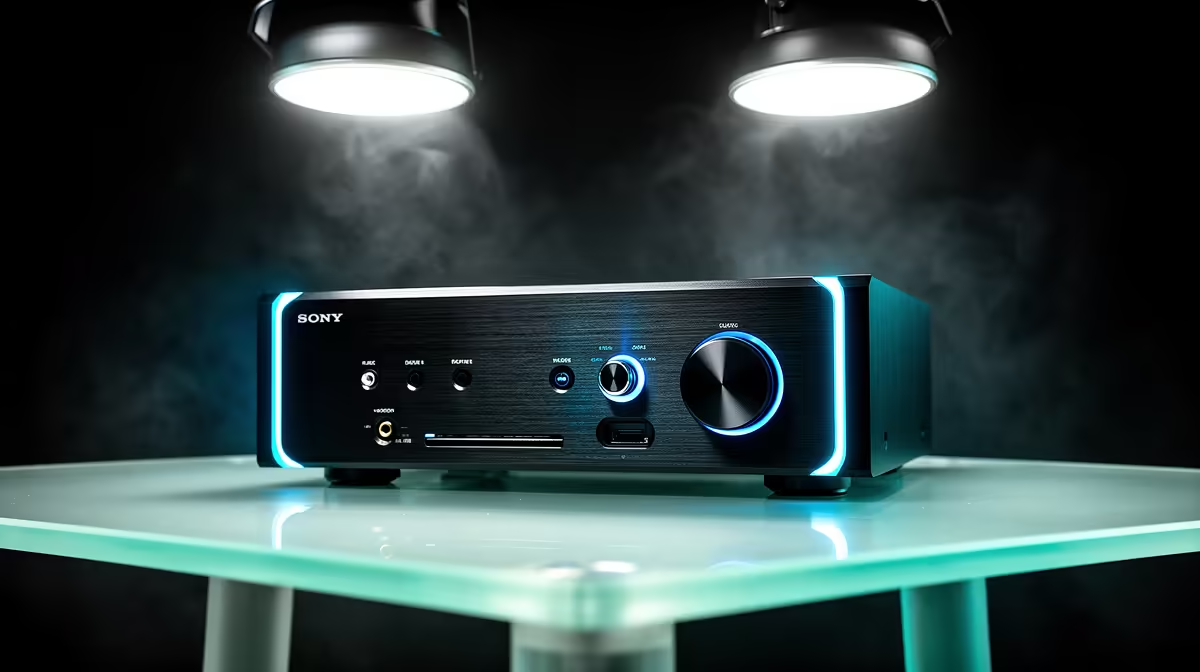
An AVR unit is not required for 4K video editing. An audio-video receiver can switch entertainment sources and drive a room speaker system, but editing performance depends on processor, GPU, memory, storage and display. Add an AVR only when the studio also needs a documented monitoring or client-playback path.
Separate timeline performance from room playback
Benchmark a representative 4K timeline with the normal codec, effects and export target. Then map audio outputs, speakers and any television used for review. Passing video through a receiver can introduce format, refresh, HDR or colour limits, so a direct editing-monitor connection may be safer for the primary display.
The Dell S2725QC 27-inch 4K USB-C monitor is factpack-verified at R6,128. The Palit GeForce RTX 5070 Ti graphics card with 16GB memory appears at R12,700. Verify colour capability, input modes, application acceleration, card dimensions, power requirements, drivers and warranty. The supplied factpacks verify no AVR model or price.
Keep media and project files in versioned backups. Buy an AVR when the documented audio or client-playback system needs its inputs and amplification. If timeline playback or exports are slow, identify the GPU, CPU, memory, codec or storage bottleneck instead of adding lounge-oriented switching hardware. Repeat both tests after every major editing or graphics-driver software update.
Building a 4K editing desk? > Compare verified monitors and GPUs with Evetech around timeline and display requirements.