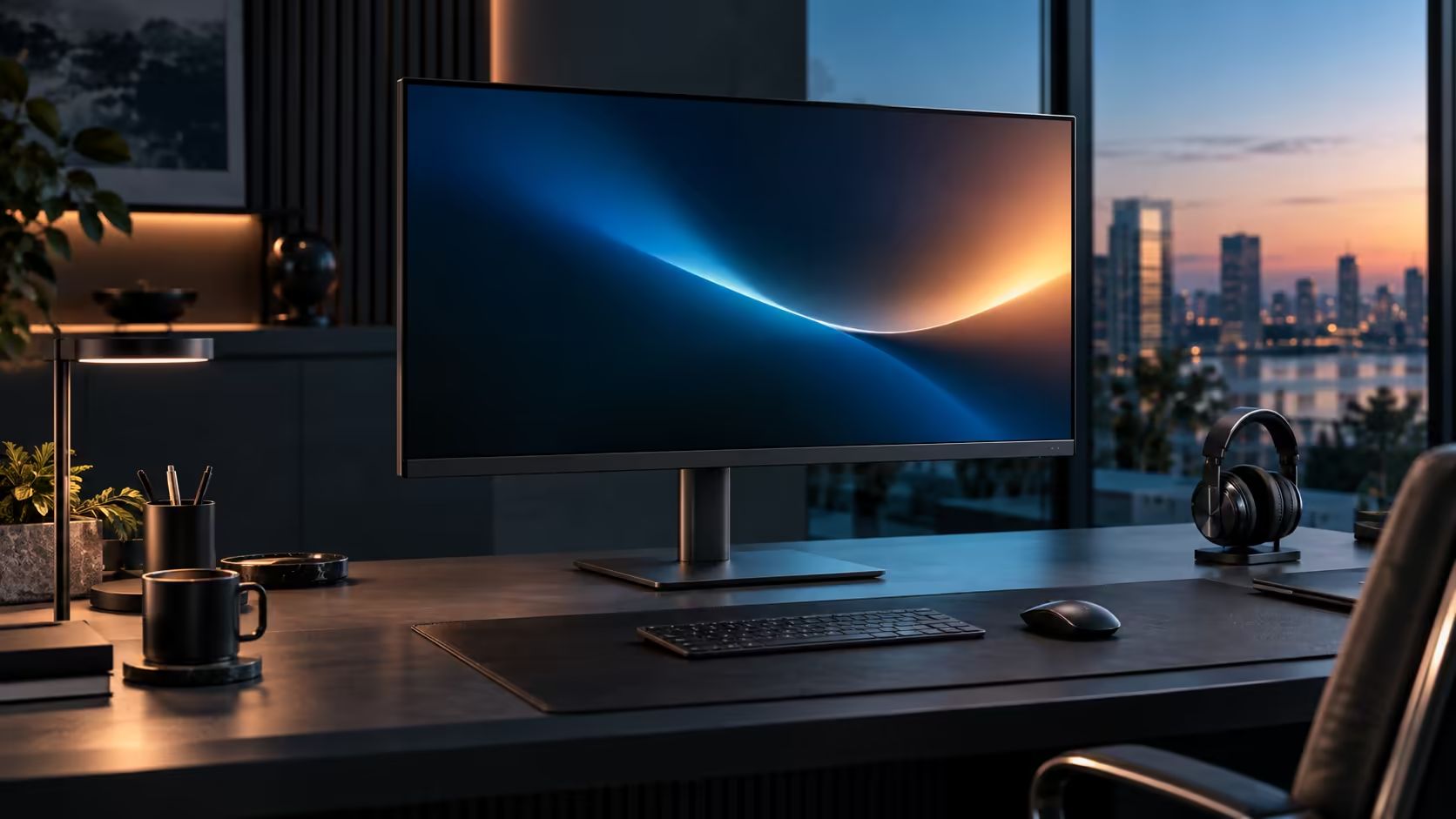
Charging and networking sound like two unrelated jobs for a monitor to do at once, but they run over the same single cable without competing for the same resources, which is easy to doubt until you understand how USB-C actually splits its work. The Dell Pro 32 Plus P3225DE handles both at R8,799.
Quick Answer
Yes, all three run together over a single USB-C connection. Power heads towards the laptop at up to 90W while the picture travels the other way and the RJ45 socket carries your fibre line. Nothing is switched off to make room. The Dell asks R8,799.
🔀 How one cable carries three unrelated signals at once
USB-C is built specifically to carry several distinct types of data simultaneously, which is the entire reason this arrangement works without one function stealing bandwidth from another.
Video travels from the laptop to the monitor using DisplayPort Alt Mode. Ethernet data travels both ways between the laptop and the network, tunnelled through the same USB-C connection. Power flows in the opposite direction from video, from the monitor's own supply back to the laptop, using USB Power Delivery. These are three separate protocols riding the same physical cable and connector, each with its own dedicated channel rather than taking turns on a shared one, which is why using all three at once causes no conflict or slowdown between them.
⚡ Why charging does not compete with the network connection
This is the specific doubt most people have, since it seems intuitive that more jobs on one cable should mean less capacity for each.
Power Delivery and Ethernet-over-USB-C use entirely separate signalling within the cable, so charging at full 90W has no measurable effect on network throughput, and a large file transfer over the wired connection has no effect on how fast the laptop charges. Both run at their full rated capacity simultaneously, which is a deliberate design goal of the USB-C standard rather than a coincidence specific to this monitor.
🖧 Confirming the network connection is actually active
Trusting that a feature works in theory is different from confirming it on your own desk, and this check takes under a minute.
Feed your router's cable into the monitor's RJ45 port before anything else, then bring the laptop across on its usual cable. A glance at Network & internet in Settings should already show Ethernet listed as Connected ahead of Wi-Fi, since current Windows builds pick up the wired link on their own without a separate driver.
🔋 Confirming charging is happening at the same time
The second half of the same confidence check, done just as quickly.
With the network cable already connected and the laptop's own wall charger unplugged, keep an eye on the battery percentage under Power & battery for a few minutes. A steady climb confirms the monitor is charging the laptop while the wired network connection remains active, proving both are genuinely running together rather than one silently taking priority over the other. Compare the office monitor range, check network cables for a longer run to the router, and browse the docking station range if your laptop needs more charging headroom than 90W provides.
Frequently Asked Questions
Does charging at 90W slow down my network speed over the same cable?
No. Power Delivery and Ethernet-over-USB-C use separate signalling within the cable, so one does not reduce the other's performance.
Do I need to choose between fast charging and a stable network connection?
No. Both run simultaneously at their full capacity; there is no trade-off between them on this monitor.
Does a large file transfer over Ethernet affect how fast the laptop charges?
No. Charging speed depends on the Power Delivery negotiation between the laptop and monitor, unaffected by network activity on the same cable.
Is this behaviour specific to this monitor, or true of USB-C generally?
It is a general characteristic of the USB-C standard, which supports carrying video, data, network traffic and power simultaneously over one connection by design.
Ready to confirm both functions are genuinely running together on your desk?
Check Network & internet and Power & battery at the same time to see both working at once.