Rotating a graphics card onto a vertical bracket changes more than the angle it sits at. It changes where the card's power sockets face, which changes where the power run actually travels through the case, and a cable-cover plan built around the card's original horizontal position does not automatically follow it into the new one.
Quick Answer
Check whether your case's vertical mounting arrangement leaves a straight section of the right length for a cable cover before assuming your existing plan survives the switch. The AsiaHorse Aurora cover kit's graphics cover runs 260mm on the standard set, priced from around R699, and that fixed length either fits the new route or it does not.
🔄 What actually changes about the run
Rotating a card changes both its direction and the path its power cable takes to reach it, since the sockets now face a different way relative to the power supply and the rest of the case. A run that used to travel flat along the tray toward a horizontally mounted card now has to reach up, or across, or through a completely different section of the interior, and none of that is guaranteed to match the straight section a cover needs to sit on.
📏 Whether the cover still fits
A cable cover is not flexible in any meaningful sense. It needs a genuinely straight run of its own fixed length to clip over, and whether the new vertical route provides one has to be checked rather than assumed. The graphics cover in AsiaHorse's Aurora kit measures 260mm, which is a specific requirement the new route either satisfies or does not, regardless of how well the rest of the build has come together.
🎯 Which cover is actually affected
It is the graphics cover specifically that follows the card's power run, so that is the one whose fit genuinely depends on the new mounting position. The board cover, which dresses the 24-pin ATX run into the motherboard, is largely unaffected by a GPU rotation. There is an upside worth noting too: a vertically mounted card, particularly a larger one, can end up sitting directly in front of that board run from the window's perspective, so the cover may still fit perfectly well while simply no longer being visible, a composition change rather than a fit problem.
🧭 Settling the mount before buying covers
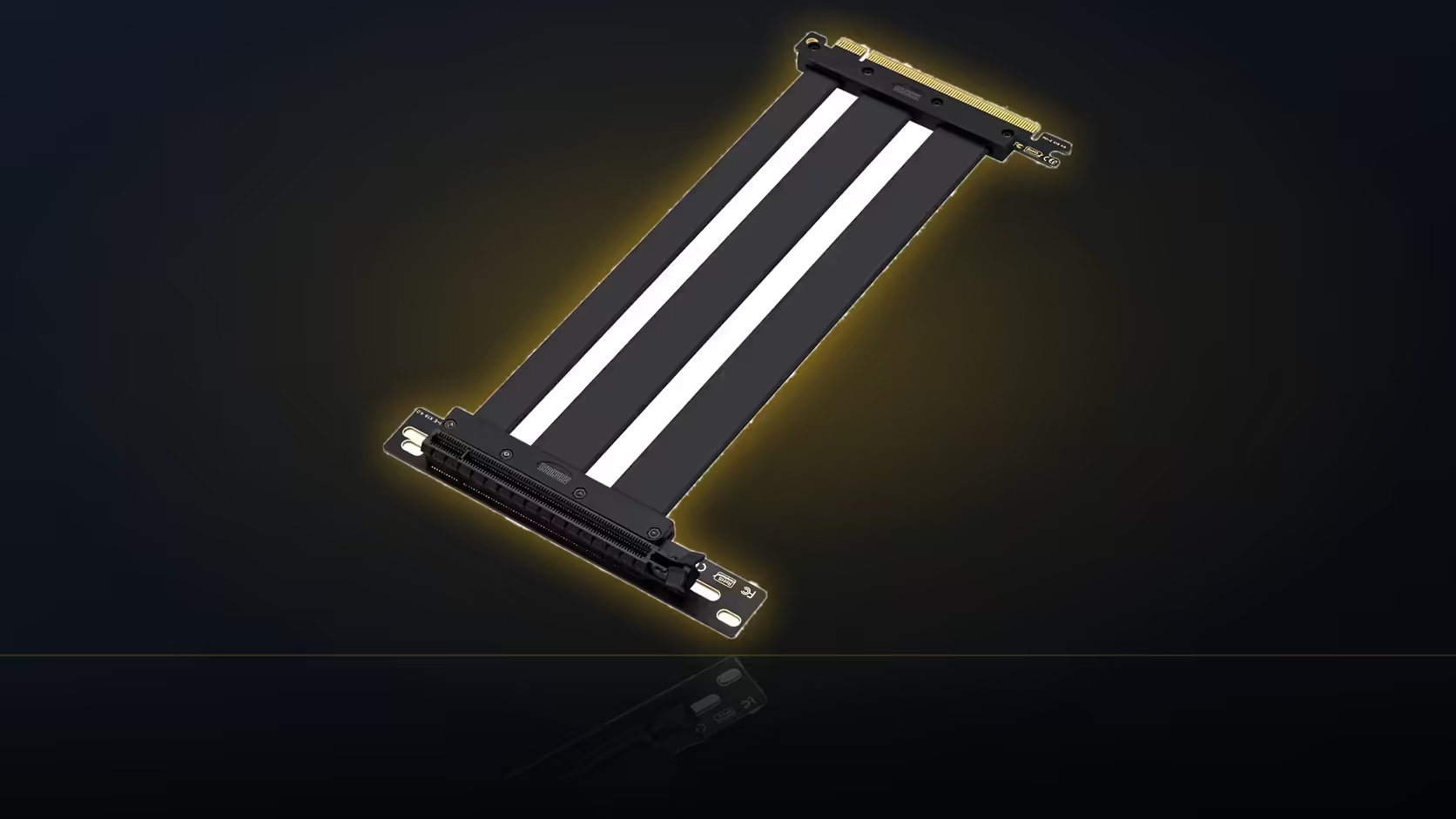
Because the card's mounting position determines both the physical route and what stays visible afterward, settle the vertical-versus-horizontal decision before spending on covers meant for that specific run. Buying the cover first and hoping the mounting works around it tends to go the other way. A vertical mount also typically brings a PCIe riser into the picture, AsiaHorse's own running 200mm with a 90-degree connector, and that ribbon crosses much of the same territory the power run occupies, so map both together rather than planning the cover in isolation.
♻️ Is the plan recoverable if it does not fit?
Usually, yes. Moving the cover further along the new run, provided a straight section of sufficient length exists somewhere on it, is generally enough to make it work even after a mounting change. What does not work is forcing a cover onto a route with no straight section long enough to take it, so measure the actual path with something flexible, like a length of string, before deciding the cover has to be abandoned entirely.
Confirm the vertical mounting hardware your case supports, look over Evetech's case fans selection if any positions are moving too, and only then shop the case accessories range for a cover meant for a run that has not been finalised yet.
Frequently Asked Questions
What actually changes about the power run when a card goes vertical?
Its direction and its path, since the card's power sockets face differently once the card is rotated into a vertical bracket, changing where the cable has to travel.
Does an existing cover automatically still fit the new route?
Not automatically. It needs a straight section of its own specific length somewhere along the new path, and that has to be checked rather than assumed.
Which cover is affected by a GPU rotation?
The graphics cover, at 260mm on the standard Aurora kit, since it is the one that follows the card's power run rather than the board's.
Does the board cover get affected too?
Not by the mounting change directly, though a vertically mounted card can end up sitting in front of it, hiding a cover that still fits perfectly well.
Should the mounting decision come before buying covers?
Yes. The mounting position determines both the physical route and what stays visible afterward, so settling it first avoids buying a cover for the wrong run.
Does a PCIe riser complicate the plan further?
It does, since the riser's 200mm ribbon crosses much of the same territory as the power run, and the two are worth mapping together.
Can a cable-cover plan be recovered after a mounting change?
Usually, by moving the cover along the new route, provided a straight section long enough for it actually exists somewhere on that path.
Considering a vertical GPU mount for your next build?
Check Evetech's case accessories range and settle your mounting hardware before buying any cable cover.