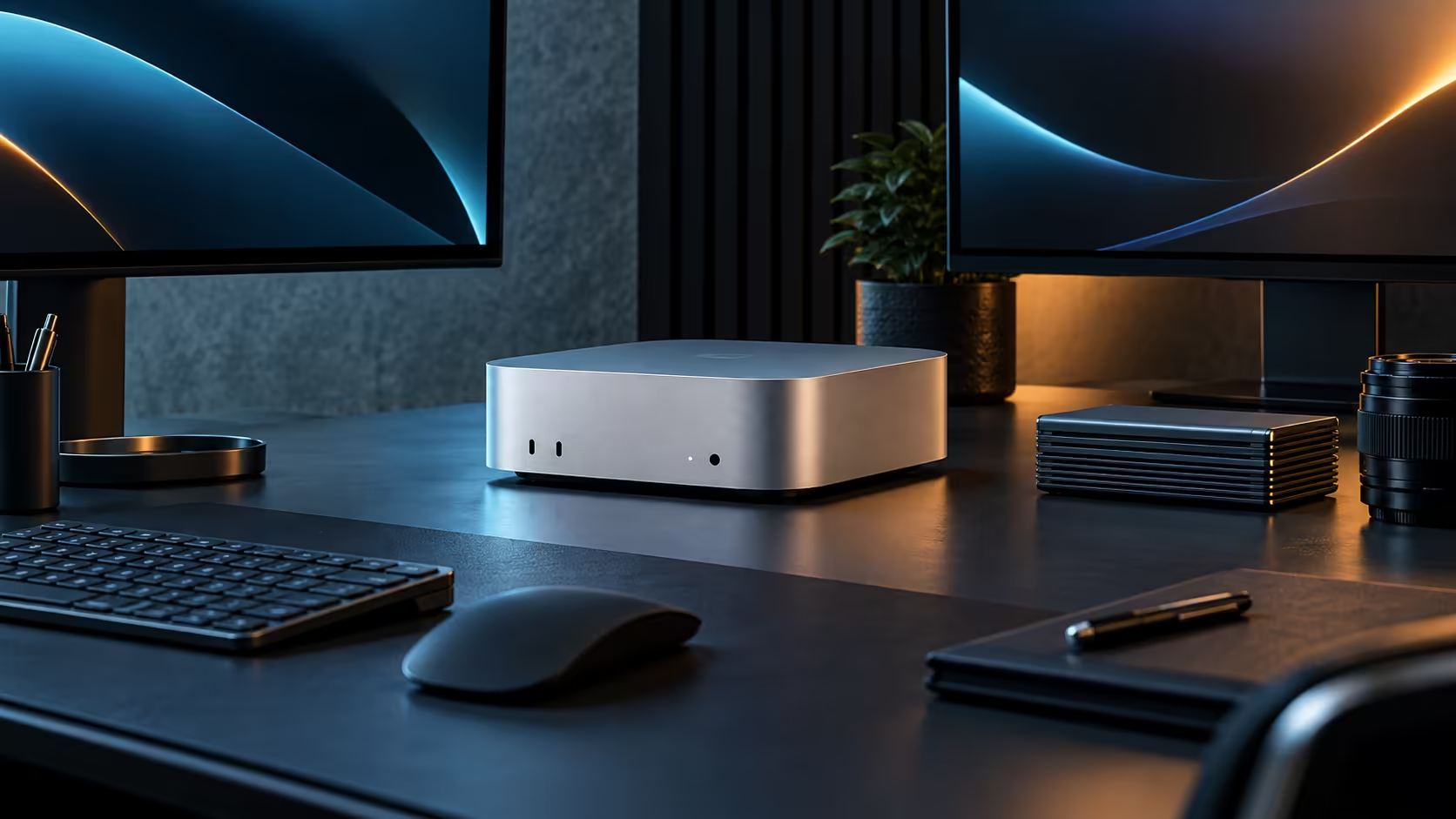
It can, provided the model's weights fit inside 24GB of unified memory once macOS takes its own share, which is the practical limit on a Mac Mini M5 Pro rather than raw processing speed.
Quick Answer
Yes, for quantised models roughly in the 10-billion to 15-billion parameter range at 8-bit. A 16-core GPU and a 16-core Neural Engine do the processing, and Evetech carries this configuration at R33,599 with 512GB of storage for model files.
🧮 Sizing a model against 24GB
Quantisation is the lever that decides fit: an 8-bit model needs roughly half the memory of the same model at full precision, and 4-bit shrinks it further at some cost to output quality. Leaving room for macOS and the interface around the model, a model in the 10GB to 15GB range at 8-bit runs comfortably; pushing toward larger models starts competing hard with everything else sharing that same pool.
💽 Storage adds up faster than expected
Model files run to several gigabytes each, and a working library of more than a handful can meaningfully dent a 512GB drive. Keep frequently used models on the internal drive and archive the rest to an external SSD rather than letting the internal drive fill with models you rarely load. A good habit is deleting models you have not opened in a month rather than letting them accumulate indefinitely.
Every memory tier built for local AI work sits on the Mac Mini page, and a scan through mini PC shows what else exists in case a different chassis fits your workflow better.
Frequently Asked Questions
What size of model is too large for this machine?
Models well beyond 24GB even at 8-bit quantisation, generally in the 40-billion-plus parameter range, are not a comfortable fit.
Does the GPU or the Neural Engine run local LLMs?
Most local LLM software leans on the GPU for general-purpose compute, with the Neural Engine handling more specific, optimised tasks separately.
Does running a model slow down everything else on the machine?
It can, since the model holds a large share of shared memory while loaded; closing it when not in use frees that memory for other tasks.
Can I run a local model and edit video at the same time?
Only comfortably if both are modest; a large model and a heavy timeline together are the fastest way to exhaust the 24GB pool.
Do I need a special version of macOS to run local language models?
No, current macOS releases already support the frameworks most local AI tools rely on; check only that the specific tool you want is compatible with your installed version.
Are local models slower than cloud-based AI services?
For a well-sized model on this hardware, response times are often comparable for everyday use, though a cloud service backed by far larger hardware can outpace it on the biggest models.
Ready to check whether your model of choice fits inside 24GB?
Quantise it to 8-bit and compare its size against the Mac Mini M5 Pro's memory before you commit.