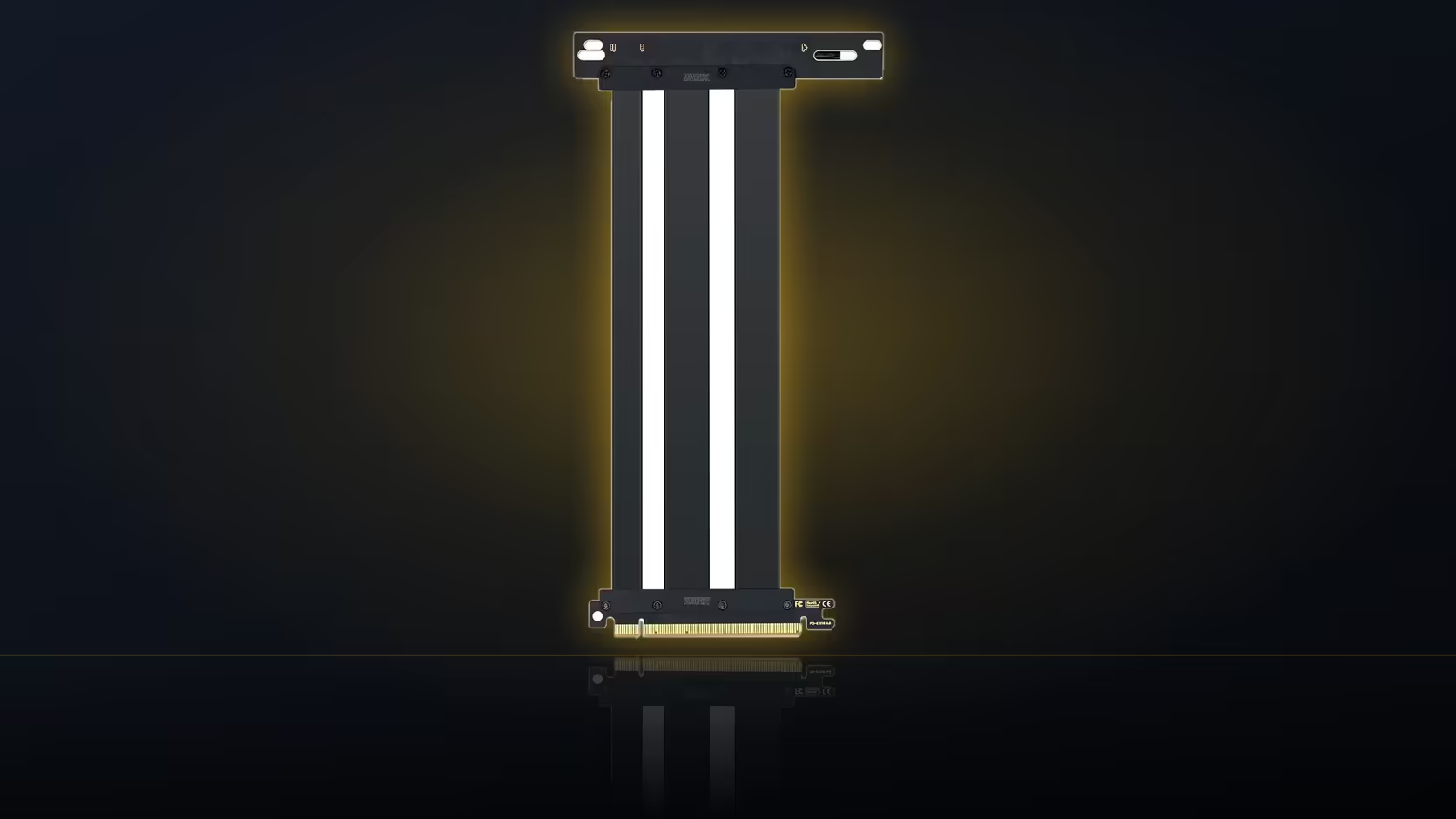
Every graphics card needs releasing from its slot latch eventually, whether that is for an upgrade, a reseat, or troubleshooting a boot issue. Fit a riser cable first and that small plastic tab can suddenly become a lot harder to reach than it used to be.
Quick Answer
Once the AsiaHorse riser is installed, the board slot's latch sits behind the cable's connector, which can restrict access to it. At R1,299 including VAT, checking that the latch is still reachable before finishing the build avoids turning a future card removal into an unplanned teardown.
🔓 Where the latch sits and why it matters
The slot latch is a small mechanism at the far end of the x16 slot, designed to hold whatever is plugged into it securely in place, whether that is a graphics card directly or, in this case, the riser's own connector. Releasing it is a routine part of removing anything from that slot, and it needs to happen every time the riser comes out, whether that is to return the card to a normal board slot or to work on the motherboard itself.
🚧 Why the riser makes it harder to reach
Once the riser's connector and its protective ABS shell are seated in the slot, they physically sit over or near the latch area, and the ribbon itself leaves in whichever direction the right-angle connector turns. Depending on that direction, the cable can end up running directly across the space a finger would normally use to press the latch, turning a simple release into an awkward reach around cable and connector.
🧪 How to test it before finishing the build
The most reliable check is a practical one: with the riser fully seated as it will be in the finished build, try releasing the latch once before closing everything up. This shows immediately whether a finger, or a small tool, can actually reach it without disturbing anything else nearby. Doing this test before the build is finished, rather than discovering the problem the first time a card actually needs removing, is worth the minute it takes.
🔧 Using a tool where a finger cannot reach
A thin plastic pick can reach into gaps a finger cannot manage, and is generally the safer option in tight spaces near board components. Anything metal is worth avoiding near the motherboard in that area, since a slipped tool close to circuit traces or nearby components carries its own risk that a plastic pick does not.
Does the connector's direction change the difficulty?
Yes, meaningfully. A cable that leaves the slot across the latch area is considerably more obstructive than one leaving in the opposite direction, away from where the latch needs pressing. This is one more reason to check the riser's connector orientation against your specific board layout before installation, rather than after the build is finished and the problem is already baked in.
🔀 Should latch access influence which slot you use?
Where a motherboard offers two x16 slots, latch accessibility is worth factoring in alongside the other usual considerations: how each slot is wired, and how far each one sits from the bracket position. A slot offering easier latch access after the riser is fitted, even if slightly less convenient on distance, can be the better practical choice for a build you expect to open again in future.
Some brackets are actually designed with this exact latch-access problem already worked out, so case accessories is worth a look at this stage. Graphics card accessories is the follow-up if the slot choice itself is still undecided.
Frequently Asked Questions
Where exactly is the slot latch located?
At the far end of the x16 slot, holding whatever is plugged into it, including the riser's connector once fitted.
Why does the riser make it harder to reach?
Because the connector and its protective shell sit over the area, and the cable leaves in whichever direction the connector turns.
When would the latch actually need releasing?
Whenever the riser comes out, whether to return the card to a standard slot or to work on the motherboard itself.
How can I test access before finishing the build?
Try releasing the latch once with the riser fully seated, which shows immediately whether it can be reached comfortably.
Would a tool help reach it?
A thin plastic pick can help where a finger cannot, though metal tools are worth avoiding near board components.
Should this affect which x16 slot I use?
Where a board offers two, latch access is worth weighing alongside wiring and distance to the bracket position.
Fitting a riser and want to keep future access easy?
Have a look at Evetech's motherboard range to check your slot layout before you commit to a build.