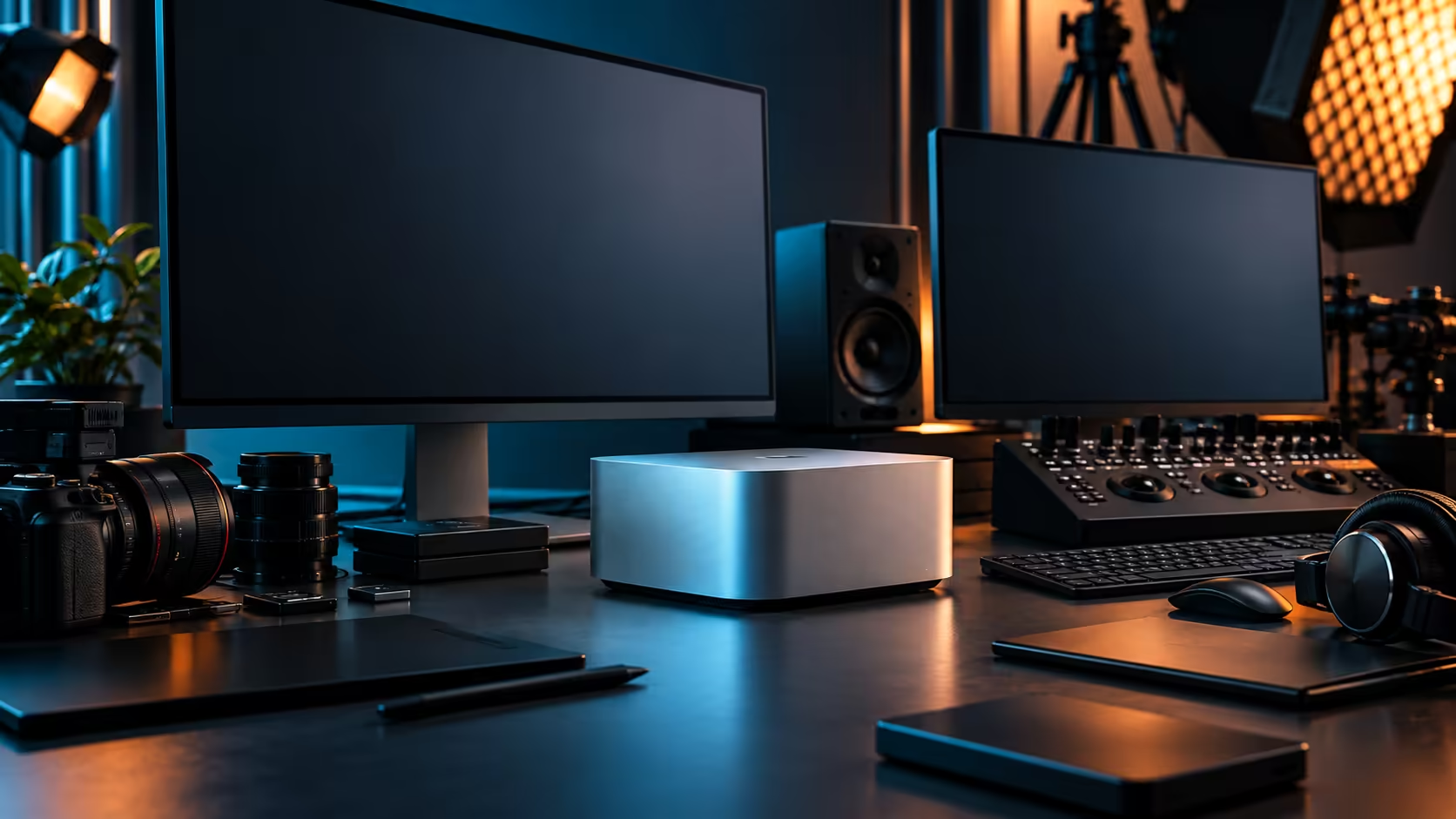
Count the physical connectors on this machine's rear panel and you get five that can carry a display signal. Whether all five can actually run different screens at once is a separate question, and it's the one worth answering before buying panels.
Quick Answer
It carries five display-capable connections: four Thunderbolt 5 ports and one HDMI output. How many run simultaneously is a property of the M5 Max chip's own display engine, stated on Apple's specification page, not simply the number of ports on the case. Take that figure from there rather than from a headline before planning a five-screen desk. The Mac Studio M5 Max is R49,499 with 36GB of unified memory.
🔌 Ports versus simultaneous displays: not the same number
This distinction trips up more buyers than any other detail in a multi-monitor plan.
A port existing on the back panel means a display can physically connect there. Whether the chip can drive that display alongside every other connected screen at full resolution and refresh rate simultaneously is governed separately, by the display engine built into the M5 Max itself. Apple documents that specific limit per chip tier, and checking it directly before ordering monitors for this R49,499 machine is the responsible step, rather than assuming every port automatically means an independent screen at your preferred settings.
📊 Resolution and refresh rate share the same budget
Even once you know the display count the chip supports, what you can actually run at once still depends on the settings you choose.
A layout of several 4K screens at 60Hz is a different demand on the display engine than the same panel count at 120Hz, or a mix of 5K and 4K panels together. If your plan depends on hitting a specific screen count, confirm it at the actual resolution and refresh rate you intend to run, not just as an abstract number, since the two scale together rather than independently.
🛒 What to check before buying monitors toward that number
A little research before ordering avoids returning panels that don't fit the plan.
Check each candidate monitor's own input requirements against the monitor range, confirm the display engine limit for the M5 Max at your intended settings on Apple's specification page, and only then commit to a specific screen count. Adapters and hubs from the monitor accessories range can extend what a single port reaches via daisy-chaining on supported monitors, which is worth checking per panel rather than assumed universally.
Frequently Asked Questions
Does the Mac Studio M5 Max have five ports that can carry a display?
Yes: the back panel gives you four Thunderbolt 5 sockets plus a single HDMI output, and all five can carry a display signal.
Can all five ports run independent screens at the same time?
That depends on the chip's own display engine, not simply on how many ports sit on the case, and it varies with the resolution and refresh rate you choose for each screen.
Does resolution affect how many screens I can run at once?
Yes. Pushing either one higher draws on the same shared bandwidth ceiling, so a five-screen layout that runs cleanly at modest settings can fall short the moment you push resolution or refresh rate up.
Can I add more displays using a hub or daisy-chain?
Some monitors support passing a signal to a second screen from one port, and hubs can extend connectivity, but check compatibility per device rather than assuming it works universally.
Ready to confirm your exact display ceiling before buying monitors?
Check the chip's stated display limit, then shop monitors and accessories sized to match it.