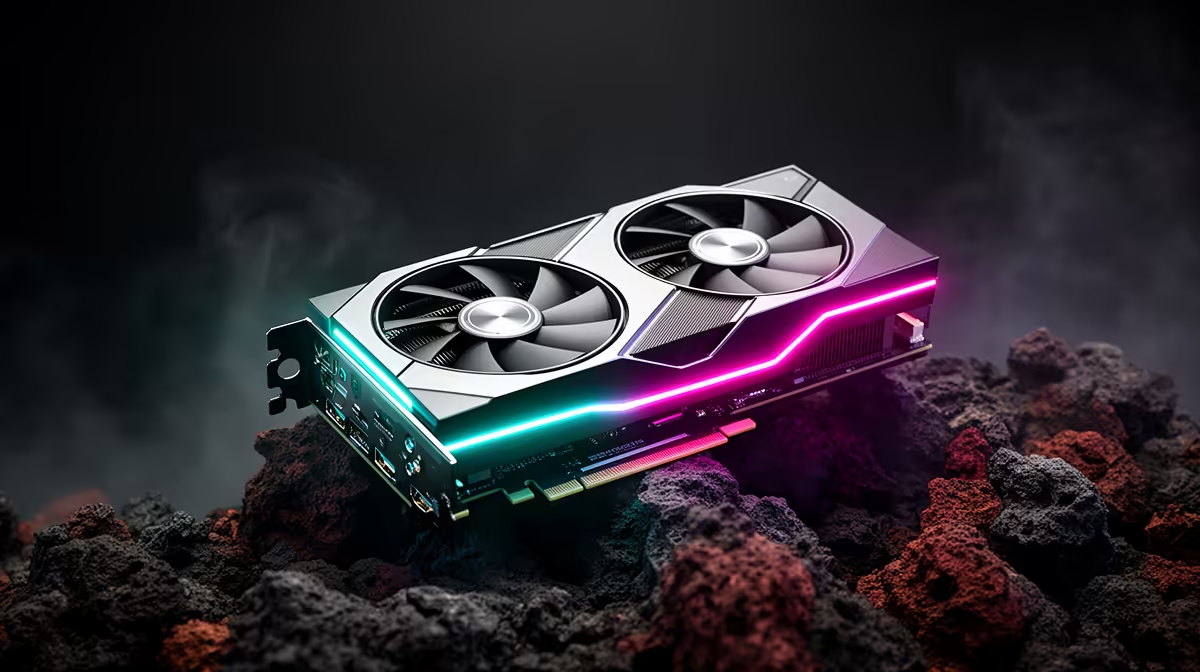
Three different creative disciplines rarely want the exact same thing from one graphics card, yet AI work, 3D rendering, and video editing increasingly get handled by the same person on the same machine in a small South African studio or home office. Picking hardware that serves all three at once means looking past whichever spec sounds most impressive and toward what each workflow actually consumes. A 24gb creator graphics card covering this range needs capacity and dedicated acceleration working together.
Quick Answer
Choosing a creator GPU for AI, rendering, and editing means prioritising VRAM capacity alongside dedicated AI acceleration rather than picking one at the expense of the other. 24GB of GDDR6 plus XMX engines suit all three disciplines on the ASRock Intel Pro B60 Creator, priced at R14,399, without forcing a compromise between them.
🤖 What AI-Assisted Work Actually Needs
AI-driven features inside creative software, denoising, upscaling, smart masking, rely on dedicated acceleration hardware to run efficiently rather than borrowing cycles from general shading work. The XMX engines built into this card's Xe2-HPG architecture exist specifically for that kind of matrix-heavy processing, meaning AI tasks run alongside your main render or edit rather than stalling it.
🧊 What 3D Rendering Demands Differently
3D rendering leans more heavily on VRAM capacity and dedicated ray tracing hardware, particularly during viewport preview when lighting and material changes need to display close to instantly. A dense scene with multiple 4K textures and layered geometry benefits directly from the 24GB buffer here, keeping the full scene resident rather than forcing constant reloading.
🎞️ What Video Editing Prioritises
Editing workflows care most about sustained throughput across long timelines with multiple layers and effects, where memory bandwidth and capacity matter more than peak burst performance. This card's bus width and clock speed keep that throughput steady across dense 4K sequences, complementing the same 24GB buffer that 3D work relies on.
🇿🇦 Bringing It Together for SA Buyers
Few South African creators work in only one of these disciplines exclusively, which is exactly why a single card covering all three matters practically rather than as a nice-to-have. Reviewing the ASRock Pro B60 Creator page shows how these specs come together at R14,399, and comparing it against the full workstation card range confirms whether another configuration might suit your specific balance of work better. For brand-specific comparisons, ASRock's creator GPU range is worth a look too.
Frequently Asked Questions
Can one graphics card really handle AI, rendering, and editing equally well?
Yes, provided it has sufficient VRAM, dedicated AI acceleration, and a capable architecture, all three workloads can share the same card without major compromise.
Which discipline benefits most from 24GB of VRAM?
3D rendering tends to benefit most directly from large VRAM capacity, though dense video timelines with many layers also make heavy use of it.
Do AI-assisted features slow down rendering or editing?
Not when the GPU has dedicated AI hardware like XMX engines, since that work runs separately rather than competing for the same processing resources.
Is this card overkill for someone who only edits video occasionally?
It could be, if your projects stay small and simple. The value here comes from headroom for growth and mixed workloads rather than light, occasional use.
Ready to cover AI, rendering and editing on one GPU?
Head to the ASRock Pro B60 Creator among Evetech's range of workstation GPUs, on sale for R14,399, built to cover AI, rendering and editing on a single card.