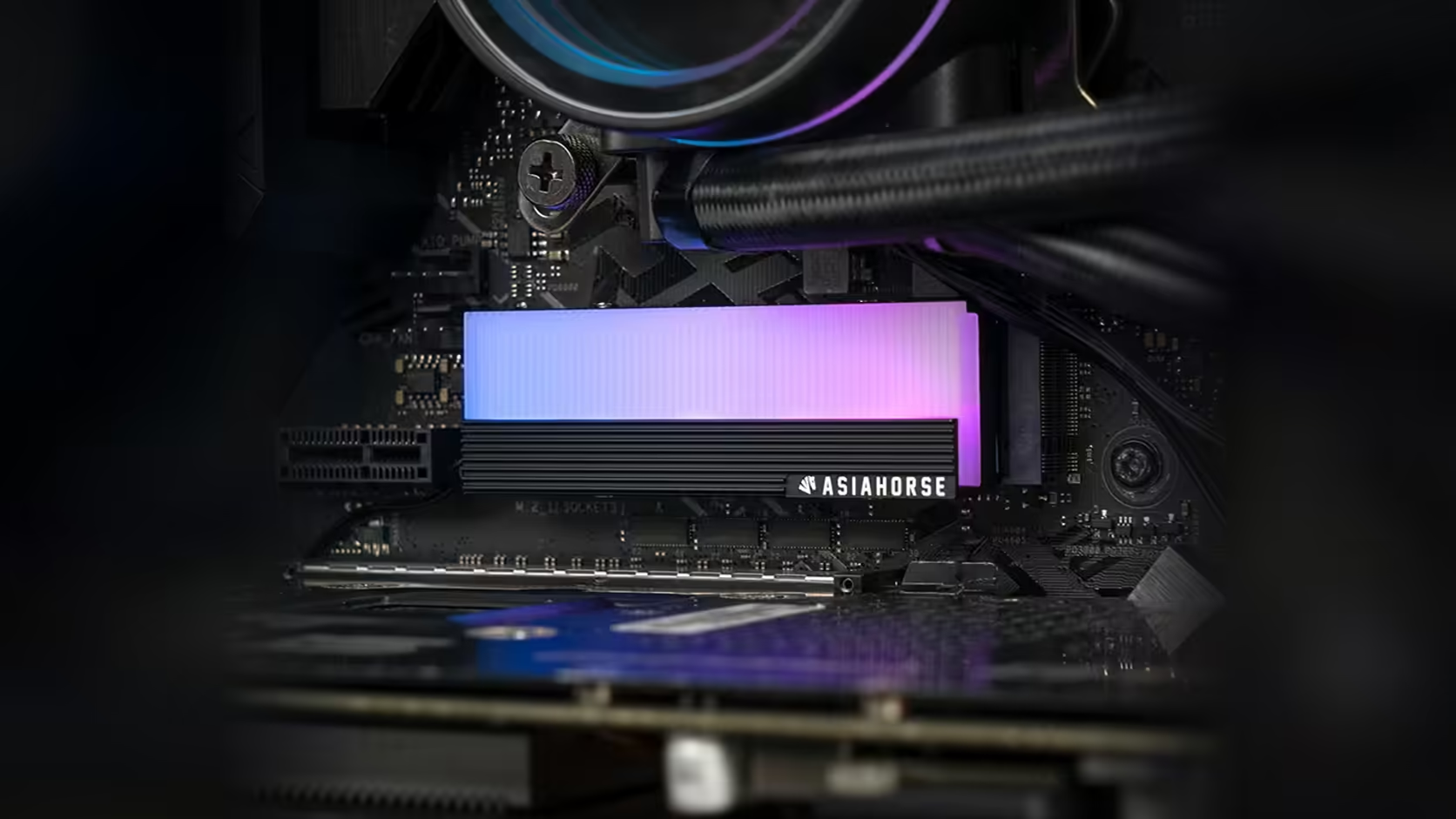
It is an easy assumption to make and a wrong one: that a glowing drive cover somehow tells you something about how hot the drive underneath it is running. The AsiaHorse M.2 heatsink's panel is not a temperature readout, and conflating the two is worth clearing up plainly.
Quick Answer
The lighting on this AsiaHorse M.2 cover, R199 with VAT already included and liable to move, shows only that its 5V 3-pin addressable connection is active and being driven by your motherboard, nothing about the drive's actual operating temperature. Those are two entirely unrelated pieces of information, and drive temperature comes from the system itself, through monitoring software or the board's own utility.
🔌 What the lighting is actually indicating
When the panel lights up, it confirms the 5V 3-pin connection is properly made and your board's RGB software is successfully driving it. That is a statement about the lighting circuit working correctly, and it has no relationship whatsoever to how warm the NVMe drive sitting beneath the cover happens to be at that moment.
Why it is easy to assume otherwise
It is a natural, if incorrect, instinct: lit-up hardware and heat feel intuitively connected, particularly on a product whose whole purpose is framed around a drive's thermal management. But this cover is a passive aluminium body with a lit panel, nothing more. It has no sensor built into it and no connection between its lighting circuit and the drive's actual temperature reporting.
🌡️ Where real temperature data actually comes from
NVMe drives report their own operating temperature through the system, which monitoring software or your motherboard's own utility can display directly. That figure comes from the drive's internal sensor and the operating system's interface to it, a completely separate data path from the addressable lighting header this cover connects to.
🎨 Could software link the two anyway?
Some motherboard RGB applications do offer the option to drive lighting effects from a system temperature source, changing colour or pattern as a component heats up. Where that exists, it is a feature of the board's own software layer, not something this cover itself does or was designed for. The cover simply accepts whatever signal it is sent; it has no say in what triggers that signal.
📉 Spotting real thermal trouble
If you suspect a drive is genuinely running hot, sustained write performance dropping alongside a rising reported temperature is the usual visible sign, and that comes through monitoring software, not through anything the cover's lighting does. A drive with solid monitoring support is worth sourcing from the solid state drive range, and case accessories rounds out whatever else the build still needs.
Frequently Asked Questions
Does the cover's lighting indicate anything about drive temperature?
No. It only shows that the 5V 3-pin addressable connection is working and being driven by the board, unrelated to the drive's actual temperature.
Where does real drive temperature data come from?
The drive itself reports it to the system, and monitoring software or the motherboard's own utility displays that figure directly.
Does the cover have any temperature sensing built in?
No. It is a passive aluminium body with a lit panel and has no sensing capability of its own.
Could software still tie lighting to temperature somehow?
Some RGB applications can drive effects from a temperature source as a software feature, but that is entirely separate from anything the cover itself does.
How would I actually know if a drive was running hot?
Watch for sustained write performance dropping alongside a rising reported temperature in monitoring software, which is a far more reliable signal than any lighting behaviour.
Want to actually monitor your drive rather than just light it up?
Explore Evetech's NVMe drive range and pair it with proper monitoring software for real temperature data.