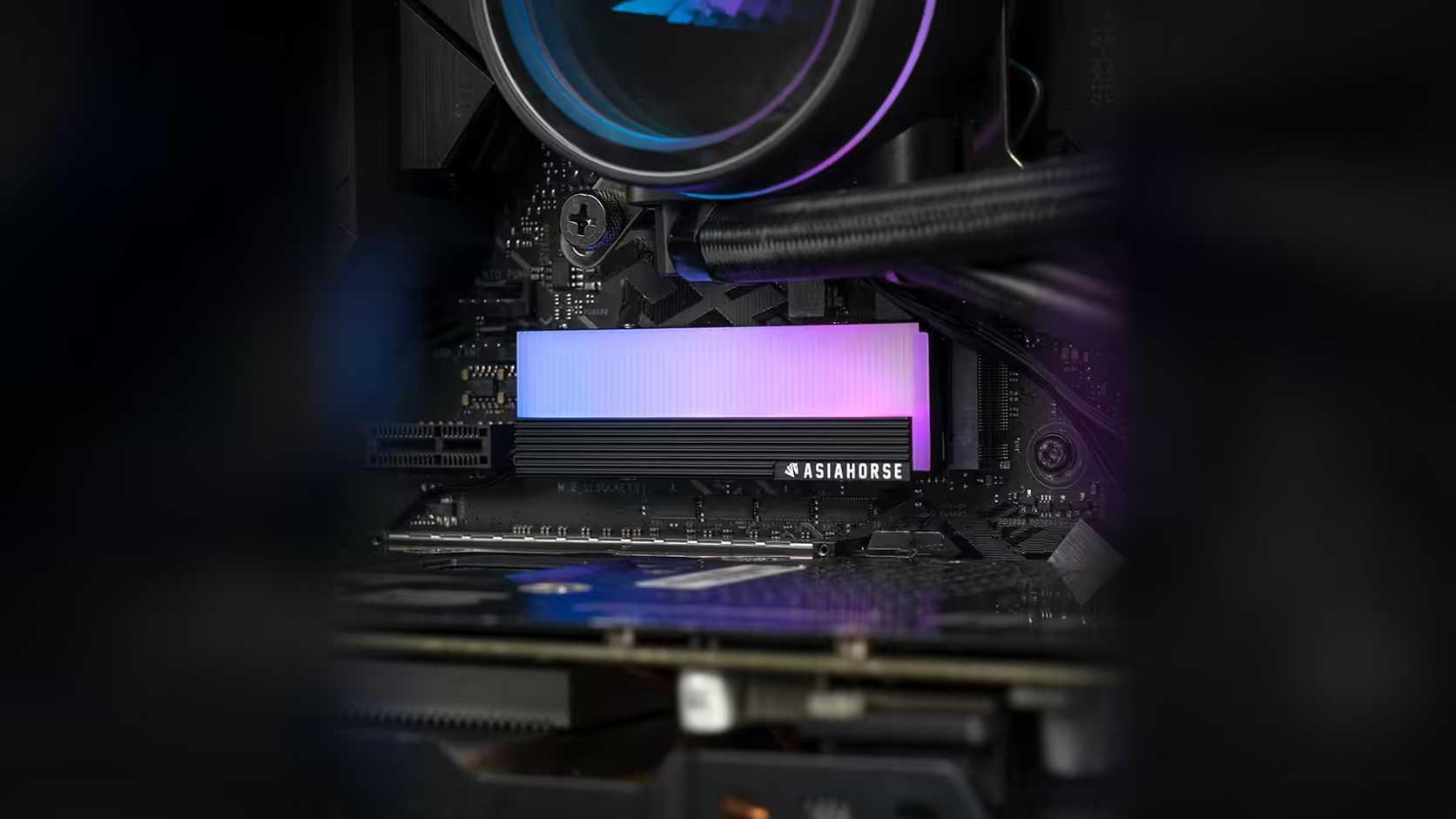
Lighting leads have to go somewhere once the cover is screwed down, and that somewhere gets a lot harder to find when the whole slot is tucked under a graphics card. Argb lead routing on this AsiaHorse M.2 cover is a small detail that is easy to overlook until the case is already half closed up.
Quick Answer
The AsiaHorse M.2 2280 heatsink's ARGB lead needs a clear path to a 5V 3-pin header, and a slot sitting directly beneath a graphics card leaves little room for that lead to exit cleanly. Planning the route before the card goes back in, rather than after, is what keeps a thin cable from ending up pinched between two components on this cover, which sells for R199 with VAT already added and can be repriced by Evetech at any time.
🔌 Why the route gets difficult under a card
A graphics card fitted above the top M.2 slot occupies most of the vertical space, and the lighting lead has to find a way out sideways through whatever gap the card's edge allows. That gap is often narrower than it looks once the card is physically in the case, particularly on larger cards that overhang the slot by a significant margin.
The direction that usually works best
Routing towards the nearest board edge, away from the graphics card, tends to give the lead a shorter and less obstructed path than trying to run it the length of the card. It is worth tracing that route with your finger before you connect anything, just to confirm there is a clear line to the header you intend to use.
🧭 Fit the lead before the card goes back in
If you are working on an existing build, connect and route the lead with the graphics card removed, then reinstall the card once the routing is settled. Trying to reach past a fitted card to connect or adjust a lead is considerably harder than doing the same job with an open slot in front of you, and it removes almost all of the risk of catching the cable on the card's edge.
⚠️ The risk of a pinched cable
A thin lead pressed between a graphics card and the board surface can be damaged, whether that shows up immediately as a lighting fault or only after repeated flexing over time. It is a small risk on paper but an entirely avoidable one, which is reason enough to plan the route properly rather than tuck the lead away and hope for the best. If the stock lead falls short of your chosen header, case accessories carries extensions worth a look, and the solid state drive range is there too if the drive itself still needs sorting.
Frequently Asked Questions
Why is lead routing harder in a slot under the graphics card?
Because the card occupies the space directly above, leaving the lead to find its way out sideways through whatever gap the card's edge allows.
Which direction should the lead run?
Towards the nearest board edge, away from the card, which is generally a shorter and clearer path than running the lead along the card's length.
Should I fit the lead before or after installing the graphics card?
Before, wherever possible. Connecting and routing the lead with the card removed is considerably easier than reaching past a fitted card afterwards.
What happens if the lead gets pinched?
A thin cable pressed between the card and the board can be damaged, which is worth avoiding entirely with proper routing.
Is an extension lead available if my chosen header is out of reach?
Standard addressable extensions exist and can bridge the distance, though each added join is one more connection point in the lighting chain.
Planning your cable routing before the build goes back together?
Check Evetech's NVMe drive range and map out your lighting connections while the case is still open.