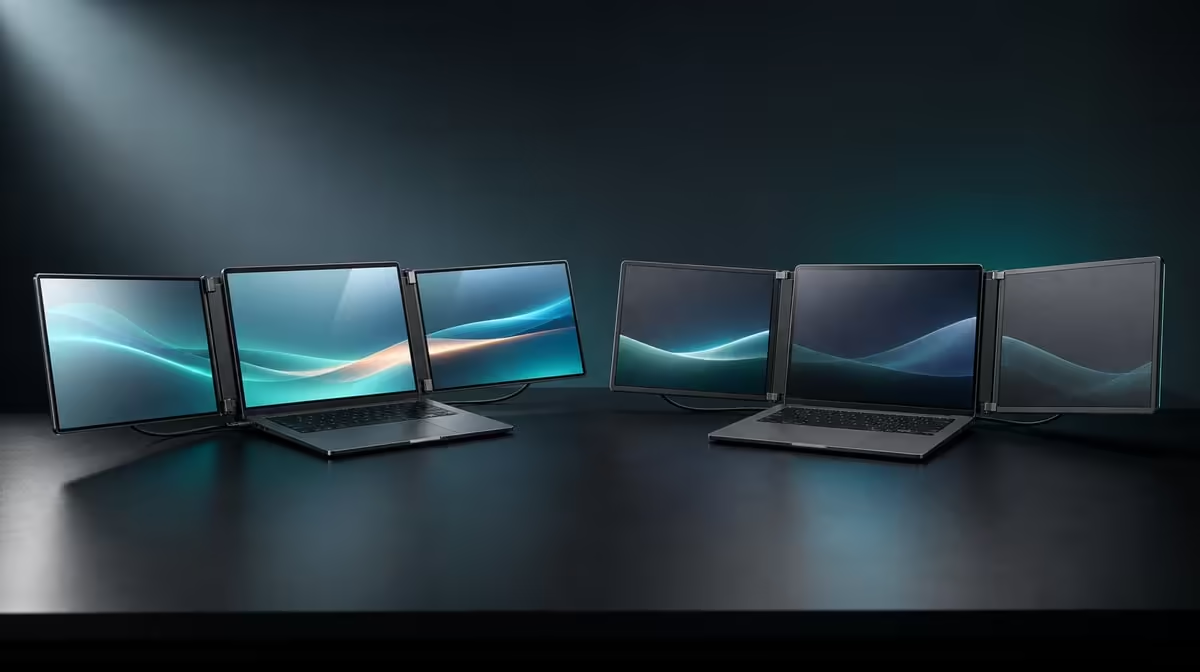
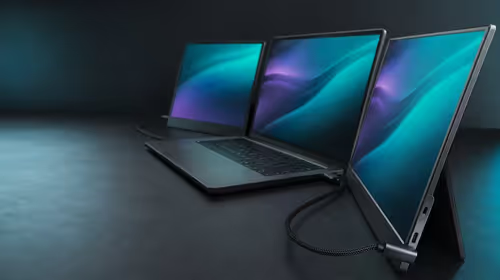
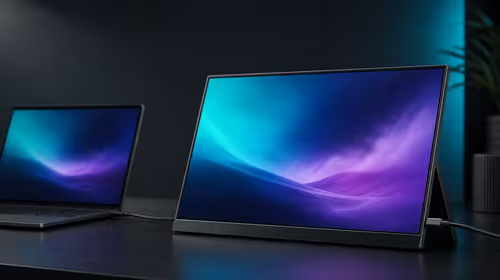
A second viewing surface and a second interactive surface are not the same investment. In a dual touchscreens vs non-touch dual displays comparison, touch earns its place through gestures, multi-point control or pressure-aware creative tasks performed beside the laptop.
Quick Answer
Choose dual touchscreens when direct gestures and compatible pressure input are part of the working day; choose non-touch panels when extra viewing space is enough. At R11,999, the Delta Pro Touch adds 10-point control and pressure-sensitive input across two 16-inch QHD screens, so the input layer must be used to justify its specialist value.
👆 List the interactions before the displays
Write down navigation, selection, multi-finger gestures and creative pressure work. Test each in the intended laptop application. If the list contains only window viewing, a non-touch dual display may cover the core task.
Browse Evetech's portable-monitor range with the interaction list ready instead of treating touch as an automatic upgrade.
✋ Give 10-point input a real app test
Begin with two contacts, add more gradually and observe what the software recognises. Hardware capacity does not force every application to use all ten points. Confirm both Delta panels map input correctly.
✍️ Keep pressure work separate
Use a compatible tool and pressure-aware control inside the creative application. A changing stroke or setting can demonstrate force response; finger navigation does not. The pen model and force-resolution figure need separate confirmation.
Compare the PC-monitor category when a fixed non-touch workspace could meet the same viewing requirement.
🧭 Account for support and laptop layout
Direct input pushes against the screen, so the ergonomic stand must remain stable in the actual working angle. Arrange the laptop and both QHD panels so reaching the touch layer does not create an awkward posture.
The monitor best-seller list offers another current reference for the R11,999 decision. Verify availability when buying.
Dual touch wins when gestures or pressure work repeatedly remove mouse, keyboard or separate-input steps. Non-touch wins when viewing space is the real need and direct interaction would remain idle.
Compare input time with pointer time
Complete the same short task once through direct touch and once through the laptop's pointer or another normal input method. Count mode switches and corrections rather than assuming touch is faster.
A gesture that saves time daily deserves weight. A touchscreen action that is less precise or rarely used should not dominate the monitor choice.
Test two users only where software supports it
Ten contacts can allow several fingers, but application rules still control what simultaneous input means. If collaboration is intended, use the actual business or creative program and test the supported interaction.
Do not infer independent multi-user profiles from a touch-point count. Record only what the laptop and application demonstrate.
Include cleaning and visibility
Direct contact leaves marks on a viewing surface. Check whether fingerprints affect the intended colour or detail work and establish a suitable maintenance routine without making unsupported material claims.
A non-touch panel may remain visually cleaner during passive use; a touch panel may justify that trade-off by removing repeated input steps.
Review the whole R11,999 package
The Delta also brings QHD detail, 100% sRGB, rotation and its integrated support. Score touch inside that package rather than as a separate novelty.
If the direct-input trial does not change the workflow, compare a simpler portable or fixed viewing solution with the laptop.
Rebuild both options after travel
Pack down the test workspace, reconnect it elsewhere and time how long useful window positions and input assignments take to restore. Include the laptop display if it remains part of the desk. A mobile setup that needs repeated remapping carries a practical cost.
Perform the same exercise for the non-touch alternative. Direct input deserves extra weight when it returns predictably and saves repeated steps after reconnection, not merely when it impresses during the first demonstration.
Record the successful display order and application used for the touch trial. Repeating that short test after a laptop restart can expose an assignment that only appeared dependable during the initial session.
Frequently Asked Questions
When do two touchscreens add clear value?
When the laptop applications use direct input across both work surfaces regularly.
Does 10-point touch mean ten pressure levels?
No. It counts simultaneous contacts, not pressure levels.
Can finger touch replace pressure input?
Finger input suits gestures and selection; compatible tools and software determine pressure response.
Why does the stand matter?
A touch panel must resist movement during normal contact.
Ready to decide whether the second screen should also be interactive?
Compare Evetech's portable monitors through the gestures, creative tools and laptop applications you use every week.