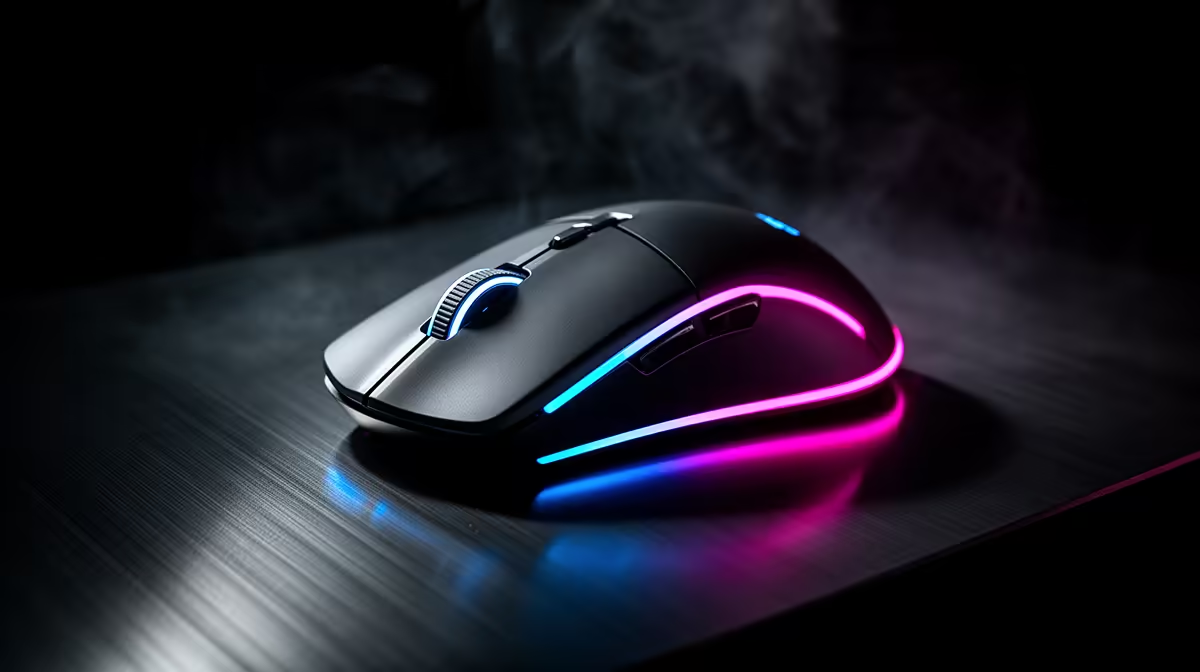
Logitech G305 Wireless at R525 is the best fit for South African creators who want a cleaner desk and reliable pointer control while managing gameplay, chat, and scene changes. A gaming mouse is worth it when it reduces small frustrations during a live session, especially if your current mouse feels delayed, cramped, or awkward during long broadcasts.
Practical mouse picks for streamers
Promate SAMIT at R100 suits a starter setup where the priority is getting a dedicated mouse onto the desk without overbuying. Its R100 price keeps the upgrade simple for someone still testing overlays, mic placement, and camera angles before spending more on the full creator setup.
Logitech G305 Wireless at R525 is the stronger everyday choice because the wireless spec removes one more cable from the streaming surface. That matters when a keyboard, headset cable, controller, microphone arm, and capture notes are already competing for space.
Logitech Lift Ergonomic at R956 is the comfort-led option for long editing sessions after a broadcast. Its ergonomic spec makes sense if wrist position matters more than a pure gaming feel, especially for creators who spend as much time trimming clips and replying to comments as they do playing.
Creator desk setup in South Africa
On a compact creator desk, Logitech G305 Wireless at R525 gives the most useful balance because the wireless spec helps keep mouse movement clear around a mic stand and keyboard. Promate SAMIT at R100 is easier to justify for a second station, while Logitech Lift Ergonomic at R956 belongs on the editing side of the setup.
Ready to choose the right gaming mouse?
Use Promate SAMIT at R100 as the gaming room benchmark, then check whether its listed spec matches the space, workload, and upgrade path.